
- Title: HUAWEI G525-U00
- Listed: October, 2013
- Last modified: 10/30/2013 3:10 pm
- Version: ROM Android 4.1.2
You must be logged for ROM download.
30187 total views, 2 today
3 Total favorites
 Member Info
DESCRIPTION
ROM Mobile HUAWEI G525-U00 Glory – ROM Android 4.1.2
Features ROM:
- Based on the official B191 production
- Integration of several commonly used software such as fast figure, Sogou input method, RE Manager
- Add full kernel has ROOT ROOT privileges
- Streamlining own software - removal system useless library files
- Optimized delay after dialing and dial black screen appears after
- Optimize power sliding Response Optimization
- Optimize picture and video quality
- Optimize signal optimize the network and network speed
Gapps not include – Rooted
language support: Multilang
ROM install :
TWRP or CWM ( CN )
Step 1: Download the custom ROM copied to an external SD card root directory
Step 2: the shutdown state. While holding down:
– Power button + volume button up, to enter the recovery mode.
– Wipe Data / Factory Reset -> delete all user data
– Wipe Cache Partition -> Wipe cache
– Advanced -> Wipe Dalvik Cache
Step 3: Return to recovery main interface Install zip from sdcard -> choose zip from sdcard -> Select your ROM
Step 4: Brush complete, restart the phone Patience required – first boot takes a while
※Please make a backup of your device before installing or updating ROM
ThanKS AloT
support italian language?
yes
BitDefender find an Trojaner in the market.apk, Keyboard is only in China
ThankS
Thank!!
only suport chines an english, bad bad, i install and its olnly y two language
are you sure??
gapp?? is it just google apps or play store???
and if its play store then how can v get play store back???
is it based on emotion ui?
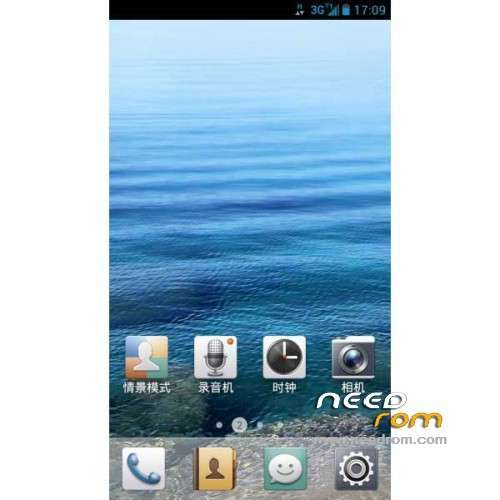
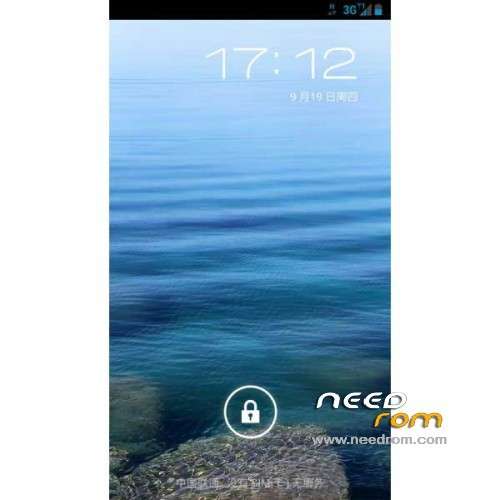
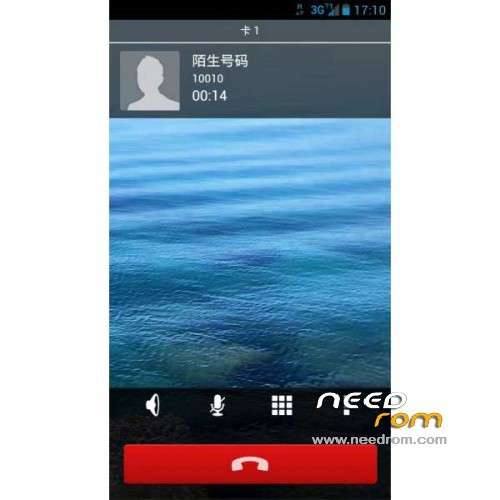
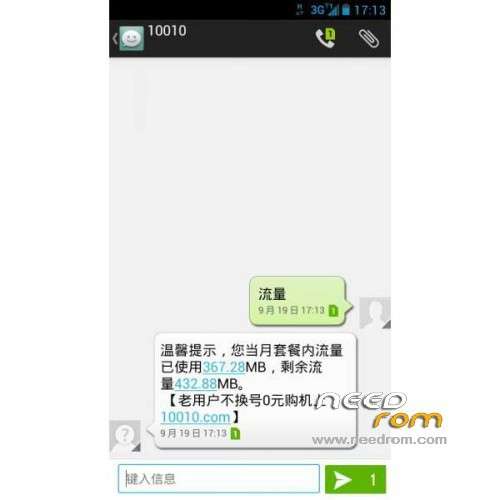
does it same as screenshots?
how to use the recovery.img file?
u need to install adb+fastboot driver on your computer.
then put the device on fastboot using power+vol up+vol down.
connect the device using usb cable.
use shift+right click on the folder that you saved recovery.img and click on open command prompt here.
type this: adb fastboot flash recovery recovery.img
press enter.
reboot ur phone to recovery mode using power+vol up
After instaling CM11 rom I can not isnstal this one. It hangs on Huawei logo. I used evry step from recovery wich I know but have no luck. Wiped all data recovory/fasctory reset, cash, davlink…. instalation from zip passed, and than after reboot it hangs on logo. I wait about 15 min, but notnihg happend. I try this several times, but same result.
Pls any advice
I solved this with
fastboot -i 0xfce flash boot boot.img
ofcourse first find boot.img here on forum and go for procedure of fastboot