
- Title: HUAWEI G700-U00 S4UI
- Listed: August, 2013
- Last modified: 10/21/2013 3:31 am
- Version: ROM Android 4.2.1 S4UI
You must be logged for ROM download.
31345 total views, 3 today
3 Total favorites
 Member Info
DESCRIPTION
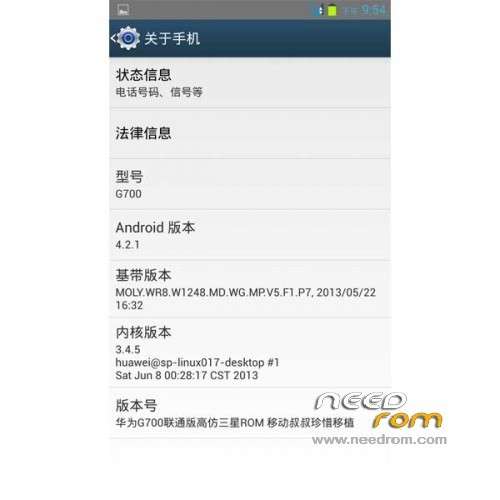
ROM HUAWEI G700-U00 Version Unicom - ROM Android 4.2.1 S4UI
ROM Features:
Update 10/21/2013
1 zipaliang optimized.
2 Add very effective boot saving patches.
3 Join gps optimization, positioning faster
4 host advertising shielding
5 kernel add init.d script support
6 build project other minor optimizations.
7 fix storage problem
8 and other fix
———————————————————————————————————————————————
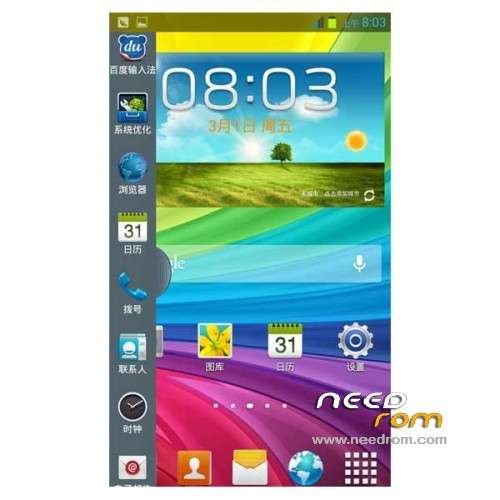
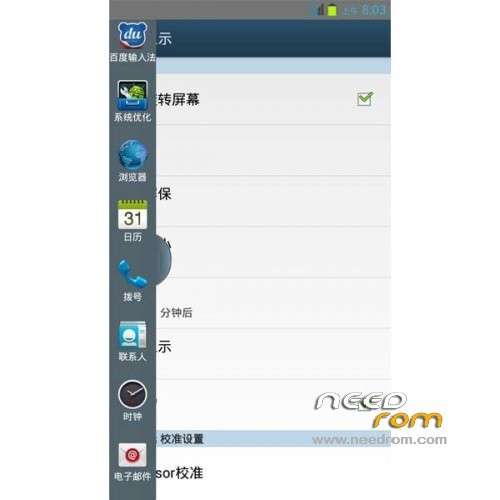
- imitation Samsung Desktop
- Samsung Icon
- Samsung S4 interface
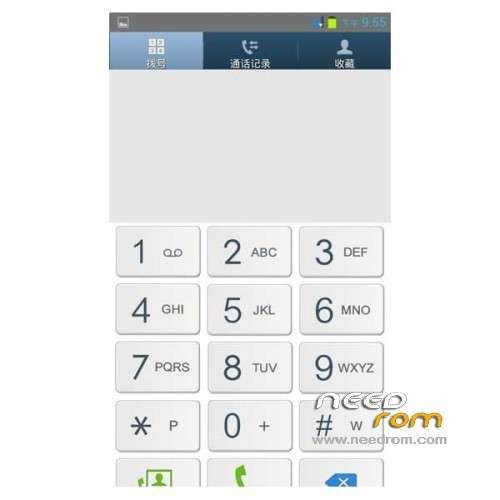
- Samsung S4 dial
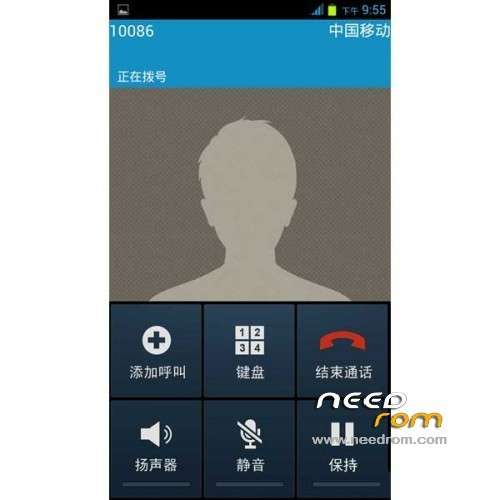
- Samsung call interface
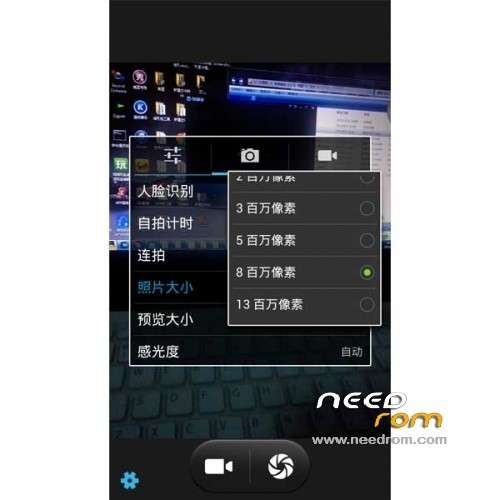
- The camera may choose interpolation 1300W
- transparent notification bar
- Google Services Framework
Gapps include – Rooted
Language support: Multilang
ROM install :
1) Download the custom ROM copied to an external SD card root directory
2) Download the recovery.img ( put in your SD card )
3) Start MobileUncle Tools ( Download on Goolge play )
4) Select Update Recovery ( choose recovery.img )
5) Mobile reboot in CWM and follow the instructions( if recovery is in chinese look tutorial "CWM for MTK Platform" )
Into the recovery:
– Wipe Data / Factory Reset -> delete all user data
– Wipe Cache Partition -> Wipe cache
- Return to recovery main interface Install zip from sdcard -> choose zip from sdcard -> Select your ROM
- Brush complete, restart the phone Patience required – first boot takes a while
※Please make a backup of your device before installing or updating ROM
A very stable ROM by all standards. Are there any updates? The sidevar seems to auto switch off by itself sometimes. thanks anyway,.
I think there is a bug, one cannot add or remove customisable screens.
Thanks for the update.
Concerning the update, I installed and unistalled it almost immediately. I had to go to the one that you had placed earlier. These were my observations:
1. The GPS was not working, it could not be turned on.
2. There were a lot of Chinese applications compared to previous one. These ae not usable unless to the native Chinese user.
3. I could not change the keyboard to Google keyboard. Even after installing Google keyboard, it changed to the one supplied with the ROM. After uninstalling it, there was no any keyboard for input. Third party keyboards were not recognised. The one thatt you used had some characters and only Chinese gestures were recognised.
However:
4. Storage issue was solved. I could access internal memory. Calls were a lot clear and the phone was a lot faster, especially switching orientations
My suggestions:
Please make simpple updates that are incremental. Simple updates that solve certain identifies issues such as GPS and storage.
Do not switch the default memory to SD-card
Is there suhc an option? I wish I could but there is no option for choosing storage memory. In fact, without SD card, one cannot take any oictures as internal memory is not available.
I am confused here on how to go about the internal memory issue. I cannot use it despite having more than 5.7GB free of space. Boss, can you just give me a guide on how to tweak it to access it? My phone can't practically be used to store anything unless I insert external sd card. No photos, no backups, nothing completely. I could have used the newest ROM version (https://www.needrom.com/wp-con.....00-U00-S4-1.zip) but then it has an isssue of keyboard. Google keyboard can't be used. Kindly help.
Thanks
I managed do install the update and removed all Chinese apps. I also managed to install Google Keyboard and set it as the default. My main issue is to power GPS. It is off and this is quite basic. PLEASE respond. I can't use any of the GPS-related services. I wonder why thsi deveper never responds. Not like Infrared of Lenovo A820 that tries to answer most queries and has the largest number of downloads. Support is critical friends.
It can be powered by restarting the phone but then, can't be turned off again!
The GPS was not responding until I added these lines in build.prop
gps.enable=true
ro.com.google.locationfeatures=1 …………..under Additional Build Features
You have to remove the battery and restart it. I wish I were a programmer, I could have made more improvements in this ROM though it is still very good and stable.
I do not see any other ROM beating this one if it can be optimised especially storage, WiFi and GPS. It has no any Chinese apps, especially in settings, and has superb dual sim management. My GPS toggle after the update has never worked. I have to activate at location settings. Socrates, I am kindly waiting for assistance.
…going back to HUAWEI G700-U00. The update in increasingly becoming unstable. can't start data or WiFi before rebooting the phone. frequent lags in system. not sure if it is system optimiser app but the phone is just too slow. Now, not reading internal memory. GPS toggle has not been responsive since.
I only wish Socrate would optimise the ROM particularly for the GPS, WiFi and storage. The ROM before the update had storage issues, internal memory cannot be accessed while after the update, GPS toggle key does not work-does not turn GPS on/off. Also, WiFi does not work very well, and that is why I opted to go the previous ROM before update, cos I couldn't sacrifice WiFi and GPS!