
- Title: HUAWEI T8833 MIUI
- Listed: July, 2013
- Last modified: 07/24/2013 2:26 am
- Version: ROM Android 4.1.2
You must be logged for ROM download.
15295 total views, 5 today
 Member Info
DESCRIPTION
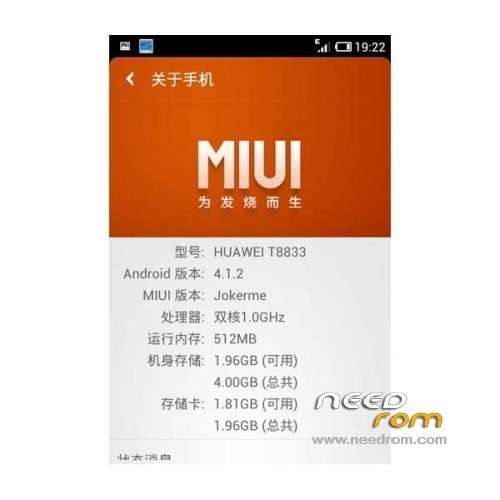
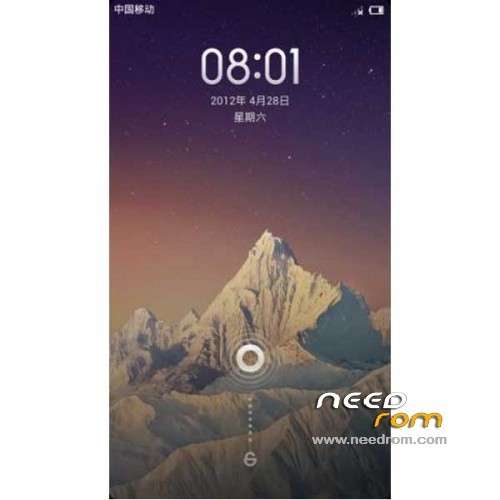
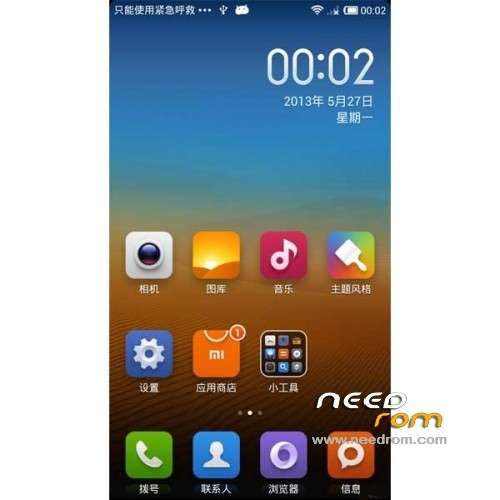
ROM Phone HUAWEI T8833 – ROM Android 4.1.2 MIUI
ROM features:
1 Join factory settings (including power-saving mode, the default SD card switching, Dolby sound, screen brightness (power), image enhancement
2 Removal V4A audio software (replaced by the Dolby sound)
3 Removal MTK Tool (optimized Google services)
4 Global V5 wind
5 theme online, online theme free download, application
6 Remove the extra Ringtones set to Crystal
7 Call partial removal of landscaping
8 Fix the previous version occasional reboot problem
9 Fix millet input method can not be used first boot problem
10 update some programs, such as RE manager, MIUI weather, millet input method, game center
11 Stability reinforcement
12 fixes some buttons black block problem
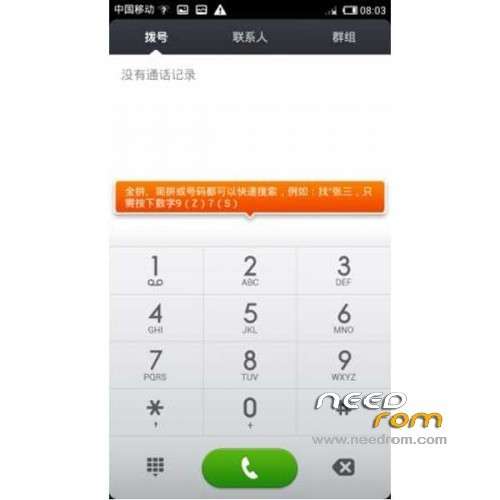
13 Restore the official call interface
Suggested Use
1 Speed optimization, into the Developer Options, adjust the zoom to 0.5x transition animation
2 Into the Security Center, the background application management, removal of part of the application from the start
3 Android itself does not require too much memory, do not always clean up memory
Language support: CN/EN
ROM Install :
CWM
Step 1: Download the custom ROM copied to an external SD card root directory
Step 2: the shutdown state. While holding down:
Power button + volume button up, to enter the recovery mode, Perform factory reset (wipe data, cache, dalvik cache)
Step 3: Return to recovery main interface Install zip from sdcard -> choose zip from sdcard -> Select your ROM
Step 4: Brush complete, restart the phone Patience required – first boot takes a while
※Please make a backup of your device before installing or updating ROM
Thank Sir,
Please upload stock recovery also.I forget to backup stock recovery before install custom recovery.So I can not install UPDATE.APP file.
Please help me.