
- Title: HUAWEI U8818 LeWa
- Listed: August, 2013
- Last modified: 11/29/2013 1:23 am
- Version: ROM Android 4.0.4
You must be logged for ROM download.
14975 total views, 1 today
 Member Info
DESCRIPTION
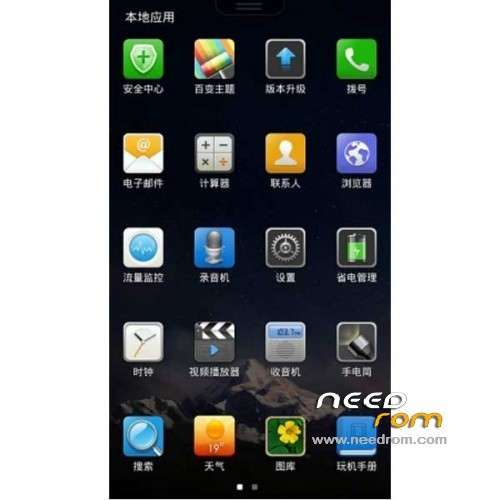
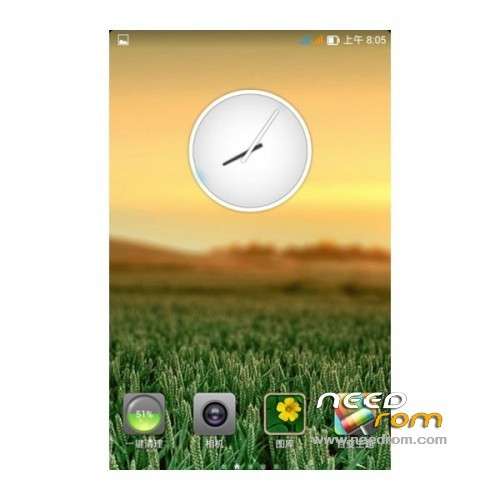
ROM Phone HUAWEI U8818 – ROM Android 4.0.4 LeWa
Features ROM:
Update LeWa_HUAWEI_U8818_13.09.29_4.0
—————————————————————————————————————————————————
Language support: EN/CN
ROM Install :
Put ROM in SD card
1: recovery software download above ready
2: Turn on USB debugging on your phone and install drivers
(1) Press the "Menu" key on the phone, in the pop-up menu, select "Setting (set)
(2) Select the "application"
(3) check the "unknown sources" in this interface, and then select the "development"
(4) Check the "USB debugging", "Stay awake", and then you can return to the main interface
(5) re-connect the USB data cable
(6) to install the driver, and check that the driver is installed
3: Keep the phone connected to the computer, the run extract from recovery5.5.0.4_U8818.exe, follow the prompts.
4: The first mobile phone turned off at the same time hold the volume down and the power button for 10 seconds to enter the bootloader mode: China Unicom 33 fertile 3G logo screen appears and stays fixed
5: Press any key to continue to the next step will be brushed into the recovery, and then will restart
6: into the recovery method: press and hold the volume + power button is turned on, and hold the button until you enter a new recovery
Note: recovery, volume keys – move up, volume down button / menu key – move down the power button / small house keys – Confirm Back button – Returns to the previous menu
※Please make a backup of your device before installing or updating ROM