
- Title: HUAWEI U8950D MIUI
- Listed: June, 2013
- Last modified: 06/28/2013 5:06 pm
- Version: ROM Android 4.0.4 MIUI
You must be logged for ROM download.
24133 total views, 1 today
3 Total favorites
CUSTOM


 Member Info
DESCRIPTION
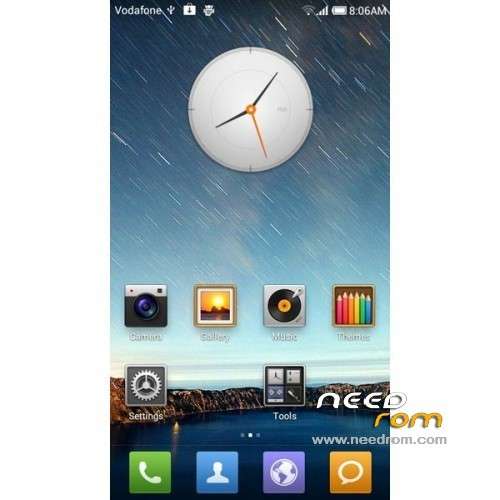
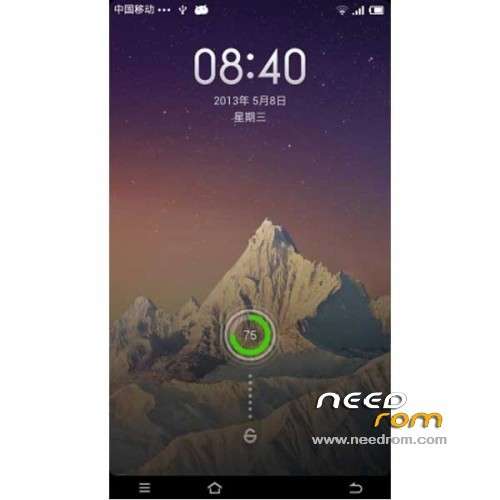
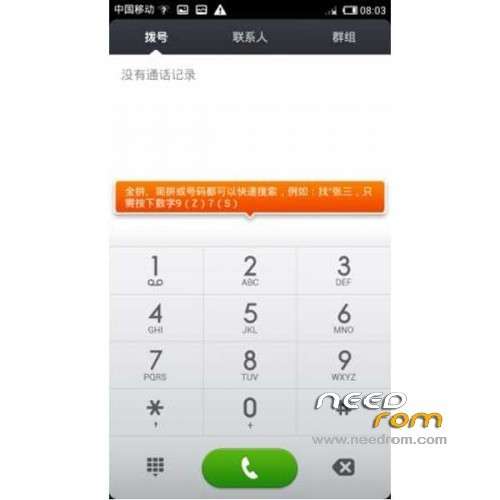
ROM HUAWEI U8950D – ROM Android 4.0.4 MIUI
Features ROM:
Bugs:
Insert only SIM1 card can be displayed signal while inserting two cards, the same signal displayed properly when inserted into the SIM2
only displayed when no signal, it is because MIUI no dual card-related code and resources, the actual communication is normal work, of course,
if you use SIM2 for the data connection, it will not display data network icon, you will be able to fathom out the laws when used
and with virtually no impact on the use
only displayed when no signal, it is because MIUI no dual card-related code and resources, the actual communication is normal work, of course,
if you use SIM2 for the data connection, it will not display data network icon, you will be able to fathom out the laws when used
and with virtually no impact on the use
Gapps include – No Rooted
Language support: Multi Lang
Install ROM :
CWM
1, downloading eng-U8950D_Recovery.rar
2, Unrar eng-U8950D_Recovery.rar
3, click on RE.bat
4, Your phone reboot in CWM
Into Recovery
– Wipe Data / Factory Reset -> delete all user data
– Wipe Cache Partition -> Wipe cache
Return to recovery main interface Install zip from sdcard -> choose zip from sdcard -> Select your ROM
Brush complete, restart the phone Patience required – first boot takes a while
※Please make a backup of your device before installing or updating ROM
Good
which one is better touchwiz or miui
special thanks!!!
O Recovery não funcionou, meu celular veio da china, e está totalmente bloqueado, ele trava muito, desliga sózinho. Estou inquieto com isso. Se alguém puder ajudar.
disculpen me pueden explicar que es eso de RE.bat? gracias de ante mano
tanx
good job
como lo instalo que no entiendo
as I install the rom I do not understand
perdi los imei y no se coo recuperarlos
recuperaste los imei
jhossmar18@gmail.com