
- Title: HUAWEI U8951
- Listed: February, 2013
- Last modified: 02/13/2013 3:01 pm
- Version: ROM Android 4.1.2
You must be logged for ROM download.
25045 total views, 2 today
 Member Info
DESCRIPTION
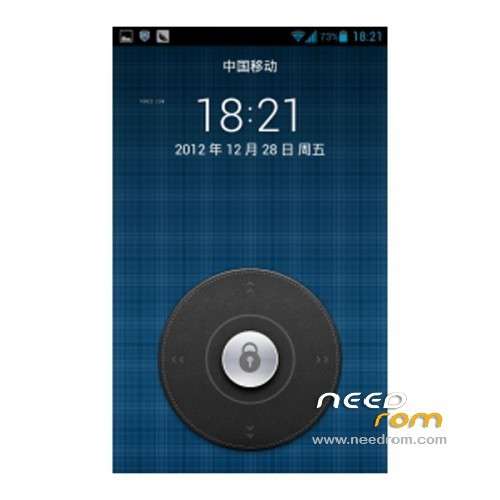
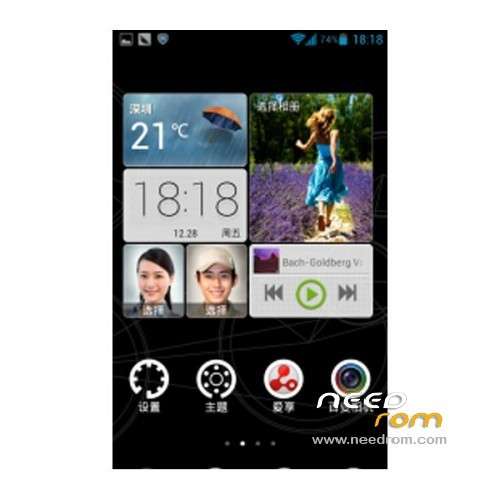
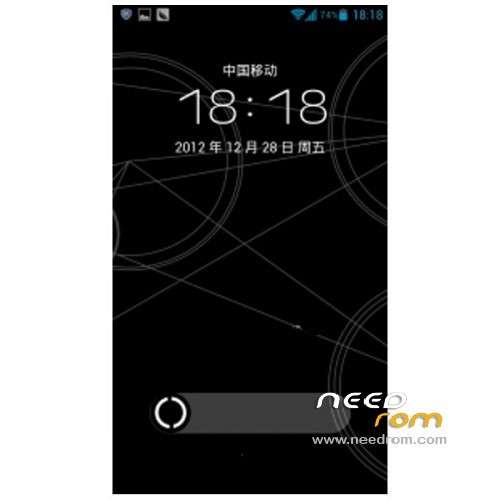
ROM HUAWEI U8951 – ROM Android 4.1.2
- Suitable models: Huawei U8951
- ROM: Emotion UI
- ROM size: 549 MB
- Published: 2013-01-28
- Android version: 4.1
Features ROM:
Huawei G510 (Unicom Edition)
Language support: Multi lang
ROM install :
Step 1 – BACKUP everything on your phone.
Step 2 – Download the stock firmware
Step 3 – Open the downloaded .zip file in WinRAR or other archive manager.
Step 4 – Select the ‘dload’ folder inside the main folder and drag it onto your desktop.
Step 5 – Open the ‘dload’ folder on your desktop and check that the file ‘update.app’ is inside.
Step 6 – Copy the whole ‘dload’ folder accross to the root of your phones SD card (you may want to use a blank SD for this)
Step 7 – Turn your phone off then press and hold the volume up and volume down keys together and then press the power key.
Step 8 – The install process should start automatically so just wait until its finished.
Step 9 – Your phone will reboot automatically after the firmware has finished installing and will take some time to load, this is normal so just leave it to do its thing.
※Please make a backup of your device before installing or updating ROM