
- Title: HUAWEI U9508
- Listed: February, 2013
- Last modified: 02/13/2013 2:51 pm
- Version: ROM Android 4.1.2
You must be logged for ROM download.
16136 total views, 4 today

 Member Info
DESCRIPTION
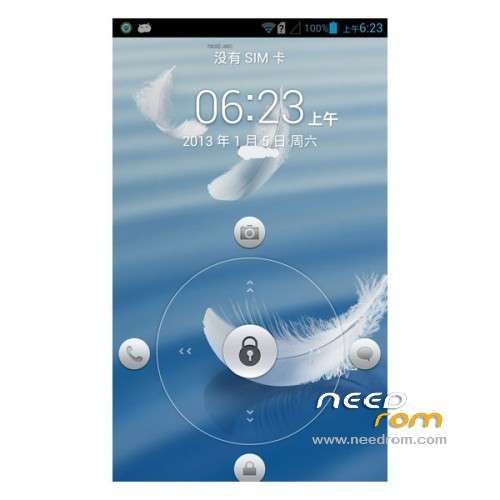
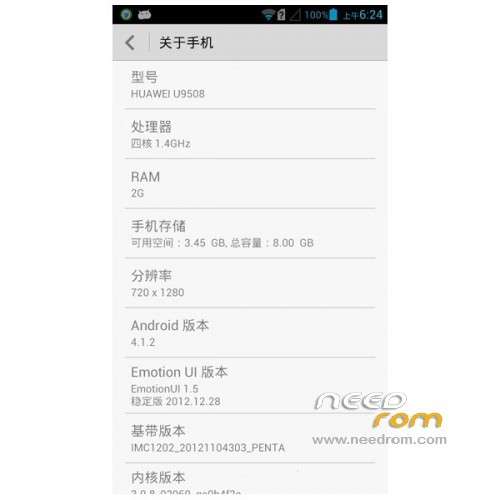
ROM HUAWEI U9508 – ROM Android 4.1.2
- Suitable models: Huawei U9508
- The ROM author: Geno
- ROM size: 343.04 MB
- Published: 2013-01-25
- Android version: 4.1.2
Features ROM:
Huawei U9508 ROM Brush Pack glory the four nuclear EMUI stable version B540sp02 pure version 12.31 update
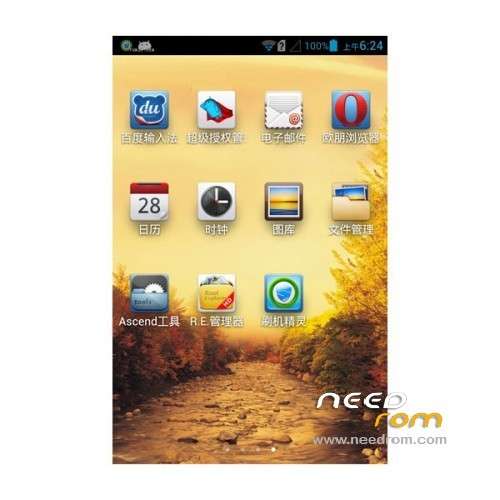
Added superuser and ROOT permissions, RE Manager
2, comes with a third-party program to streamline or install their own good; remove the Google service, remove the Huawei cloud services; remove voice aides; remove some of the system garbage
3, streamline off the the CUST incidental music and video
4, adding a the Ascend tool compile their own support backup and restore, turn off the camera tone, start-up sound, keyboard light
5, replace Huawei input method input method for Baidu
December 31 update:
1, using supersu Super permission management alternative superuser, better
2, the amendment to the default theme wallpaper
3, the amendment to primary storage to the SD card by default lead to the File Manager flash back problems (4.0 File Manager)
Language support: Multi lang
ROM install :
1. Download recovery
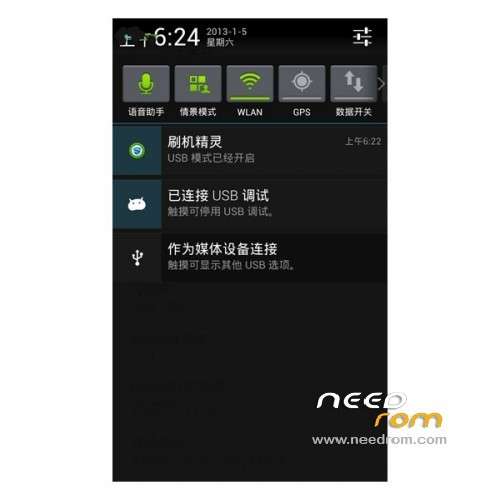
2, the phone turned on USB debugging mode. Settings – Developer options – check USB debugging
3, run recovery6.0.1.9_AscendHonor2.exe. You want to brush into recovery (recovery brush tool will provide a total of two recovery, an official Chinese first edition)
4, the program yourself! ! !
5. Enter recovery mode: (power button to turn the power on + volume keys plus)
※Please make a backup of your device before installing or updating ROM
hay hay