
- Title: HUAWEI U9508 S4UI
- Listed: October, 2013
- Last modified: 10/12/2013 3:31 am
- Version: ROM Android 4.2.2
You must be logged for ROM download.
17082 total views, 1 today
 Member Info
DESCRIPTION
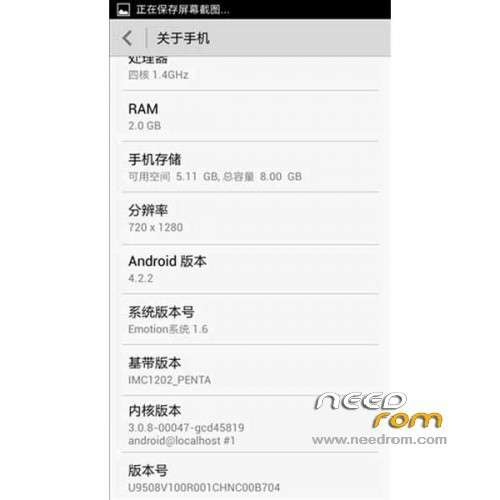
ROM HUAWEI U9508 Version CHNC00B704 – ROM Android 4.2.2
Features ROM:
1, using the official version 4.2.2 EMUI B704 production
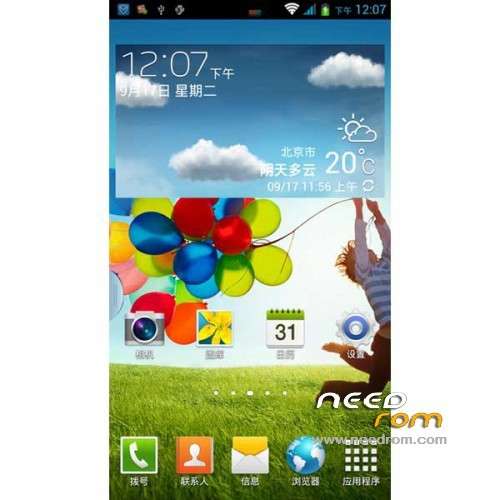
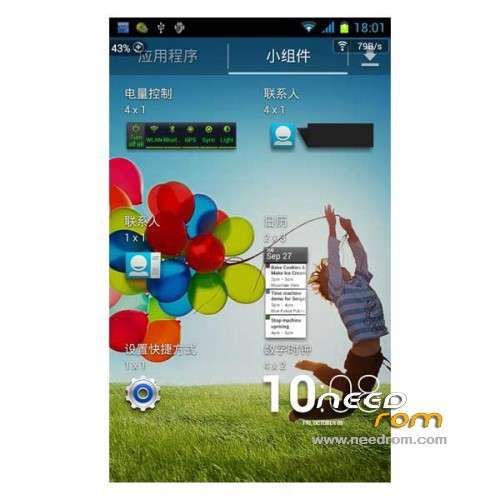
2, the perfect kind of transplant Samsung's unique sidebar
3, transplant Samsung Desktop with the weather, adaptation to the U9508, and (after the first boot, please enter the settings, open the force GPU rendering. Restart the phone or else some of the special effects can not be opened)
4, dials and contacts are mostly Samsung style (dial pad need to enter the dial settings, select Samsung Theme)
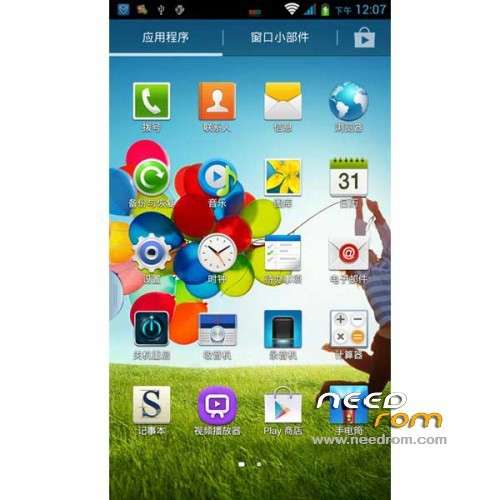
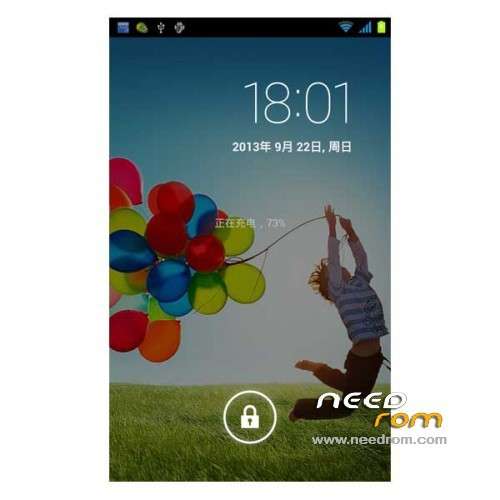
5, this ROM has Samsung Features: boot animation, status bar, fonts, software icon, set interface, status bar icon
6, integrate some of Samsung's dynamic static wallpaper
7, will replace notepad Samsung official memorandum
8, increasing call recording, after switching on the phone menu key to select
9, has ROOT. Use superuser as authoring tools.
Gapps lite include – Rooted
Language support: Multi lang
ROM install :
1, Download recovery unzip
2, the phone turned on USB debugging mode. Settings – Developer options – check USB debugging
3, the phone off, hold down the "volume down" and "Power" button, wait for the emergence Logo Huawei has entered fastboot mode at this time
4, Run the flash_all.bat and tap just enter
into the recovery:
– Wipe Data / Factory Reset -> delete all user data
– Wipe Cache Partition -> Wipe cache
– Advanced -> Wipe Dalvik Cache
Return to recovery main interface Install zip from sdcard -> choose zip from sdcard -> Select your ROM
Brush complete, restart the phone Patience required – first boot takes a while
※Please make a backup of your device before installing or updating ROM
Does it have notification panel ?
Very nice..ppl drop roms and never come back for answering questions..
anyone tried it ?
dont work the Network Sim Card.