
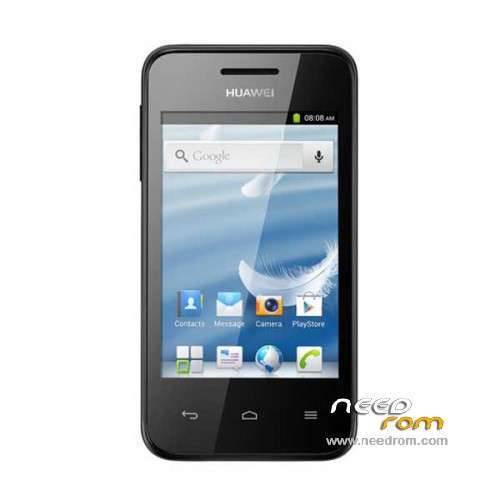
- Title: HUAWEI Y220-U10
- Listed: November, 2014
- Last modified: 11/19/2014 2:17 am
- Version: ROM Android 2.3
You must be logged for ROM download.
37569 total views, N/A today
31 Total favorites
 Member Info
DESCRIPTION
ROM HUAWEI Y220 – ROM Android 2.3
ROM Official HUAWEI Y220-U10 Version: Y220-U10V100R001C466B208
Gapps include – No Rooted
Language support: Multilang
ROM install :
1.copy huaqin72_we_b2a_gb3-ota-update.zip to root folder of the phone SD card (no need to unzip).
2.Turn off the phone, then keep pressing power button and volume+ button until the robot icon appear, then press power button again and it will show as below
3.Press the volume- to move up and down to choose“wipe data/factory reset”, then press volume+ button to confirm.
4.Choose “yes—delete all user data”, then press volume+ button to enter the page as below.
5.It will enter below page after finishing delete all user data.
6.Then choose“apply update from sdcard”
7.Find and select the ROM, press volume+ to enter the page as below.
8.Please make sure the power is sufficient during the upgrading. It will showed as below when the upgrading finished.
9.Choose “reboot system now”,then press volume+ button to reboot your phone.
※Please make a backup of your device before installing or updating ROM
link dowload?
link dowload?
plz create a custom rom for this device…
ayaw gumana sa akin my error po.. wla na po b kayong ibang fw..
Download link pls
thank you very much..
Thanks so much, it worked.
boss my y220-u10 phone stuck on logo also I update.
there is is no variation it stuck and restart .
Is there any ways …?
Thanks this very good!!!!!! You number one
didn`t read to my phone i cant the zip in aplly update from sd
it worked! tnx..