
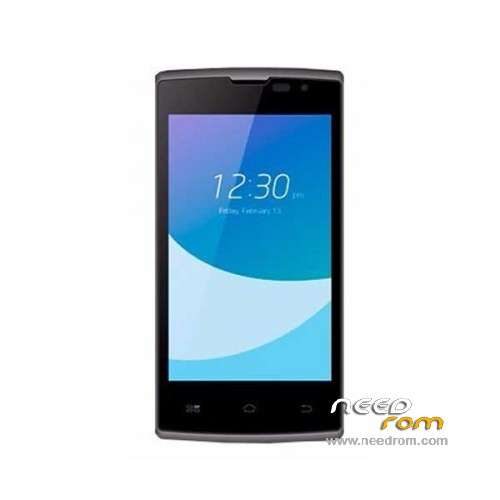
- Title: HYUNDAI L445
- Listed: March, 2016
- Last modified: 03/05/2016 1:24 am
- Version: ROM Android 5.1
You must be logged for ROM download.
14426 total views, 2 today
4 Total favorites
 Member Info

DESCRIPTION
ROM Mobile HYUNDAI L445 – ROM Android 5.1
ONLY MT6735M
Official ROM HYUNDAI L445 version: HYUNDAI_L445_V5.0.2_20160301 – full_bird6735m_35gu_a_l-user 5.1 LMY47D
Gapps include – No Rooted
Language support : Multilang
Install ROM:
Install with SP MDT:
1). Turn off the smartphone. Cable is not connected to the computer.
2). Remove the battery and insert it again
3). Connect your phone to a computer cable. The operating system detects a new device
4). Disconnect the cable from the computer.
5). Run SPMultiPortFlashDownloadProject.exe
6). Choose File> Open File Agent download and specify the file MTK_AllInOneDA.bin (it is in the folder SP_MDT).
7). Click Scatter File and select the MT6735M_Android_scatter.txt file (it's in the folder with the rom).
8). Click "Start all".
9). Connect your phone to a computer cable. The program should see and blink. If the phone is not detected, then unplug it from the computer,
remove and insert the battery (if the battery is removable) and reconnect it to the computer.
10). After (OK) click Stop and disable any phone.
11). Completed.
※Please make a backup of your device before installing or updating ROM
"Incorrect Scatter File format" ???
no funciona este ROM ni Gapps
Thank you Very much. Worked perfect.
amiga como lograste hacer que funcionara me puedes ayudar
"Incorrect Scatter File format" ???
the same
aqui la solucion: http://www.tecsmartperu.tk/201.....android-51.html
incorrect scartte file format ayuda plis
Follow instructions!! Do you download the specifc software to flash the hyundai L455 this program is below of the flash!!
Install ROM:
Install with SP MDT:
1). Turn off the smartphone. Cable is not connected to the computer.
2). Remove the battery and insert it again
3). Connect your phone to a computer cable. The operating system detects a new device
4). Disconnect the cable from the computer.
5). Run SPMultiPortFlashDownloadProject.exe
6). Choose File> Open File Agent download and specify the file MTK_AllInOneDA.bin (it is in the folder SP_MDT).
7). Click Scatter File and select the MT6735M_Android_scatter.txt file (it's in the folder with the rom).
8). Click "Start all".
9). Connect your phone to a computer cable. The program should see and blink. If the phone is not detected, then unplug it from the computer,
remove and insert the battery (if the battery is removable) and reconnect it to the computer.
10). After (OK) click Stop and disable any phone.
11). Completed.
Incorrect Scatter File format
here solution: http://www.tecsmartperu.tk/201.....android-51.html
here solution: http://www.tecsmartperu.tk/201.....android-51.html
Tendras la del e425?
please i need Hyundai UNO L505 ROM
read login mode fail error, solucion??
Alguien me ayuda a conseguir la carpeta efs del hyundai l445. necesito reinstalarle el imei.
when i connect the phone to the computer the device is not reconognized. help please, my phone restart again and again.