
- Title: Inew V3 Huawei Emui 3 port V266
- Listed: December, 2014
- Last modified: 12/22/2014 2:12 pm
- Version: 4.4.2 EMUI 3 V266
You must be logged for ROM download.
40520 total views, 6 today
3 Total favorites
CUSTOM











 Member Info
DESCRIPTION
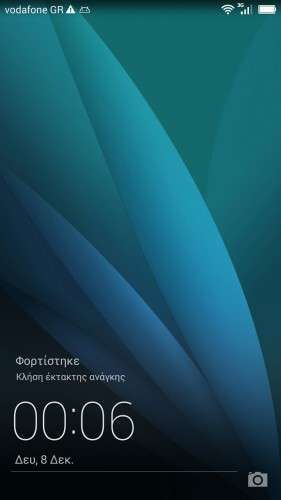
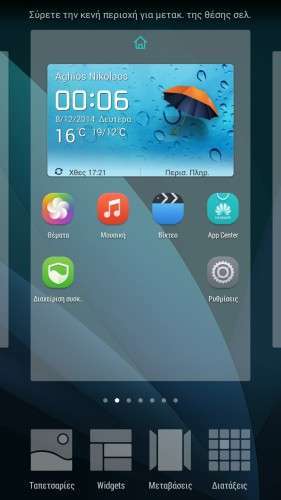
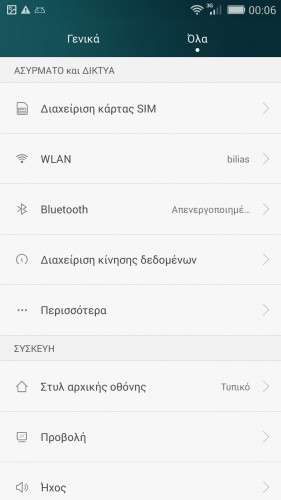
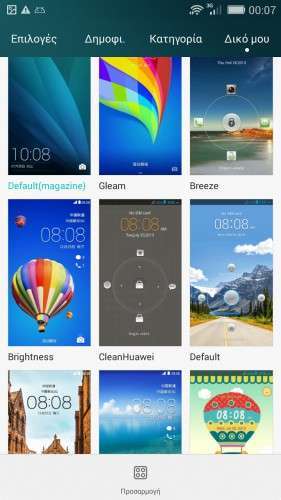
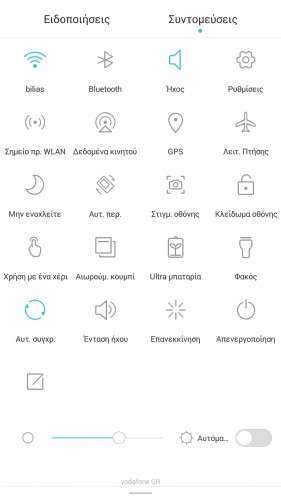
Here I present you my Huawei Emui 3 Modded ota ROM for Inew V3.
****************************************************************************************************************
UPDATED to version H30-U10 V100R001CHNC00B266 stable Release.
****************************************************************************************************************
Port 100% from Huawei C3 Emui 3. (NFC NOT working – Hope someone can help fix this , Huawei use a weird apk system that won't let you decompile aps with apktool)
Multilanguage. Kitkat 4.4.2.
————————————————————-
How to install.
If you come from previous version rom just flash zip from recovery , preferably mine. (TWRP).
Else first flash previous rom with flash tools to get partitions big enough.
Updated to last version with new LCD drivers, GPS , Bluetooth wifi , etc all work.
※Please make a backup of your device before installing or updating ROM
wow. this update is more faster then previous. thanks a lot for this rom.
You are all welcome , enjoy
Hello, I got a error E: unable to mount '/sec_ro' when i perform Factory Reset Complete. An idea ?
C.
yep , ignore it I put it there for testing restoring sec_ro from recovery , not finished yet
i try with this procedure. GPS OK!!!!
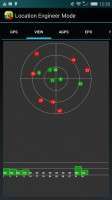
GPS step by step!
Throw away all the unnecessary applications, style AGPS this, Epo that, mobile uncle tools etc!
Use the epo gps fix program I have included , and fing inside its menus
Location based service.
AGPS —-> A_GPS On / Off untick!
GPS —–> Ref Position (Is 0.0 – 0.0). Open the PC in google maps. Let’s go to our mark! Click on a nearby street to give us our coordinates.
Pass it in place 0.0 0.0 and click OK.
Click on full & GPS (OFF) to open the GPS. In view, balcony or open area and wait to lock! 2-4 ‘
GPS (ON) to turn off and (off) to open and lock quick now!
Back to AGPS —–> Save profile.
Exit the Location based service.
Told you
Enjoy!
gps and blutooth does not work, how to fix it?
restore your nvram…. it wotk for everybody
Is there any chance to make flip case working? (Show clock as in default ROM etc…)
you must change the keyguard.apk , replace the one with the rom with the one from inew