
- Title: Inew V3 Iocean X7HD port
- Listed: December, 2014
- Last modified: 12/01/2014 1:05 am
- Version: 4.4.2 - 1.1
You must be logged for ROM download.
30322 total views, 5 today
1 Total favorites

 Member Info
DESCRIPTION
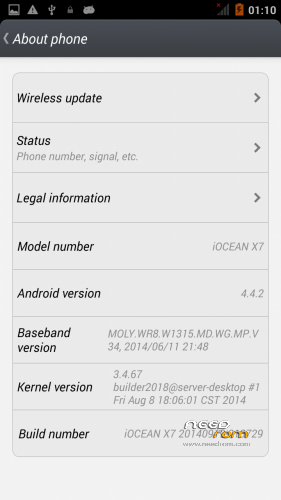
Here I present you my Iocean X7 HD Modded ota ROM for Inew V3.
It is for the internal /data/media type phones. (with only MBR and EBR1). System is part5 data is part7.
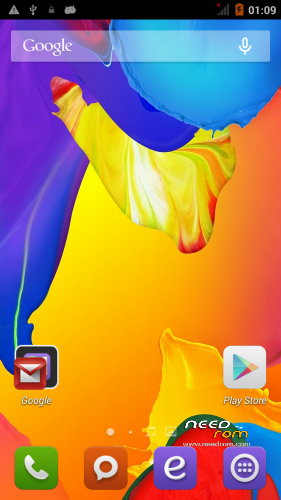
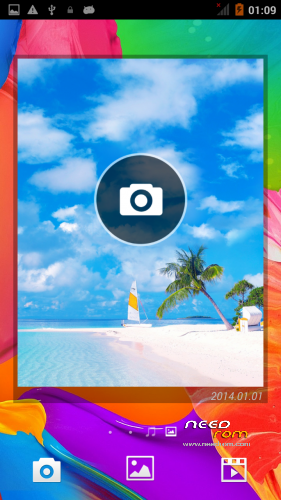
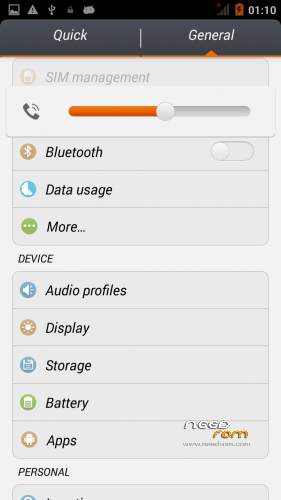
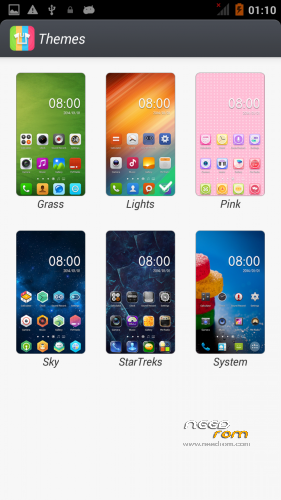
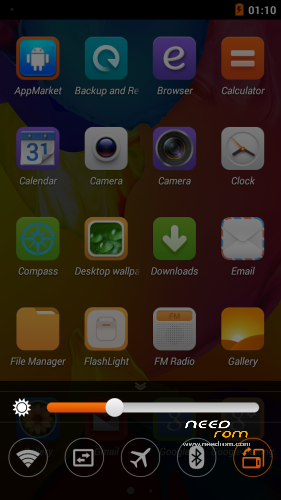
Port 100% from Iocean X7 HD – Themes working (See photo)
————————————————————-
Installation
—————
You must first install official KK 1.13 (to make the partitions correct)
If you don't have it use my Zopo base! https://www.needrom.com/download/inew-v3-zopo-1000s-port/
Backup your NVRAM and Sec.ro partitions. (better be safe than sorry!) It can be fixed anyway so don't worry.
Transfer my zip rom to your SD. Insert SD in phone.
First flash my recovery with your favorite program (Mobile uncle or via Flash tool <—- prefered) https://www.needrom.com/wp-content/uploads/2014/11/recovery12.img
Reboot phone , enter recovery.
Press Wipe (Default one wipe data , davlik , cache – BACKUP impotant data , all will be lost) .Then wipe internal.
Return to main menu after finished.
Go to install. Choose storage microSD at the middle-bottom
Select correct zip file from microSD
When finished , return to main menu and POWER off phone
Remove microSD and Start phone.
Wait longer than normal , Rom rebuilding data. Done!
Rom has native init.d Support , Superuser and partial Busybox (Install busybox from play store and update)
All working , NFC , Compass , Camera , (incuded Lenovo super camera). Micro SD only works if you plug it and restart phone or instert it before boot.
————————————————————————————
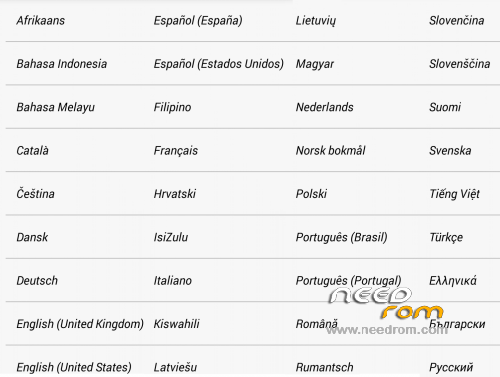
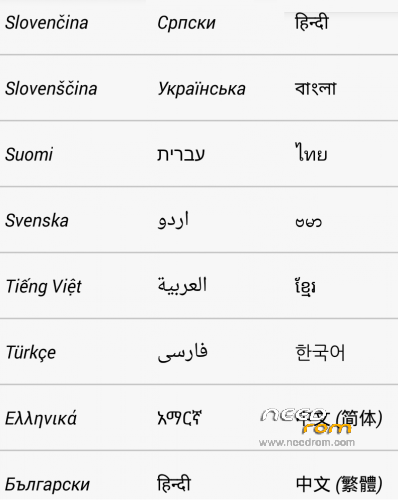
Added Updated language files , flash via recovery , reboot.
Now support 60 languages , see photo
※Please make a backup of your device before installing or updating ROM
Χαχαχαχαχα δεδομένα εννοώ το ίντερνετ πως να το πω αλλιώς…… Στην πρώτη κάρτα δουλεύουν στην δεύτερη οχι
Is it possible to continue writing in English so that everyone can follow here?
alloc
As you can see , they all write in their own language and I answer
Answer to Biluris! : Only one card can provide internet data!
What I mean is that even though I choose the second card for the Internet it doesn’t work…. If I choose the first one I works perfectly…. Did you check the gyroscope?
http://www.androidvipclub.com/calibrate-the-compass-of-your-android-device/
http://www.androidvipclub.com/.....android-device/
Good day. I'm the only one who does not work the gps? and try to fix it in various ways but so far nothing. Any solution?
Greetings to all and thanks for your contributions batsilios.
GPS step by step!
Throw away all the unnecessary applications, style AGPS this, Epo that, mobile uncle tools etc!
* # * # 3646633 # * # * —> Enginearing mode!
Location based service.
AGPS —-> A_GPS On / Off untick!
GPS —–> Ref Position (Is 0.0 – 0.0). Open the PC in google maps. Let’s go to our mark! Click on a nearby street to give us our coordinates.
Pass it in place 0.0 0.0 and click OK.
Click on full & GPS (OFF) to open the GPS. In view, balcony or open area and wait to lock! 2-4 ‘
GPS (ON) to turn off and (off) to open and lock quick now!
Back to AGPS —–> Save profile.
Exit the Location based service.
Enter YGPS …… should lock quick here too.
Remember that we save profile;
Let’s make permanent changes.
With ES explorer (since we have chosen root, show hidden files and clicking on the ROOT annexation R / W, the / & / system R / W)
Let /data/data/com.mediatek.lbs.em/shared_prefs ——> click agps_profile.xml with 3 dots on Right Treatment!
Let’s go down and change the nTargetAreaGeolat “value = 35.666668 to ours,
Like nTargetAreaGeolng “value = 139.75 to ours (you see why it is slow;;;; Takes us somewhere in Japan with these standard! Write 35.666668,139.75 on Google maps on the left and you will see ….)
Save.
Reboot mobile and ….. ……….. TEST with YGPS. The first time a little slow! (20-30 “)
Hi Batsilios, I am very grateful to you for your firmware, but unfortunately I can't successfully run the GPS, what would I do, this may not be a hardware problem since V3 ROM Iocean gps worked, but after firmware for V3-V7, gps stopped working(((( Really need your help
Tried the steps above, but after recording the coordinates in Ref position->GPS(OFF) the phone has spent more than 40 minutes, but couldn't connect to the satellites
you need to restore your nvram , gps settings in it lost , do it with mtkdroid tools from complete backup (nvram and data) not just imei
Hello,
i have problem…flash phone and he find only 1 sim card…how to make use 2 sim cards?
i don't have IMEI…