
- Title: InHon G1 Walkman
- Listed: December, 2013
- Last modified: 12/28/2013 5:40 pm
- Version: ROM Android 4.1.1
You must be logged for ROM download.
14602 total views, 1 today

 Member Info
DESCRIPTION
ROM InHon G1 – ROM Android 4.1.1
Features ROM:
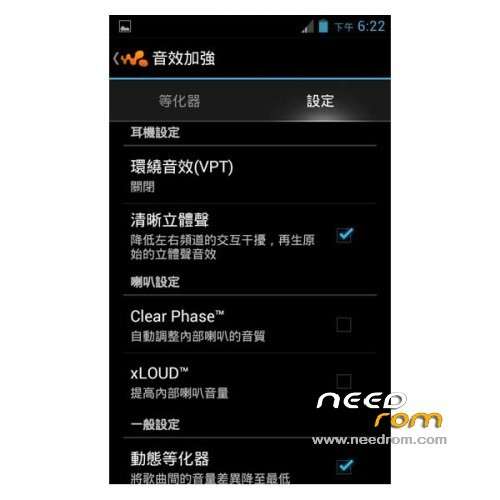
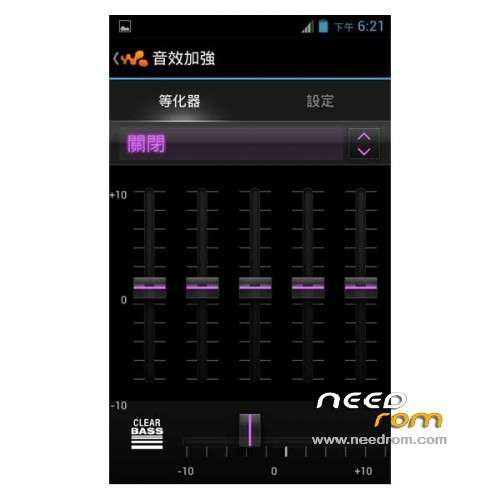
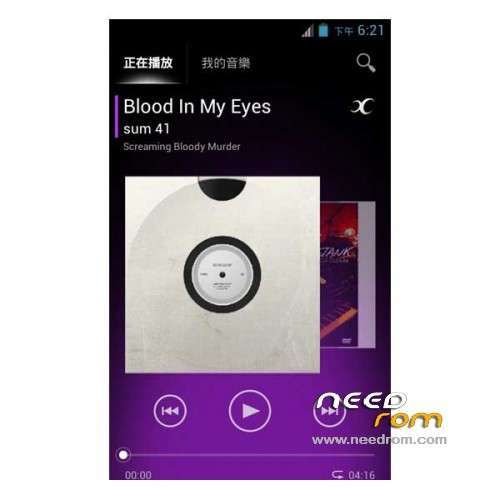
Walkman Player of Rizal Lovins greatly taken from xda share out Xperia V Walkman
Want to add the gadget on the desktop, press the Menu button, top right of the screen there will be a (+) pattern, click the pushpin will be a small tool menu. Walkman audio speaker set is not in possession of the two options is not checked,
Gapps include – Rooted
Language support : EN/CN
Install ROM :
1) Download the custom ROM copied to an external SD card root directory
2) Download the recovery.img ( put in your SD card )
3) Start MobileUncle Tools ( Download on Goolge play )
4) Select Update Recovery ( choose recovery.img )
5) Mobile reboot in CWM and follow the instructions( if recovery is in chinese look tutorial "CWM for MTK Platform" )
Into the recovery:
– Wipe Data / Factory Reset -> delete all user data
– Wipe Cache Partition -> Wipe cache
- Return to recovery main interface Install zip from sdcard -> choose zip from sdcard -> Select your ROM
- Brush complete, restart the phone Patience required – first boot takes a while
※Please make a backup of your device before installing or updating ROM