
- Title: iOCEAN X7
- Listed: April, 2013
- Last modified: 04/17/2013 2:33 pm
- Version: ROM Android 4.2.1
You must be logged for ROM download.
18985 total views, 3 today
 Member Info
DESCRIPTION
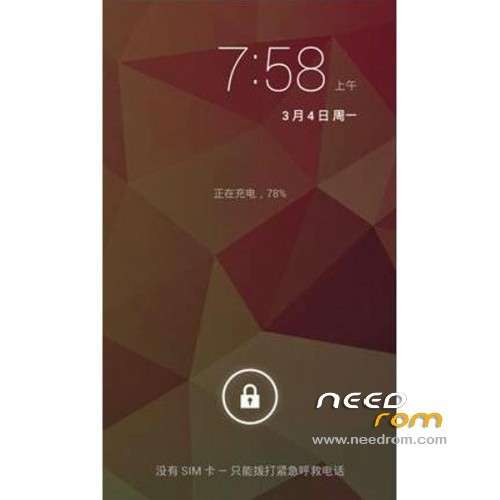
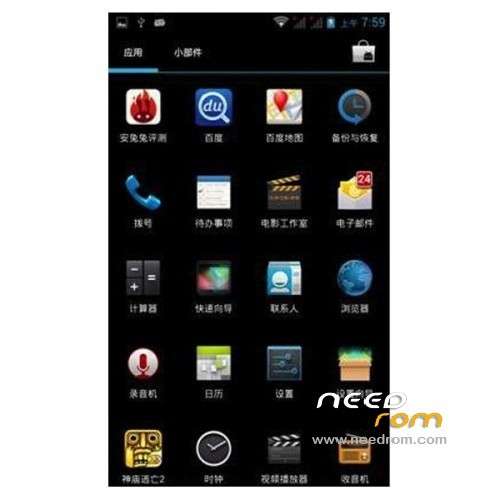
ROM Phone iOCEAN X7 – ROM Android 4.2.1
Features ROM:
1. Extraction production based on the the latest X7 20130403-123352 official ROM
2. Only add full ROOT privileges
Language support: Multilang
Install ROM :
1.Brush system: new download good rom directly put on the sd card brush, do not need to boot into the system!
2.android system and data quick format (wipe)
3.Some advanced settings, such as removing the battery information.
4. Powerful U disk mount function
5.Turned off press Volume + and power button to enter.
6. System backup and restore all the data, including data
Note: Do not use the restore factory settings with the SD card installed, because he will empty your external SD card.
※Please make a backup of your device before installing or updating ROM
Guys, I can't do it! brush? can you explain it please??! Can you help me?
Thanks!
CWM reboot phone and "Turned off press Volume + and power button to enter."
after menu …
You have already put a rom?
problem is, I can't start phone, when it cames to Iocean logo blink blue, it keep blinking, that's why i'm trying to do it! so i can't load the rom to sd internal card! and recovery menu don't alow me to get external sd card!
Thanks
I cant go in CWM by the "Volume + and Power button" method.
can you please guide us more details on how to enter Recovery? Thank you.
can you make ma more detailed tutorial? or a video of all steps?? I have changed roms a lot of time with my old smartphone, but here I don't understand the steps
I think it was directly translate from chinese, I can't do nothing of this!!! Help us guys!