
- Title: iOCEAN X7 HD MIUI
- Listed: April, 2014
- Last modified: 07/07/2014 5:26 pm
- Version: ROM Android 4.2.2
You must be logged for ROM download.
21179 total views, N/A today
148 Total favorites
 Member Info
DESCRIPTION
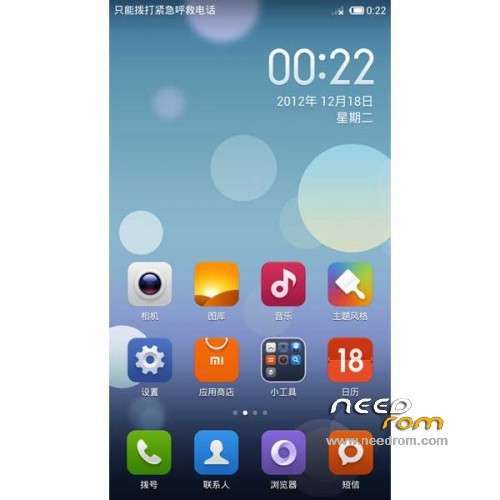
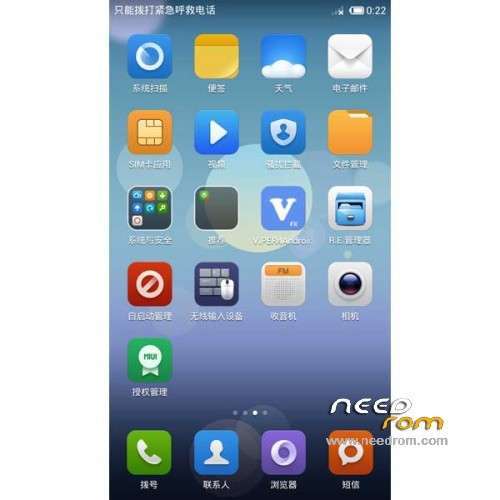
ROM Phone iOCEAN X7 HD – ROM Android 4.2.2 MIUI
Features ROM:
Update MIUI v5 – 4.6.27
——————————————————————————————————————————————–
Update MIUI v5 – 4.4.18
add patch audio for 4.4.18
——————————————————————————————————————————————–
MIUI v5 – 4.4.4
Gapps not include - No Rooted
Language support: Multilang
Thx to Jlrom Corner
ROM Install :
CWM
Step 1: Download the custom ROM copied to an external SD card root directory
Step 2: the shutdown state. While holding down:
– Power button + volume button up, to enter the recovery mode.
– Wipe Data / Factory Reset -> delete all user data
– Wipe Cache Partition -> Wipe cache
– Advanced -> Wipe Dalvik Cache
Step 3: Return to recovery main interface Install zip from sdcard -> choose zip from sdcard -> Select your ROM
Step 4: Brush complete, restart the phone Patience required – first boot takes a while
※Please make a backup of your device before installing or updating ROM
rom installed ; and as said cyrillem : NO MULTILANGUAGE
Thx Tofclaire;
CWM works. Flashed this ROM; it has english support but was pain to get it rooted en flash bak into recovery again
tofclaire thanks to the great work you are
If root don’t work, root genius is great for root this x7hd, i have used it with official rom.
I m waiting for a custom rom with french support…
But after turning off the phone by holding Volume Up and the power button does not start my recovery normally only phone
tadeusz79 : you have to plug in usb for boot in recovery by vol+/power
Many kudos for this info. Couldn't get into recovery as well.
rom traduced in french . If someone want it, tell me
This ROM is very refreshing, after months of waiting for official updates.
Issues i found for 4.4.18 :
-airplane mode not working
-couldnt change device name, default is ‘Android’. (within bluetooth settings & transfer apps)
-battery consumption is worse than official rom
-some apps still in chinese languange. Ex. Themes app.
-no market apps. There is app called Kaipan. Apps in chinese languange so its not helping att all. Flashing gapps JB for Google Play Store
Need help for following question :
-Couldn’t run ADB over Wifi, anyone?
-Couldn’t find option to remove three dots on notification.
-Is there apps for changing lowest brightness level? My lowest brightness level is too bright. Using 3rd party apps like Screen Filter just made my screen grayed, not black as i espected.
Overall i love this rom, especially for deep level of customability with less effort. I already used it for 3 day and i would recommend for daily use.
tofclaire
thanks for the heads up on how to get into recovery by buttons
Until now I have used mobileuncle to get it as normal power plus vol + was failing for me
PS not yet tried this ROM