
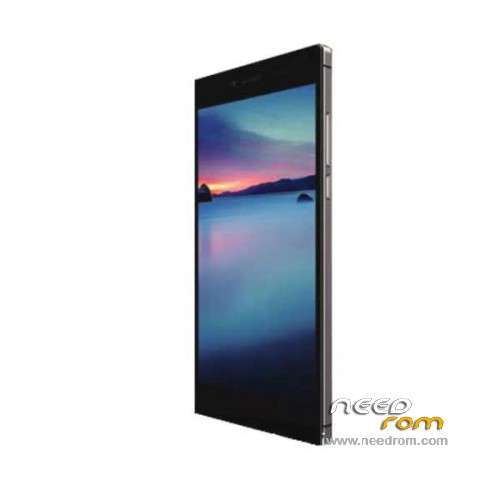
- Title: iOCEAN X8
- Listed: May, 2014
- Last modified: 06/18/2014 6:37 pm
- Version: ROM Android 4.2.2
You must be logged for ROM download.
23558 total views, N/A today
2 Total favorites
 Member Info
DESCRIPTION
ROM Mobile iOCEAN X8 – ROM Android 4.2.2
Official ROM iOCEAN X8 Version: X8 20140616-155838 – mt92_s5_os501_ousheng_jb9_wcdma_ldata_tphone
Changelog:
1, touch screen automatically switches to solve the 0519 version of the glove mode, resulting in overly sensitive issues;
2, solve the 0519 version of the keyboard lights automatically turn on the issue after closing;
Install Flash or OTA
Gapps include - No rooted
Language support: Multilang
ROM Install :
- Unpack FlashTools, and Click on Flash_tool.exe
- Select a the MT6592_Android_scatter_emmc.txt in ROM
- Wait file to be added into Flash Tool
- choose Option->USB Model,click USB Model
–> Choose Option->DA DownLoad All->Speed->High Speed, click High Speed
- Turn off your phone.
- "Press F9 (hit Download button)" OR " if upgrade ROM Firmware->Upgrade "
- and connect your phone into the computer via USB data cable.
- The process will start and a red progress bar will appear after color purple, yellow.
- And green circles display
- Finish !
- You can now safely disconnect your phone and turn it on.
OR OTA
※Please make a backup of your device before installing or updating ROM
ho seguito la procedura di aggiornamento dell'iocean x8, ovvero :
Flashtools, e fare clic su Flash_tool.exe
- Selezionare un l'MT6592_Android_scatter_emmc.txt nella ROM
- Attendere il file da aggiungere in Flash strumento
- Scegli Opzione-> Modello USB, fare clic su USB Modello
-> Scegliere Opzioni-> DA SCARICARE TUTTE LE-> Connessione-> Connessione, fare clic su Alta Velocità
- Spegnere il telefono.
- "Premere F9 (pulsante Download hit)" OR "se ROM di aggiornamento del firmware-> Upgrade"
- E collegare il telefono al computer tramite cavo dati USB.
- Il processo all'avvio mi ha dato errore.
come posso rimediare.
grazie
thx
thank's to this we alway have a backup
thank's for the fix's