
- Title: JIAYU G2F Mpai S4
- Listed: June, 2014
- Last modified: 06/23/2014 1:46 am
- Version: ROM Android 4.2.2
You must be logged for ROM download.
18815 total views, 1 today
1 Total favorites
 Member Info
DESCRIPTION
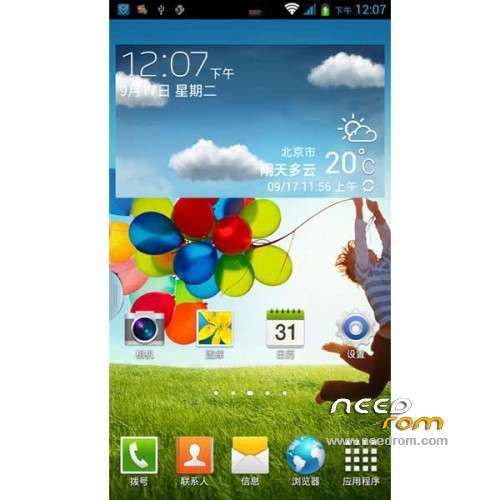
ROM Phone JIAYU G2F – ROM Android 4.2.2
Features ROM:
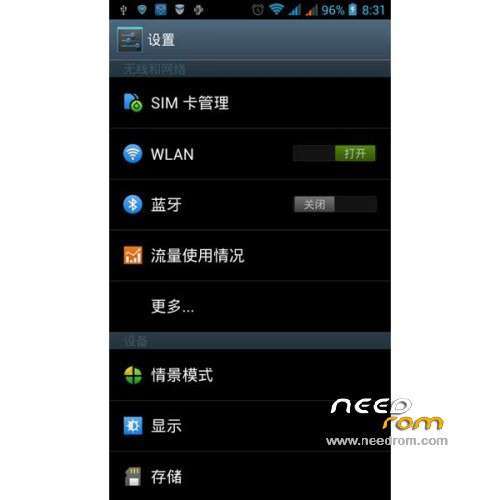
Ported Mpai s4 on JIAYU G2F WCDMA
Gapps not include – Rooted
Language support : Multilang
Install ROM :
CWM ( "CN" if you use this recovery : run 一键刷入佳域G2F百度云中文Recovery.bat and tap on enter your mobile reboot –> step 2 )
Step 1: Download the custom ROM copied to an external SD card root directory
Step 2: the shutdown state. While holding down:
– Power button + volume button up, to enter the recovery mode.
– Wipe Data / Factory Reset -> delete all user data
– Wipe Cache Partition -> Wipe cache
– Advanced -> Wipe Dalvik Cache
Step 3: Return to recovery main interface Install zip from sdcard -> choose zip from sdcard -> Select your ROM
Step 4: Brush complete, restart the phone Patience required – first boot takes a while
※Please make a backup of your device before installing or updating ROM
WCDMA version?
Yeah, very good question… Is it the Wcdma version? Because many of us are interested in this version. The G2FW ( WCDMA version) is already available on many countries, such as Spain, where I live, for example.
downloaded two time - Rom is broken . Bad joke or what- wtf?
WCDMA and sorry i reupload this rom
Error
Error.. Pls reupload again..
Error.. Please reupload again..
ok now ROM is re-uploaded
SoCr@Te are you sure that recovery is for wcdma? On my phone is not working.
I installed this ROM, but first at all it does not boot.
After i change boot.img with file from my backup, phone boot, but with this ROM not working are SIM and SD card (WIFI is working).
My phone is JiaYu G2F WCDMA.