
- Title: JIAYU G3
- Listed: February, 2013
- Last modified: 06/23/2014 5:25 am
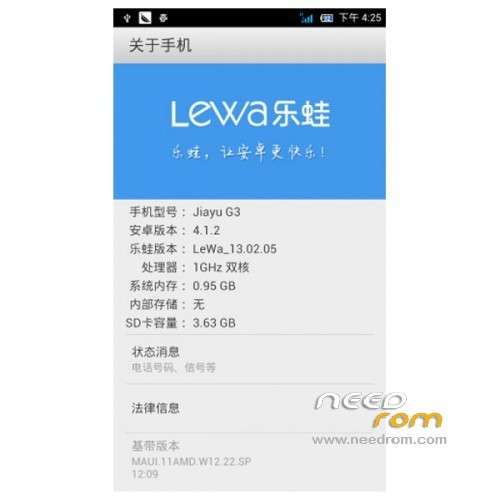
- Version: ROM Android 4.1.2 LeWa
You must be logged for ROM download.
47943 total views, 6 today
CUSTOM


 Member Info
DESCRIPTION
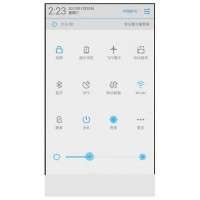
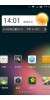
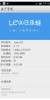
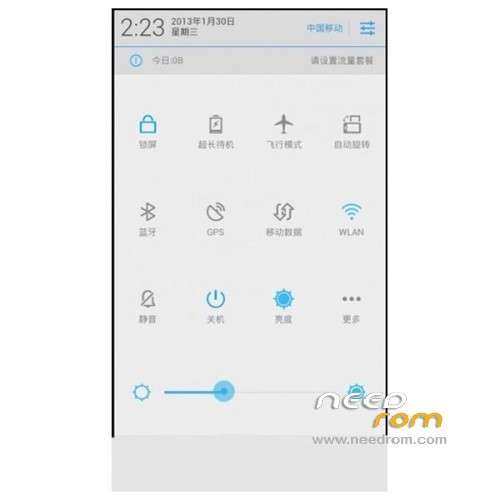
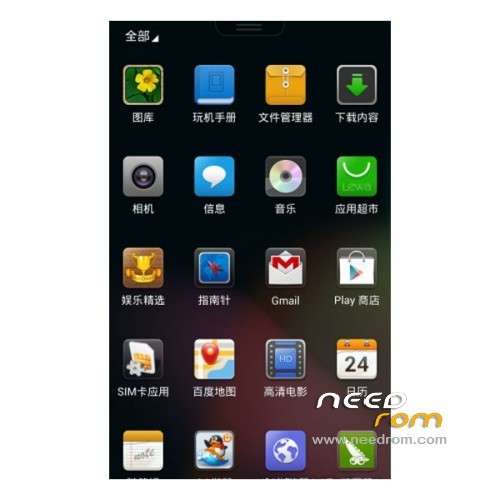
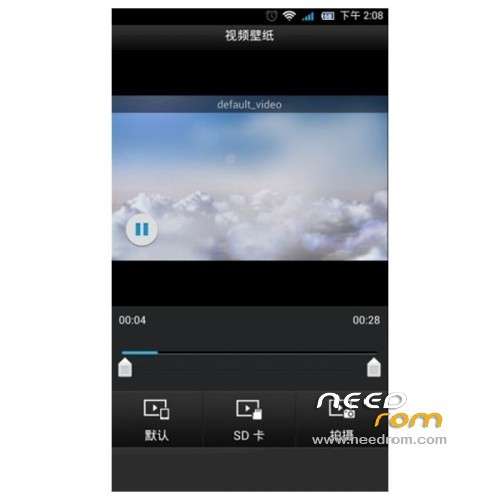
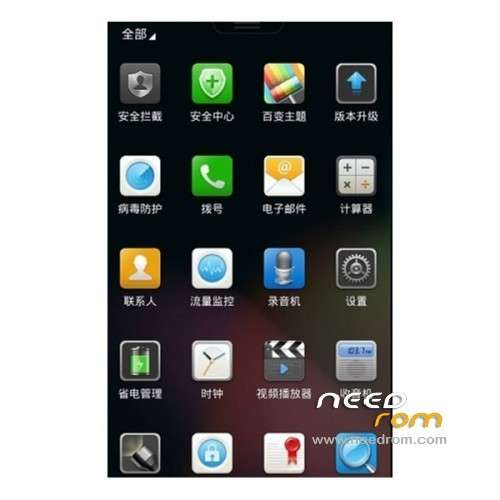
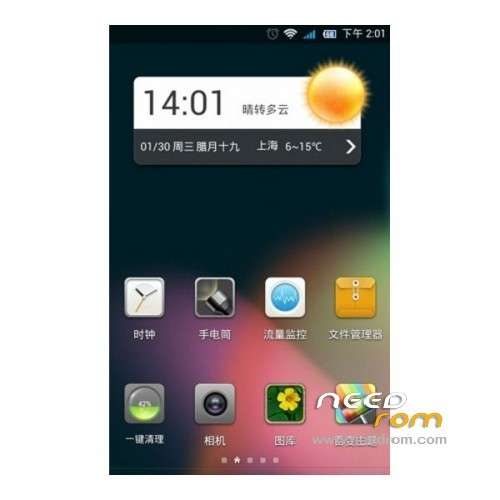
ROM JIAYU G3 – ROM Android 4.1.2 LeWa
LeWa Official 4.1.2
Features ROM:
Update LeWa os5 - 14.06.19 – Stable version
————————————————————————————————————————————————
V5.23 Version stable
Language support: EN/CN
ROM Install :
To unpack TOOL run Flash_tool.exe
Select a the in scatter.txt in Rom
Click Flash_tool.exe interface Firmware-> Upgrade
Phone after taking the battery in put something
Connect the data cable
Brush finished with green circles appears
or
Installing Recovery Lewa Touch
1) Start MobileUncle Tools
2) Download the recovery recovery.img and metterna the root of the sd (root)
3) Select Update Recovery
4) Choose recovery.img and follow the instructions
5) Now you have your recovery very nice touch
2) Download the recovery recovery.img and metterna the root of the sd (root)
3) Select Update Recovery
4) Choose recovery.img and follow the instructions
5) Now you have your recovery very nice touch

Tutorial HERE
Other images HERE (thx Jolufa )
WARNING !!!!!!!!
if error, wait the fix or use Recovery Lewa Touch

※Please make a backup of your device before installing or updating ROM
А вот мне нравиться LEWA ))))
How to install so that Lewa Recovery displays option with English language labels ? Everytime I try it comes up Chinese….
How to get rid of Chinese labels on app icons ?
Does it support dual sim ?
Generally great ROM, but a few issues:
1 – As someone else on the thread mentioned, Exchange ActiveSync (Corporate Email) does not download mail data
2 – Wifi AP config screen crashes whenever you try to set the EAP authentication method in the drop-down menu. To get around this, I used Titanium Backup to backup my Wifi AP config in another rom then imported it into Lewa and it worked OK.
3 – This installs the Chinese Lewa Recovey. To replace this, install MobileUncle Tools then find a suitable english version of ClockWorkMod or Lewa recovery, copy this to the root of your SD card, then flash this from within the "Recovery Update" option of MobileUncle Tools.
Here is the english translated version that someone kindly done for Lewa Recovery v2.0:
https://docs.google.com/file/d.....dlU/edit?pli=1#! (go to file > download)
hI bam279
Could you give a brief tutorial on how to backup and then transfer the Wifi AP config files ?
Be most appreciated.
Thanks for all the other info and tips.