
- Title: JiaYu G3&G3N MIUI
- Listed: September, 2013
- Last modified: 11/12/2013 5:27 am
- Version: ROM Android 4.2.2 MIUI
You must be logged for ROM download.
51549 total views, N/A today
 Member Info
DESCRIPTION
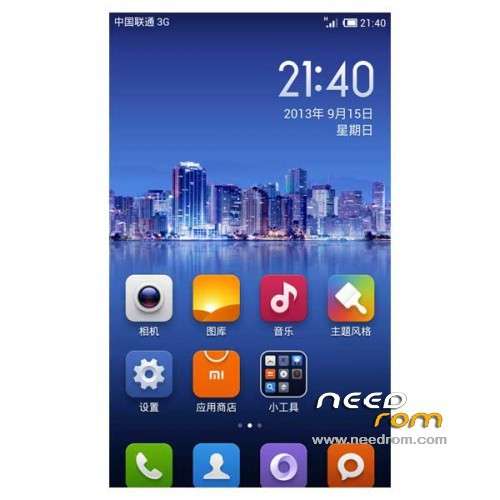
ROM JiaYu G3&G3N – ROM Android 4.2.2 MIUI
Features ROM:
Update MIUI v5 – 3.11.08
Patch G3N included in the ROM
————————————————————————————————————————————————–
Update MIUI v5 – 3.10.25
Patch G3N included in the ROM
————————————————————————————————————————————————–
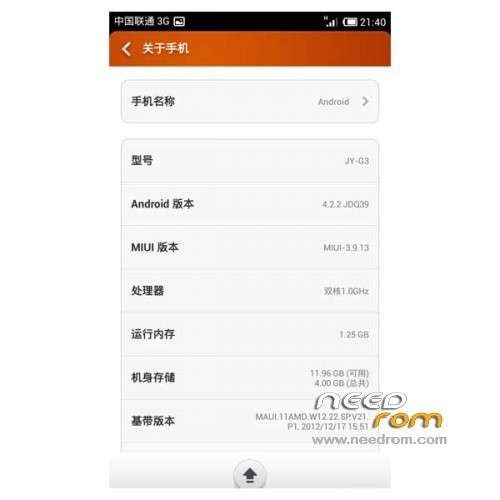
Ported Amoi N820 v5 3.9.13 on G3 JIAYU
Edit to add kernel support init.d script
Edit to add Google and Google Services Framework
[Amended] incorporated into the system built-in storage
[Optimization] added MtkTweak_V12 optimized script, the default mode "C"
[Optimization] host a large number of advertising shielded
[Optimization] built-in camera driver optimization
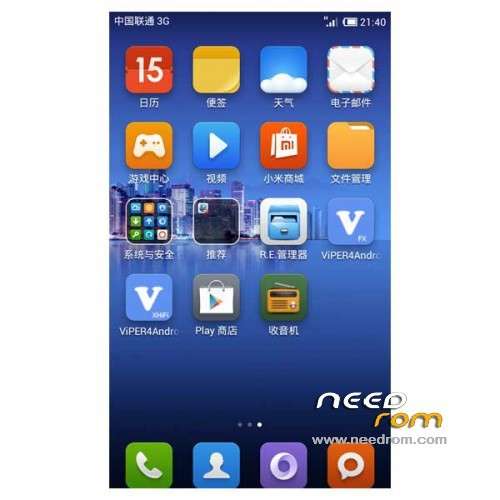
[Optimization] Add V4A FX sound effects, the latest
[Optimization] Add BOOT power saving self-test
[Note] V4 sound should make their own open
Gapps lite include - Rooted
Language support: Multilang ( Normally )
For G3N use Patch
Install ROM :
CWM
Step 1: Download the custom ROM copied to an external SD card root directory
Step 2: the shutdown state. While holding down:
– Power button + volume button up, to enter the recovery mode.
– Wipe Data / Factory Reset -> delete all user data
– Wipe Cache Partition -> Wipe cache
– Advanced -> Wipe Dalvik Cache
Step 3: Return to recovery main interface Install zip from sdcard -> choose zip from sdcard -> Select your ROM
Step 4: Brush complete, restart the phone Patience required – first boot takes a while
※Please make a backup of your device before installing or updating ROM
Portuguese translation is not so good too. Is possible to flash JDStar patch with languages? How to port it?
-2g-3g switch not working(always crashing)
-Engineering mod not working.
google contats sync missing
Mr. SoCr@Te thanks for this latest ROM you bestow on, but there hum bug I saw it at the official website that the new MIUI versions already been corrected, create a Google account, all ok, works well, no more the option is enabled contacts as soon as I have access via the same synchronization.
I looked on the internet and not quite follow some tutorials over no success. Its mr. help me? The sr. can post here or send the solution to charlesescorcio@gmail.com
Sorry for the inconvenience.
Att Charles
For google contacts sync, have a look at this thread:
http://en.miui.com/thread-3998.....-1-1.html
Using the google installer, install all the google services you need and make sure to add the contacts sync. Then the google contacts sync will show up at the usual place under preferences in your phone.
I used it and now it's fine
Thank you, now this 100%
I got thinking about uninstall this ROM so admire for having already given up looking a fix for this problem.
Att Charles
Oh and before I forget to say this: Thank you so much for your work, I really love this rom
hi everyone, my g3n with this rom goes in jerks…i like this rom very much but it is very slow
light sensor error.
the call screen does not light.
Please sen fix that's
The rom is very good, has much less problem than the other miui v5 rom, but more work has to be done since is a bit lagged and a high battery consuptions even thought the deep sleep works well.
I can not sync my contacts from google
Nice rom, stable and beautiful !
Great Job !