
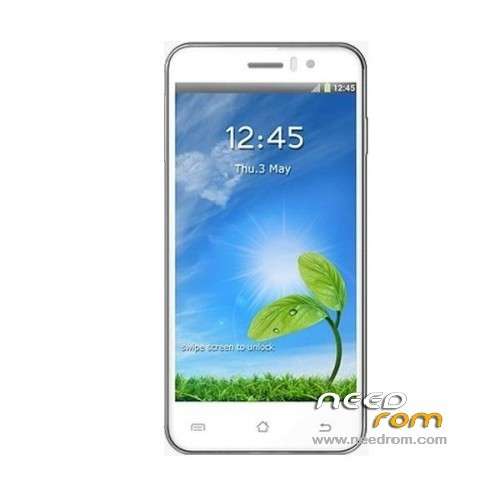
- Title: JIAYU G4
- Listed: May, 2013
- Last modified: 05/08/2013 6:57 pm
- Version: ROM Android 4.2.1
You must be logged for ROM download.
26226 total views, N/A today
1 Total favorites
 Member Info
DESCRIPTION
ROM Mobile JIAYU G4 – ROM Android 4.2.1
Based ROM Official JIAYU G4 : G4H 20130502-201925
Language support: Multilang
Install ROM :
Unpack Tools, and Click on Flash_tool.exe
Select a the MT6589_Android_scatter_emmc.txt in TOOLS ( or Recovery CWM 6.0.3.2)
Turn off your phone, remove the battery.
Press F9 (or hit Download button) and connect your phone into the computer via USB data cable.
The process will start and a red progress bar will appear after color purple, yellow.
And green circles display
Finish !
You can now safely disconnect your phone and turn it on.
or
CWM
Step 1: Download the custom card brush ROM copied to an external SD card root directory
Step 2: the shutdown state. While holding down:
Power button + volume button + volume key to enter the recovery mode of Brush, Clear user data and cache, and then enter the card brush
Options Brush can.
Step 3: Brush complete, restart the phone
※Please make a backup of your device before installing or updating ROM
works?
how do you use it, what is custom card brush,
The scatter file does not fill in the paths