
- Title: Jiayu G4 Standard/Advanced
- Listed: December, 2013
- Last modified: 12/09/2013 11:50 pm
- Version: Based on 4.2.1. Jellybean
You must be logged for ROM download.
46989 total views, 2 today
4 Total favorites
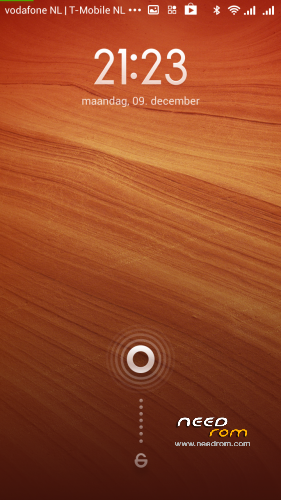
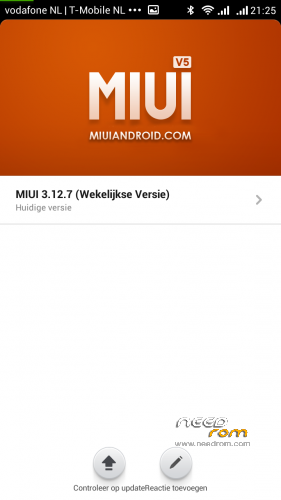
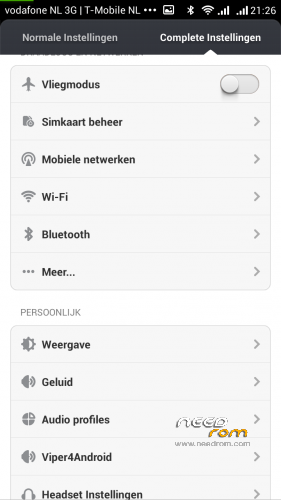
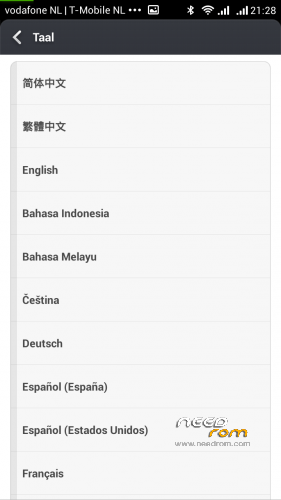
 Member Info
DESCRIPTION
Found this cool version and installed it on my Jiayu G4 Advanced and this works like a charm!
Date 7-12-2013
Link to all the info you need:
http://en.miui.com/thread-10317-1-1.html
MIUI ROM for Jiayu G4 based on my IQ446 mod http://en.miui.com/thread-7940-1-1.html
G4 adaptation by killoe @4PDA
Highlights:
(+)
* JB 4.2.1 based
* Full dual sim support
* Fast, smooth, stable.
* Multilingual [Chinese/English/German/Spanish/Italian/Polish/Portugal-BR/Turkish/Czech/Slovak/Hungarian/French/Russian and more]
(Ultimate Edition)
* PHONE SHUTDOWN AFTER CALL END FIXED
* Extended power menu.
* 3G active sim card switch
* Some layouts fixes.
* Deleted all chinese stuff
* MIUI camera WORKING inc front camera videorecording!
* 2G/3G toggle fixed
* EngineerMode built-in
* Several major fixes of original release (911 city code problem, sim/pin auth problem, volume wakelock setting, smilies etc)
* Key lights never switching on when touching the screen.
* MX/Youtube/GMail settings error fixed
* Latest 08/13 GAPPS built-in
* Xperia Swipe keyboard with different skins or stock AOSP keys
* AGPS & EPO fixed
* Device friendly autobrightness level constants
* MIUI Camera codecs improvement
* Downloads limit for mobile networks can be adjusted up to 1gb
* VIPER4ANDROID built-in
* Some bonus things 
* Something i forget
(Current issues)
FM radio recording not works
※Please make a backup of your device before installing or updating ROM
I have one problem, now there is notification about miui update, I installed this update and my jiayu is rebooting all the time when i am turning on. Whats wrong with it?
Do you have basic version? Ota update doesn't work on my G4B neither. It restarts 4 times, and then it boots again normal,but update isn't installed. Perhaps it has to do with the fact that the systempartition is extended to maximum(2.69 GB) and all memory for apps is on sd card.(no internal memory anymore) and the ota tries to mount a wrong partition.First I had clockworkmod recovery, but now twrp, non of them let the ota update work. Lot of users say that ota works for them, but I think it is on G4advanced
Yes, i have got G4B. My other problem is that when I am using two sim cards in one time i have very huge battery drain. Maybe new ver. will work better?
Themes download now working, miui blocked downloads temporarily for theme contest. Thanks for TWRP file but how to install .bin file?
Get from playstore Mobileuncle tools. Open the zip file and put the img file in the root of your sdcard. Take in mobileuncle recovery update. It Will find the recovery img file and flash It. That ‘s it
The twrp recovery I gave the link for installed, and booted up, but today I wasn't able to make a backup with it. So don't use it on the g4 basic!
CWM? vs TWRP?
Im a CWM user but i hear TWRP is better.
I tried TWRP on another phone and played around with it but ran back to CWM.
root access on this rom with no success, please help me
There is an app called Permissions, go to Root heading, turn on root from there.
Is it compatible with exFAT micro-sd cards?
Problem: can't add any clock widgets to home screen, except stock miui ones, on any launcher. Anyone with this issue?
I have jiayu G4T, I installed the basic version, but the phone only see the internal memory now, not all 32Gb. What should I do?
I have g4A and the update don't go.
I tryed two times, but when reboot the phone is dead. Don't work recovery and i must use the spflash.