
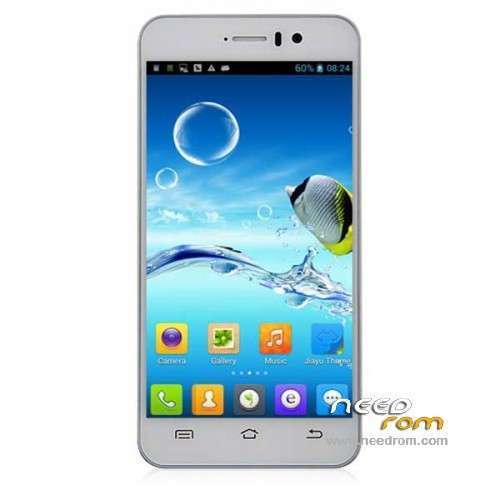
- Title: JIAYU G4C LeWa
- Listed: April, 2014
- Last modified: 04/16/2014 5:55 pm
- Version: ROM Android 4.2.2
You must be logged for ROM download.
19965 total views, 2 today
 Member Info
DESCRIPTION
ROM Mobile JIAYU G4C – ROM Android 4.2.2
Update Official ROM JIAYU G4C Version:
ATTENTION Two Version: (I don't know thé différence between the two )
ROM 16 – mt82_a8cl_g4hc_jyt_jb5_wcdma 04/09/2014 " jiayu_g4lcs_jb5 "
ROM 15 – mt82_a8cl_g4hc_jyt_jb5_wcdma 04/09/2014 " jiayu_g4_jb5 "
Changelog:
1. Optimize battery charge and discharge curve shows more precise
2. purple stripes, now appears as probabilistic Huaping Fixed some phones to take pictures
3. sizes to optimize the audio level adjustment
4. The opening screen, lock screen sounds decreases
5. Change the calculator showed the wrong question
6 other known small bug
———————————————————————————————————————————————
Official ROM JIAYU G4C Version: mt82_a8cl_g4hc_jyt_jb5_wcdma 03/04/2014 " jiayu_g4_jb5 "
ROM based on LeWa_14.04.03
Gapps include – No Rooted
Language support: EN/CN
Install ROM :
- Unpack FlashTools, and Click on Flash_tool.exe
- Select a the MT6582_Android_scatter_emmc.txt in ROM
- Wait file to be added into Flash Tool
- choose Option->USB Model,click USB Model
–> Choose Option->DA DownLoad All->Speed->High Speed, click High Speed
- Turn off your phone, remove the battery.
- "Press F9 (hit Download button)" OR " if upgrade ROM Firmware->Upgrade "
- and connect your phone into the computer via USB data cable.
- The process will start and a red progress bar will appear after color purple, yellow.
- And green circles display
- Finish !
- You can now safely disconnect your phone and turn it on.
※Please make a backup of your device before installing or updating ROM
where is the the usb drivers for this guys i searched so many website dint get this usb drivers plase provide me the link very much need of it