
- Title: JIAYU G5L MIUI
- Listed: November, 2013
- Last modified: 02/23/2014 2:26 am
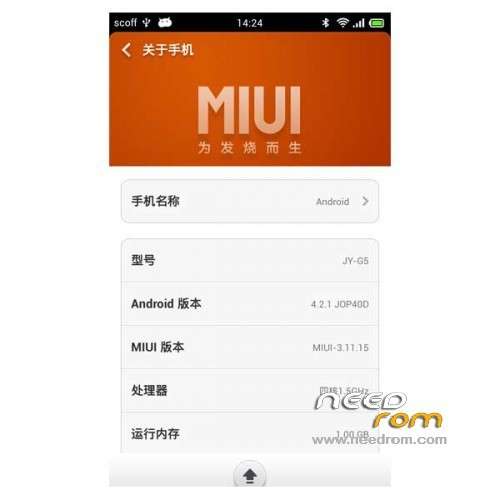
- Version: ROM Android 4.2.1 MIUI
You must be logged for ROM download.
28224 total views, 1 today

 Member Info
DESCRIPTION
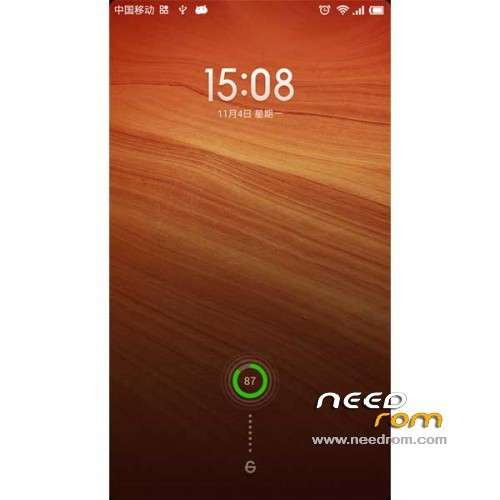
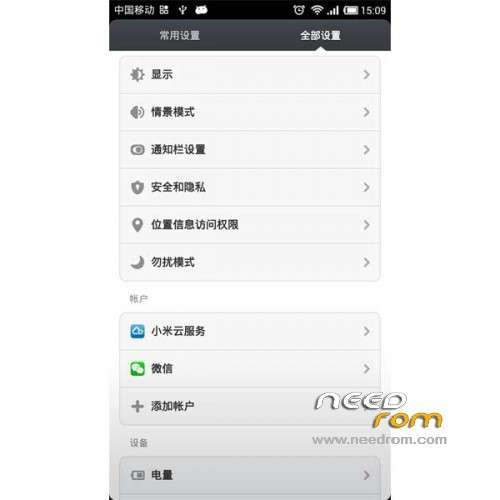
ROM Mobile JIAYU G5L - ROM Android 4.2.1 MIUi
Features ROM:
Update MIUI V5 4.2.21
—————————————————————————————————————————
MIUI v5 – 4.1.10
Gapps not include – Rooted
Language support: Multilang ( Normally )
Install ROM :
CWM ( CN )
Step 1: Download the custom ROM copied to an external SD card root directory
Step 2: the shutdown state. While holding down:
– Power button + volume button up, to enter the recovery mode.
– Wipe Data / Factory Reset -> delete all user data
– Wipe Cache Partition -> Wipe cache
– Advanced -> Wipe Dalvik Cache
Step 3: Return to recovery main interface Install zip from sdcard -> choose zip from sdcard -> Select your ROM
Step 4: Brush complete, restart the phone Patience required – first boot takes a while
※Please make a backup of your device before installing or updating ROM
verry good so far, tried to find a flaw, still a bit heavy on ram usage, still deserves 5stars
very god!
Hallo, what is it G5L, i have Jiayu G5 Advance ( 2gb ram, 32gb rom), is this rom for my phone? I would like MIUI v.5 rom. Thanks
it do not acept my GSM pin card, why?
also, when I choose my wifi network it ask me for the password but it doesnt display any keyboard to write the password, also at the lenguage configuration I choose spanish but it still in english, can it be fixe it?
Rom basik? advansed ?
Advanced
G5L is for G5 advanced version? or there is no difference?
nvm, sorry for question
Hi,
I cant enter in to recovery mode - Power button + volume button up – phone goes to normal mode
Useless ROM.
Most built-in Android processes are crashing after unlock, keyboard is not working, boot in recovery mode doesnt work.
Now i need to somehow connect my Bluetooth keyboard to be able to install the Jiayu.es App as APK and install the Recovery Mode again. Thanks.