
- Title: K-TOUCH U86
- Listed: June, 2013
- Last modified: 03/21/2014 5:28 pm
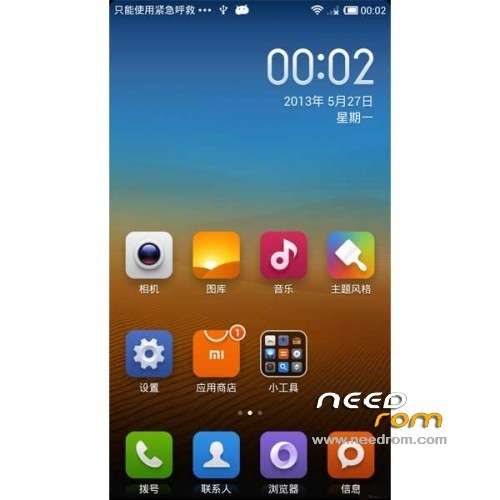
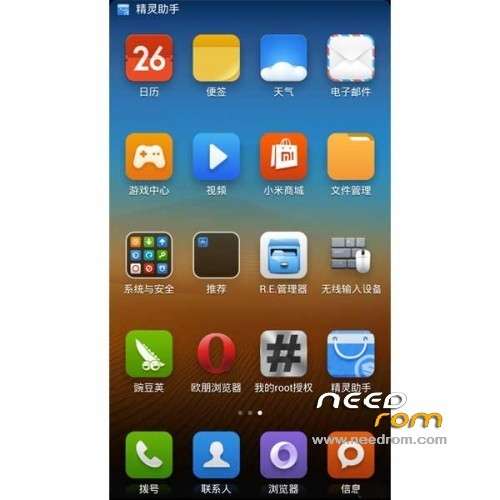
- Version: ROM Android 4.1.2 MIUI
You must be logged for ROM download.
24518 total views, 1 today
159 Total favorites
 Member Info
DESCRIPTION
ROM Phone K-TOUCH KISS U86 512 RAM – ROM Android 4.1.2 MIUI
Update MIUI v5 4.3.7
Gapps not include – Multilang – 512Ram and 1G Ram
—————————————————————————————————————————————————————
Update MIUI v5 4.1.17
Gapps not include – Multilang – 512Ram and 1G Ram
—————————————————————————————————————————————————————
Update MIUI v5 3.7.26
—————————————————————————————————————————————————————
Update MIUI v5 3.7.19
Changelog:
1, synchronization source 3.7.19 millet
2, repair, long press on the bar two FC switches a bug
3, the addition of a few days the native language settings, especially when downloading XTRA data have effects on gps positioning
—————————————————————————————————————————————————————
Version : MIUI v5 3.5.10
Gapps included
Language support: EN/CN
ROM Install :
CWM
Step 1: Download the custom ROM copied to an external SD card root directory
Step 2: the shutdown state. While holding down:
– Power button + volume button up, to enter the recovery mode.
– Wipe Data / Factory Reset -> delete all user data
– Wipe Cache Partition -> Wipe cache
– Advanced -> Wipe Dalvik Cache
Step 3: Return to recovery main interface Install zip from sdcard -> choose zip from sdcard -> Select your ROM
Step 4: Brush complete, restart the phone Patience required – first boot takes a while
Note:
1. The first boot to a black screen for about 1 minute, black screen automatically after entering the desktop, skip the novice settings, choose not to receive push.
2. the first boot into the desktop, select Desktop Settings - Desktop Cleanup - manually clean, Select All, click OK.
※Please make a backup of your device before installing or updating ROM
could you give me CWM recovery for this device please
Gapps is missing from latest…
Update 4.3.7 keybord not include.but love MIUI.
Please add keybord update.
APN can’t edit bro….
Try downloading now, hopefully it work fine
In 4.3.7 vibro does not work on the bell, then periodically reduced, the increased screen brightness. Please correct it, or help me with this problem…
which update are most stable ?
In v4.3.7 Bluetooth not working/Rear Cam not Working/Auto Rotate not working. pls fix this cause i really like this Custom ROM. Thanks anyways for sharing this great Custom ROM's.