
- Title: K-TOUCH U90 MIUI
- Listed: September, 2013
- Last modified: 03/21/2014 5:24 pm
- Version: ROM Android 4.1.2 MIUI
You must be logged for ROM download.
18522 total views, N/A today
1 Total favorites
 Member Info
DESCRIPTION
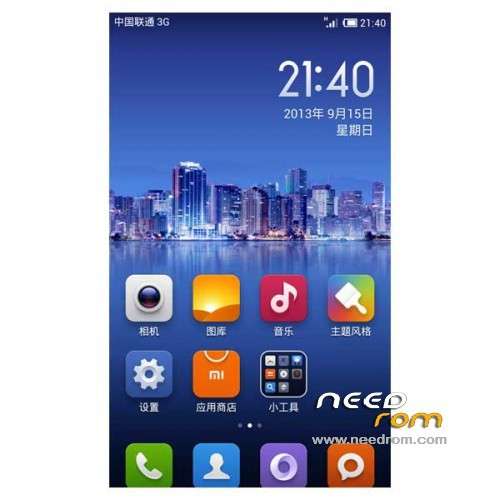
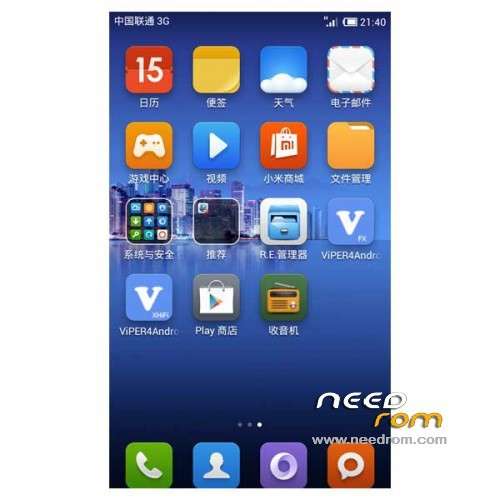
ROM K-TOUCH KISS U90 S5 – ROM Android 4.1.2 MIUI
Features ROM:
Update MIUI – 4.3.7
Gapps include – Multilang
————————————————————————————————————————————————–
Update MIUI – 4.1.17
————————————————————————————————————————————————–
Update MIUI – 3.12.13
————————————————————————————————————————————————–
Update 3.9.27
1, fix proximity sensor
2, fix light sensor
3, repair gravity sensing
4, repair wifi hotspot
————————————————————————————————————————————————–
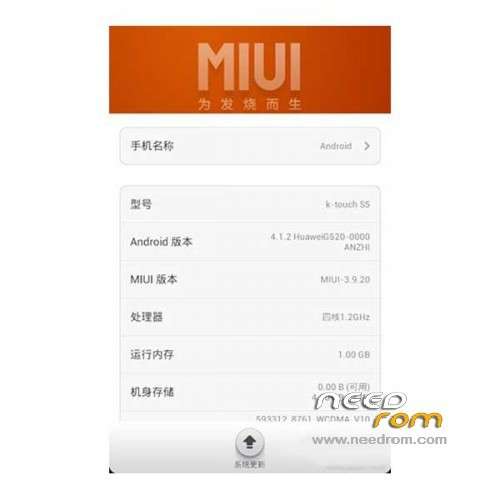
Ported Huawei G520-0000 Miui v5 – 3.9.20 on K-TOUCH U90 S5
Bugs:
1, open the opportunity to prompt memory card Wireless: The Solution: Go to Settings - Storage - Find remove the memory card. After removal reinstall able to use.
2, the phone comes with memory storage does not recognize can not be used.
Gapps include - Rooted
Language support:Multilang
ROM Install :
CWM
Step 1: Download the custom ROM copied to an external SD card root directory
Step 2: the shutdown state. While holding down:
– Power button + volume button up, to enter the recovery mode.
– Wipe Data / Factory Reset -> delete all user data
– Wipe Cache Partition -> Wipe cache
– Advanced -> Wipe Dalvik Cache
Step 3: Return to recovery main interface Install zip from sdcard -> choose zip from sdcard -> Select your ROM
Step 4: Brush complete, restart the phone Patience required – first boot takes a while
※Please make a backup of your device before installing or updating ROM
Hello,
Just EN and CN .
So bad !
thanks for uploading!