
- Title: K-TOUCH V9
- Listed: July, 2013
- Last modified: 07/10/2013 4:30 pm
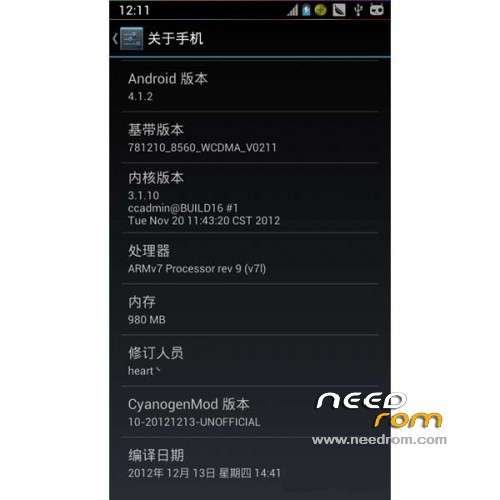
- Version: ROM Android 4.1.2
You must be logged for ROM download.
17129 total views, 1 today
 Member Info
DESCRIPTION
ROM Phone K-TOUCH V9 – ROM Android 4.1.2
ROM features:
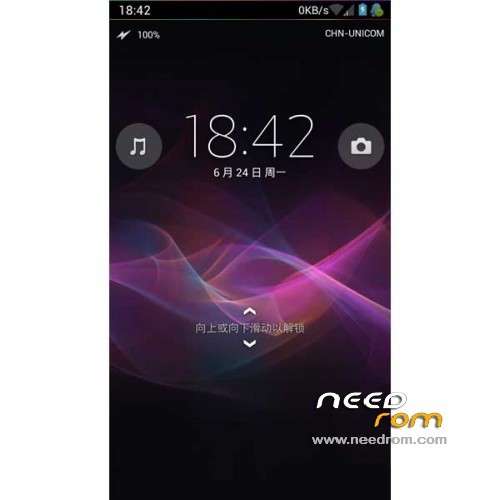
* Adjust Status column layout
* The status bar displays network speed
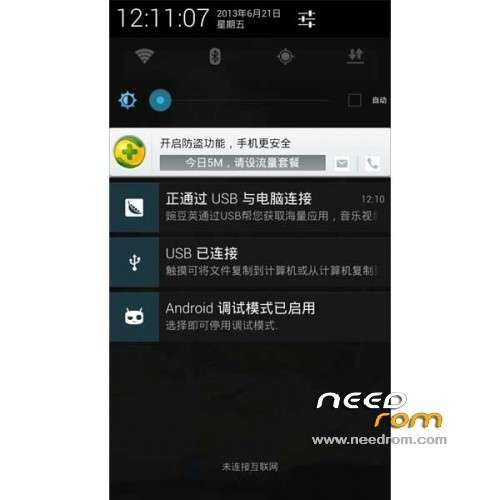
* Drop time was second column
* Dropdown add brightness drag strip
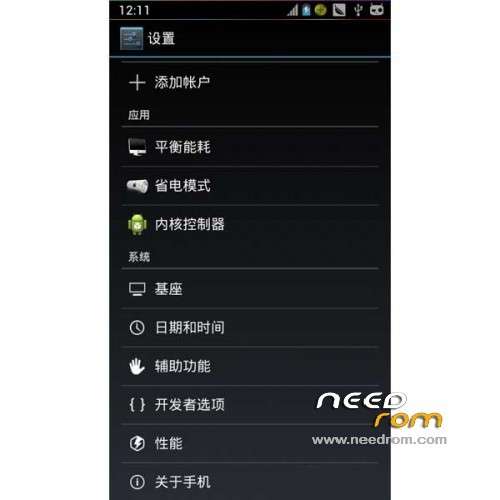
* Adding power-saving mode in the settings, balancing energy, core controller entry
* A variety of optimization scripts (in system / etc / bolt_scripts and init.d folder, using re manager performs)
* Adjust the media volume (by the press the volume key 15 times to 30 times full, it can be said that the media volume is divided into 1/30, to better control the volume)
* Adjust the lock screen layout
* Adjust the home button pops up a running application layout
No Gapps – Rooted
Language support : EN/CN
ROM Install :
1 file download: ktouch-v9-recovery
After extracting follows
2 into AP mode
Phone off , press and hold the volume up key, and then press the power button will display green screen , had about 2 to 3 seconds , then let go, after the phone becomes a black screen
3. Install driver
Use data cable to the computer, you will be prompted to install the driver, click Cancel
Open the computer Device Manager Update Driver
Right-click "My Computer" – Properties – Hardware – Device Manager
Select drive folder usbpcdriver
4 Open kit, run the brush recovery.bat
Finished, unplug the battery loaded, the boot
※Please make a backup of your device before installing or updating ROM
How do I hide the network speed display? I don't see an option for it under Settings->System->StatusBar.
excellent, thanks