
- Title: K-TOUCH W700
- Listed: May, 2013
- Last modified: 06/14/2013 12:31 am
- Version: ROM Android 2.3.7
You must be logged for ROM download.
23086 total views, N/A today
1 Total favorites
 Member Info
DESCRIPTION
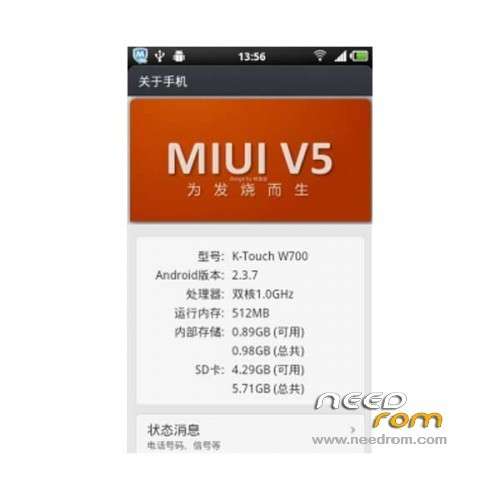
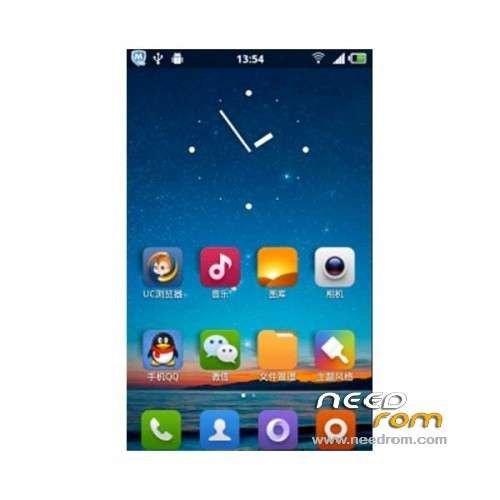
ROM Mobile K-TOUCH W700 – ROM Android 2.3.7
Update 06/13/2013
Changelog:
Fix BUG follows
1 repair close the data need to restart to open the BUG (Careful based Friends will find pictures displayed on the E instead of G)
2 fixes no sound after calling black BUG
Add optimization script as follows
1.VM management optimization
2 kernel optimization
3.sd card Optimization
4 sliding optimization
5.UI Optimization
6.zippalign Optimization
7.Sqlite database optimization
8 Super Memory Optimization
———————————————————————————————————————————-
Features ROM:
1 zipalign of all system procedures optimized to reduce memory usage, run more smoothly
2 adding the dual SD card mount, solve problems connected USB crash (even USB, select Never open the data stored on
the SD icon on your desktop automatically mount dual mount options)
3 Adjust the external tf card mount path Amagatarai default / sdcard / SD_CARD.
4 repair wifi, proximity sensor, call volume, keypad tones, ringtones, remote operation, etc. Bug.
5 Join Amagatarai private functions, solve engineering mode proximity sensor calibration problems.
6 Fix wireless hotspot
7 Fix desktop plug offset to the right, indicating incomplete bug.
8 Adjust miui initialization script, you can replace the first start theme, without having to restart it.
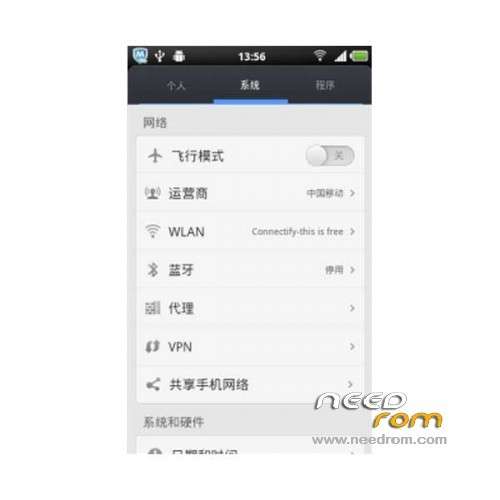
Language support: EN/CN
ROM Install :
The first step: brush into the mobile uncle Chinese recovery.
Step 2: Download this card brush ROM copied to the external SD card root directory
Step 3: shutdown state, data cable, one end of the phone, one end of the port of the computer. While holding down:
Power button + volume + volume keys (3 keys with the press) to enter the recovery Brush mode, first rec clear the user data and cache, and then enter the card brush
Options Brush can.
Step 4: Brush complete, restart the phone
※Please make a backup of your device before installing or updating ROM
I can't change this rom to English, please help
thanks
can someone give us tutorial on how to change the laguage?
you should down and intall keyboard before change language.But Language not support EN full.wailting for new fix version
how to install rekaveri?????
what program's using???
use more loacale 2 app
my cell iss dead i wna update it please can u elaborate but more?cux i really dont understand the process written here