
- Title: Koobee MAX X7
- Listed: November, 2013
- Last modified: 11/22/2013 3:33 am
- Version: ROM Android 4.2.1
You must be logged for ROM download.
15510 total views, 1 today




 Member Info
DESCRIPTION
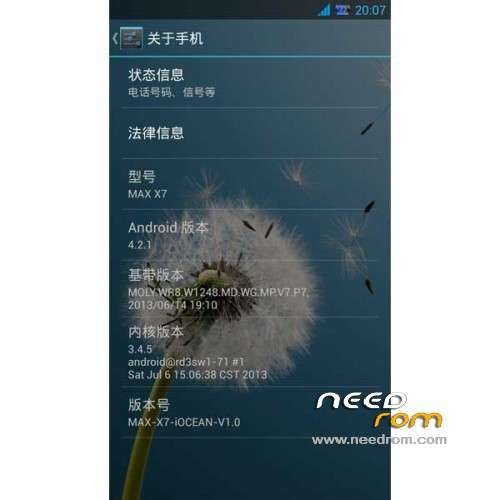
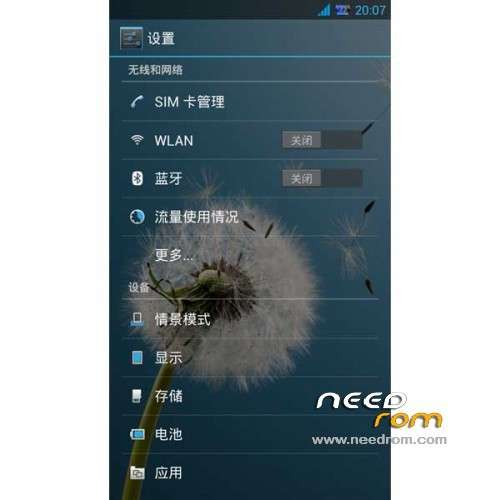
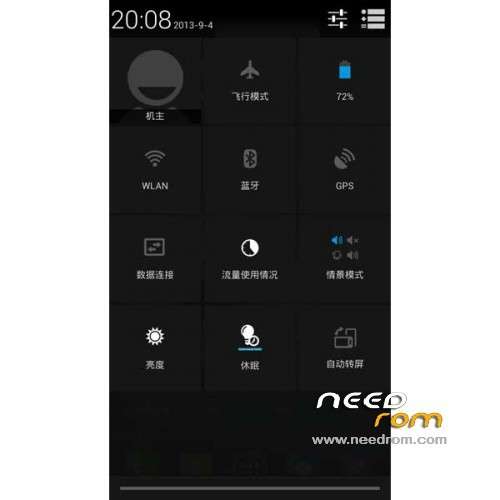
ROM Mobile Koobee Max X7 - ROM Android 4.2.1
Features ROM:
1 Based on the latest official end of the latest adaptation of native Android 4.2.1 package
2 Personal data pro-test call wifi bluetooth camera sensors are normal
3 extremely streamlined Google app frameworks and other libraries and ringtone library and the drive and dynamic wallpaper and wallpaper library.
4 Add INIT.D start and V6 optimization script
5.boot saving
6.sony image display engine
7.build small Optimization
8.gps optimize, host advertising shield
9.HOLO starter ized, modify desktop layout, adding five format settings Desktop shortcut / alternative graphics clock digital clock widget, more beautiful / 5 * 4 desktop icon layout to accommodate more icons.
10.LEWA system replacement icons, desktop, nice
11 fresh wallpaper from xda a
12 dual sim dual display, single card single signal display
14 to maintain the original flavor of the unmodified battery icon
15 Join V4A Audio Driver and Sound Manager and integrated kinguser authorization management and RE Manager, no other promotional integration, clean, pure
16 default and turn off the screen automatically rotates an unknown source.
17. According X7 battery capacity and CPU frequency RF optimization
Gapps not include – Rooted
Language support: Multilang
Install ROM:
CWM
1) Download the custom ROM copied to an external SD card root directory
2) Download the recovery.img ( put in your SD card )
3) Start MobileUncle Tools ( Download on Goolge play )
4) Select Update Recovery ( choose recovery.img )
5) Mobile reboot in CWM and follow the instructions( if recovery is in chinese look tutorial "CWM for MTK Platform" )
Into the recovery:
– Wipe Data / Factory Reset -> delete all user data
– Wipe Cache Partition -> Wipe cache
- Return to recovery main interface Install zip from sdcard -> choose zip from sdcard -> Select your ROM
- Brush complete, restart the phone Patience required – first boot takes a while
※Please make a backup of your device before installing or updating ROM
how to change language?? its all chinese.
Excellent! Waiting new rom for koobee max x7.
SoCr@Te How can I contact you? I do rom and I have a couple questions for you, please answer