
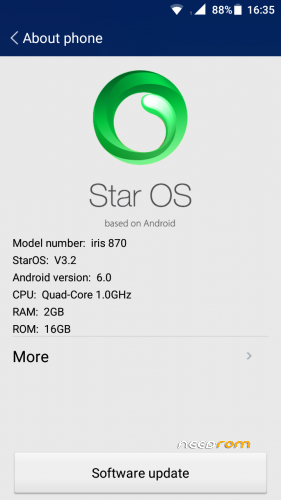
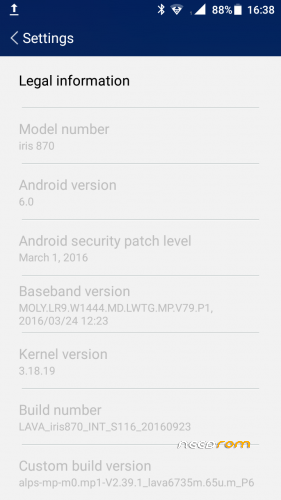
- Title: Lava iris 870 (MT6735M) without Password (Official Firmware )
- Listed: April, 2017
- Last modified: 04/17/2017 2:11 pm
- Version: Andriod 6.0(Build Number:Lava Iris870 INT S108 20160923
You must be logged for ROM download.
26309 total views, 2 today
12 Total favorites
 Member Info
DESCRIPTION
How to Update Lava 870 to Android v6.0
Step 1: Downlaod Stock Firmware & extract the Stock Rom on your PC.
Step 2: Download MTK Flash Tool and Extract file and install to PC
Step 3: Install MTK PC USB Drivers (skip this Guide If Your Computer Already has a Drivers).
Step 4: Start the SP Flash Tool Software uplaod Scatter File from the stock firmware Files folder in Scatter Loading option in Flash Tool +click Download Option
Step 5: Now switch off your phone and connect to pc through USB Cable and simply press volume button down . Wait until process complete its shows green symbol with OK . switch on phone .. Done ENJOY ,
small update also available after installation
ALL AT YOUR RISK. hope nothing will happned to phone .
※Please make a backup of your device before installing or updating ROM
GIVE PASSWORD
Thank you
thanks
No me reconoce las SIM, a alguien le paso lo mismo? como lo solucionó?