
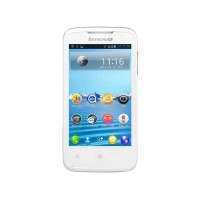
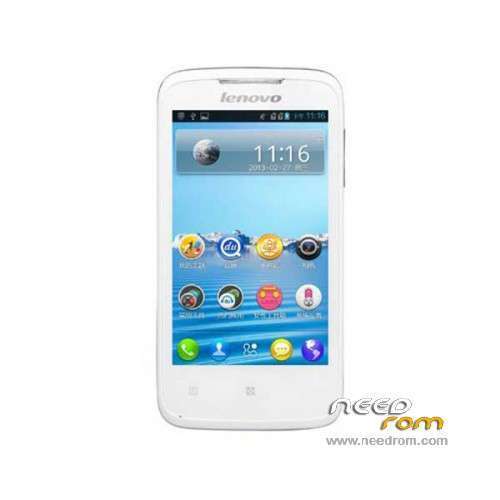
- Title: LENOVO A376 SC8825
- Listed: March, 2014
- Last modified: 03/07/2014 2:12 am
- Version: ROM Android 4.0.3
You must be logged for ROM download.
28712 total views, 4 today
1 Total favorites
OFFICIAL
 Member Info
DESCRIPTION
ROM Mobile LENOVO A376 SC8825 – ROM Android 4.0.3
ROM LENOVO A376 SC8825 Version: Lenovo_A376_S017_130806
Gapps include – Rooted
Language support : Multilang
Thx biznikos and Kyle for this rom
Rom install :
UpgradeDownload
Unpack ROM and extract Lenovo_A376_S017_Lang_By_Kyle.pac
Run UpgradeDownload click on " Load packet " —-> click on "Start "
※Please make a backup of your device before installing or updating ROM
my a376 cannot use whatsapp
pls help
hey yuor lenovo are ok now?
this is the worse Lenovo ever…many app unsupported
follow all step…but doesnt work…
how to install driver for the port?? i have problem on it with yellow mark
im using win7
Hello, David. I had this same problem. Turn off your computer, press f8 reconnect and sometimes even open some options. There, "disable signed driver enforcement" or something like that choice the option.
Now, go to the control panel and reinstall the driver for your A376.
After installing the driver, unplug the machine, remove the battery. Open the program and load the ROM file, press the start button and now, replace the battery, simultaneously press the volume + and – buttons and plug the USB cable. hence, just wait finish.
Windows cannot verify the digital signature for the drivers required for this device. A recent hardware or software change might have installed a file that is signed incorrectly or damaged, or that might be malicious software from an unknown source. (Code 52)
same problem as david66321123@gmail.com .. some help please?
it loads the .pac but “start” isnt working..
some help please?
why my android not support whatsapp app? if can, how i need to do to install whatsapp app? Please answer my question. i need use whatsapp
Hi, when use upgradedownload, just stay in "Waiting" the Progess and the Status in "Checking baudrate", do you know why?
Txs
Maybe incompatible with 64 bit windows. Sometimes happens.
Hello, rudyrz. I had this same problem.
After installing the driver, unplug the machine, remove the battery. Open the program and load the ROM file, press the start button and now, replace the battery, simultaneously press the volume + and – buttons and plug the USB cable. hence, just wait finish.