
- Title: LENOVO A60+
- Listed: April, 2013
- Last modified: 04/08/2013 7:00 pm
- Version: ROM Android 2.3.6
You must be logged for ROM download.
18570 total views, 1 today
1 Total favorites
 Member Info
DESCRIPTION
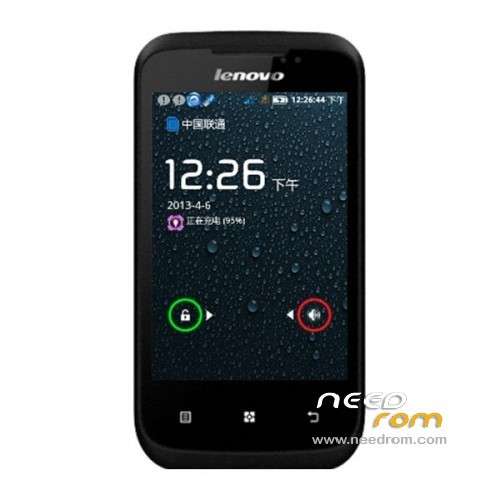
ROM Mobile LENOVO A60+ – ROM Android 2.3.6
Model name:A60 +
Andrews version:2.3
ROM version number:V6
Based on the official version:S317
Features ROM:
Streamlined, ultra-stable and has been tested without any BUG, partition dedicated
Language support: EN/CN
Install ROM :
The tool of Close Brush Masters, pea pods 1.root.
1 extract the download Flashtool

2. Install the driver
Enter the drive folder, click run driver during installation may appear more than once prompted, allow all.
3. Enter Flashtool directory run Flash_tool.exe.

4 Click Tools scatter-loading – select the the ROOT file directory in new pop MT6575_Android_scatter.txt

5 file selection is correct, click on the DOWNLOAD button, prompted select Yes

Phone off (the battery needs to be loaded), hold the volume button to use the data cable to the computer
In the the tools lower right corner of display port, then display the red progress bar is complete, the yellow progress bar is displayed, and finally prompted the green pop.

The software automatically brush into has ROOT kernel prompt after completion OK, unplug the cable boot can be.
Tip: online tutorials and more people pull the battery followed by data lines, but I test machine loaded brush into the battery to normal.
※Please make a backup of your device before installing or updating ROM
I CAN NOT INSTALL A POPUP ERROR SHOWS PLZZZZ HELP ME … I TRY LONG TIME….
I CAN NOT INSTALL THIS ROM.A POPUP ERROR SHOWS PLZZZZ HELP ME … I TRY LONG TIME….
Plzz Help Me…I am Useing Windows 7 . I Complitly download Flash Tool and Rom…but not work.
use different driver search on google same problem here but i able to find solution.just keep on searching hahaha LOL