
- Title: LENOVO A656 MIUI v5
- Listed: October, 2013
- Last modified: 10/29/2013 4:12 pm
- Version: ROM Android 4.2.1
You must be logged for ROM download.
20866 total views, 2 today


 Member Info
DESCRIPTION
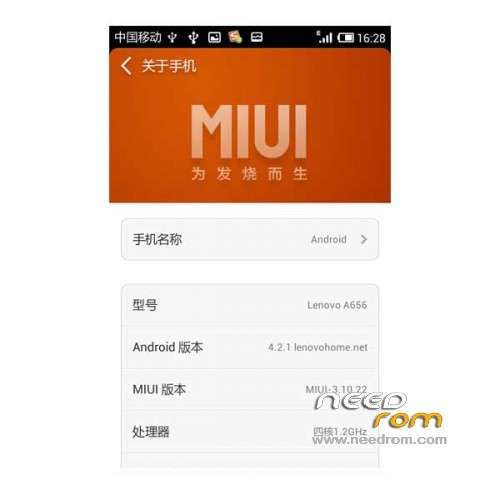
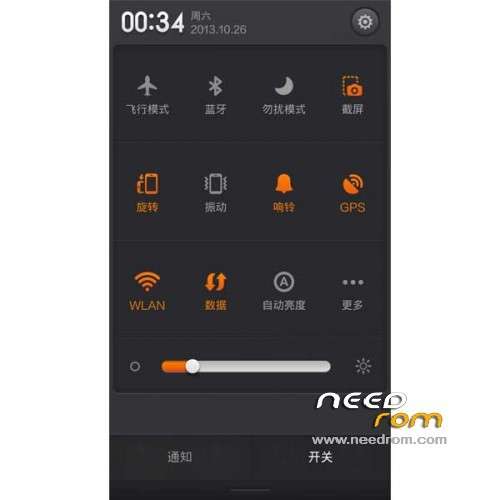
ROM LENOVO A656 – ROM Android 4.2.1 MIUI
Features ROM:
Ported A830 MIUI v5 -3.10.22 on A656
1, based on the latest MIUI V5 migration adaptation;
2, the perfect add ROOT privileges;
3, perfect repair cameras and other major BUG;
4, the perfect support dual card dual card, dual card dialing, dual card SMS;
Gapps not include – No Rooted
Language support: EN/CN
Install ROM:
CWM ( CN )
Step 1: Download the custom ROM copied to an external SD card root directory
Step 2: the shutdown state. While holding down:
– Power button + volume button up, to enter the recovery mode.
– Wipe Data / Factory Reset -> delete all user data
– Wipe Cache Partition -> Wipe cache
– Advanced -> Wipe Dalvik Cache
Step 3: Return to recovery main interface Install zip from sdcard -> choose zip from sdcard -> Select your ROM
Step 4: Brush complete, restart the phone Patience required – first boot takes a while
※Please make a backup of your device before installing or updating ROM
my phone recovery mode is in Chinese what can i do ?
Hello my cwm is in Chinese and would like to translate into English can you tell me how to unpack the recovery.img when translated i send to you to put her
tanks
rom stuck on bootlogo, not working on two models i have
hello
At the Boot in recovery mode, the menus are in Chinese
If you can, let us know in the menu choice which correspond to the menu items.
thanks
Giorgio Pala
how do i get play store
where are the files for this rom?
stuck on xiomi bootlogo. so long..
Stuck on lenovo logo,what can I do