
- Title: Lenovo A820
- Listed: June, 2013
- Last modified: 06/16/2013 3:17 am
- Version: ROM Android 4.1.2
You must be logged for ROM download.
20375 total views, 1 today
 Member Info
DESCRIPTION
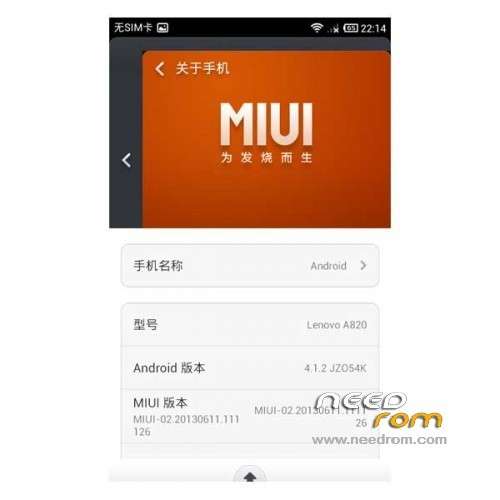
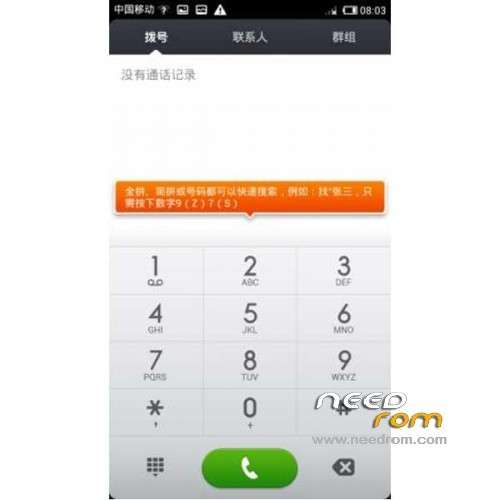
ROM Lenovo A820 – ROM Android 4.1.2 MIUI
Model Name:Lenovo A820
Android Version:4.1
ROM Author:muscle
ROM version number:Lenovo A820_MIUI_V5_20130615
Based on the official version:Hybridization miui v5 rom
Features ROM:
1 repair calls vibration problem (note that you must set up – all settings – sound and vibration – Vibration is not muted tick)
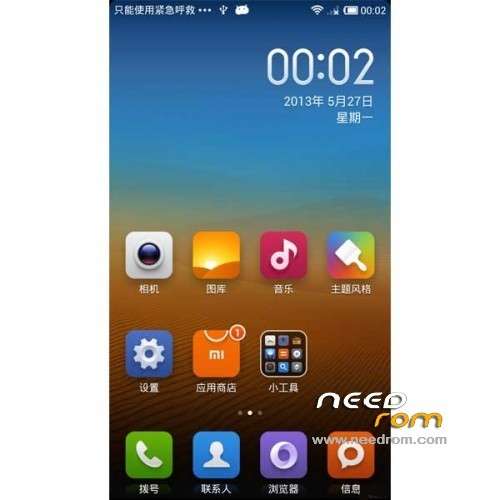
2 fixes interface layout, interface more reasonable
3 Fixed some errors in the dial-up interface settings will not appear fc,
4 Set the first boot repair millet account the problem of error (note double clear brush machine)
5 Recovery backup error problem (note double clear brush machine double clear)
6 Fix memory size displayed, v1.1 version is displayed 1.25G memory, and now has a show 0.95G (actually 1G, but because the algorithm is not the same as the display is 1G)
7 repair synchronized (required double clear), formerly synchronization error
8 remove unwanted features, such as compass, More settings
9 pulldown menu bar of the "Data" option to repair, the first brush, select "Data" click hints "to re-enable data", then you can select the "Data" connection switch up.
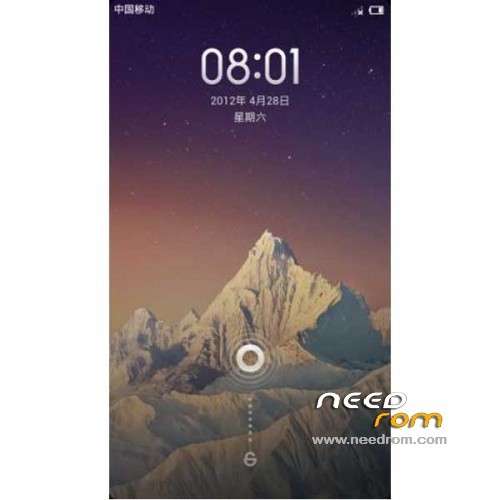
10 boot animation and shutdown animation, as well as the first screen are millet style, and finally a screen or mobile uncle's logo, for the purpose of copyright protection, hoping to understand the oil.
11 Optimize memory, not the card, the available memory to 680M
12 Some other optimizations, oil slowly slowly realize it
Some bug or can not be called a bug solution:
1, dual sim oil, in the last column only shows sim1 information and did not affect the use, is due to miui does not support dual cards caused
2, can only import contacts from sim1
3, the data link is now repaired, the first brush selection drop-down menu in the data link and restart enable data, you can follow a normal switch data
4, set the tone needs to boot system / media placed under tones
5, SMS, dial-up, the camera is Lenovo original, but also because the official does not support dual card miui reasons
6, Picture Gallery Home recognition is a camera, but the camera is dcim, this is not what people think of.
7, the address book does not display contact picture, you can contact
Language support: EN/CN
Install ROM:
CWM
Step 1: Download the custom ROM copied to an external SD card root directory
Step 2: the shutdown state. While holding down:
– Power button + volume button up, to enter the recovery mode.
– Wipe Data / Factory Reset -> delete all user data
– Wipe Cache Partition -> Wipe cache
– Advanced -> Wipe Dalvik Cache
Step 3: Return to recovery main interface Install zip from sdcard -> choose zip from sdcard -> Select your ROM
Step 4: Brush complete, restart the phone Patience required – first boot takes a while
※Please make a backup of your device before installing or updating ROM
PLEASE ADD ITALIAN (OR MULTILANGUAGE) VERSION!!!! PLEASE PLEASE PLEASE!!
this is a fantastic rom!
yes pls multilanguage rom pls,pls
Have any of you run into issues with gapps installation?
Google Play keeps crashing for me.
There's is already an version 1.3.1 out from 130617.
Gapps works, but I suggest you use the ones for miu.
@ebsbow Could you please provide the link to it? I have been having a very hard time getting gapps to work. And even though I install the google apps from the MIUI market, some of them don't work proper.
Okay!! Thanks. I got it. It is listed on your site.
I don't own an A820 but a device (GiONEE GN878) which is very identical to the A820 in hw configuration.
Thanks again for replying to my query.
@ebsbow Where can I get gapps specifically made for MIUI? Please, if you could help.
I have a problem, I upgraded and have not works a Google Play Store
The available languages are lost my in the Hungarian language.
multilanguage rom pls
Thank you for this cute ROM. I used teamwin to flash it, CWM sucks doing it (the phone didn't boot properly after). I also had the problem of enabling mobile data, so I had to fallback to official ROM. Just googled about, it's been told that usin "No authentication" instead of "Not set" in APN settings would do the job. Gotta check
Really, please add multilanguage!
Thanks for the ROM, it is a quite good one…but:
With the default theme, it is really fast, with themes it is terrible.
I installed MIUI to take themes to my phone. Themes are the meaning of the MIUI. But with themes, the system is really slow, it is lagging if I do simple tasks, such as installing an .apk, or connect to Wifi. I have to reboot to solve this problem. Interesting, that more difficult tasks like browsing, or running a game are really smooth.
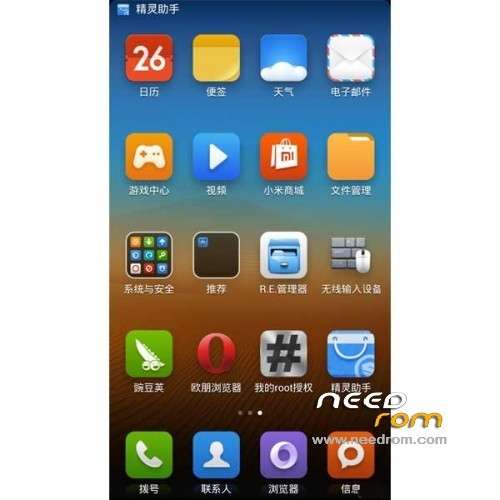
Also, there are a lots of chinese apps in the system, but they can be removed.
So, this is a really good rom, but you shouldn't theme it, because it will be slow