
- Title: LENOVO A830 N7105
- Listed: October, 2013
- Last modified: 10/21/2013 4:57 pm
- Version: ROM Android 4.2.2
You must be logged for ROM download.
16908 total views, 2 today
 Member Info
DESCRIPTION
ROM Phone LENOVO A830 – ROM Android 4.2.2
Features ROM:
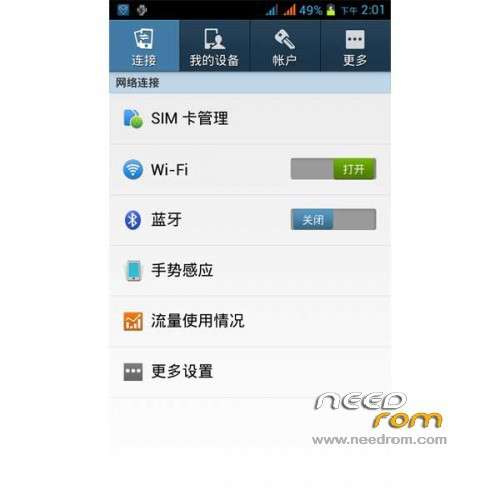
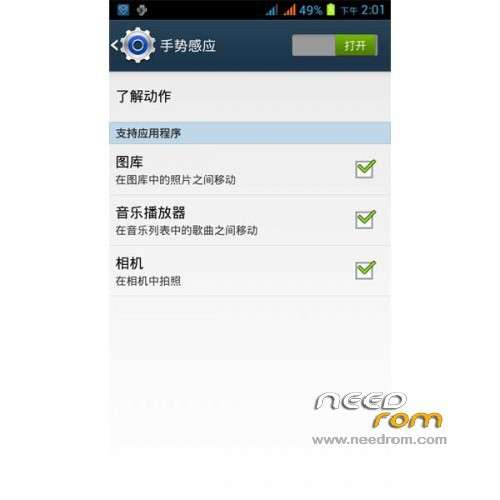
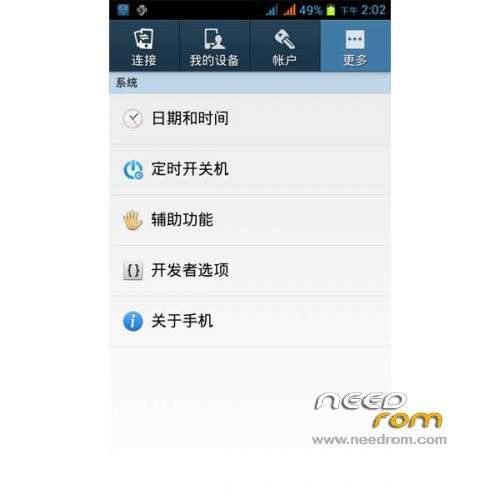
Ported Bluebo N7105 S4 on A830
Gapps include – Rooted
Language support: Multilang
ROM Install :
CWM
Step 1: Download the custom ROM copied to an external SD card root directory
Step 2: the shutdown state. While holding down:
– Power button + volume button up, to enter the recovery mode.
– Wipe Data / Factory Reset -> delete all user data
– Wipe Cache Partition -> Wipe cache
Step 3: Return to recovery main interface Install zip from sdcard -> choose zip from sdcard -> Select your ROM
Step 4: Brush complete, restart the phone Patience required – first boot takes a while
※Please make a backup of your device before installing or updating ROM
I have downloaded a830-S4.zip, and copied the file to sd card.
Whe I did step 2 Power button + volume button up, unfortunately my Lenovo A830 display menu in chinese, there are 7 menu to choose.
Please help to inform and guide step by step menu to choose …
Thanks…
Here's the link that may help you,
https://www.needrom.com/cwm-fo.....r-mtk-platform/
or if you like, you can download this CWM that's in English and use this one instead. This is the one I use on my phone.
http://www.mediafire.com/downl.....-By-Cappa72.img