
- Title: LeWa OS V5
- Listed: August, 2014
- Last modified: 08/16/2014 3:00 pm
- Version: JellyBean 4.2.2
You must be logged for ROM download.
39044 total views, 11 today
5 Total favorites

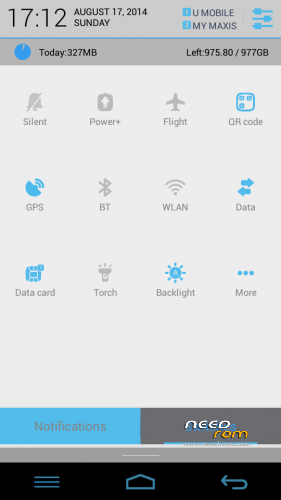
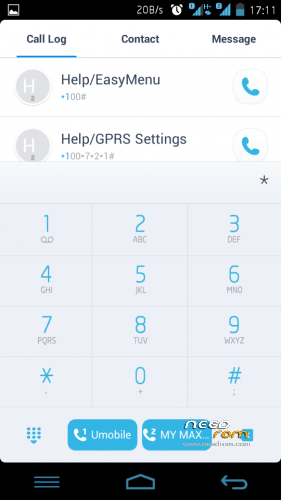
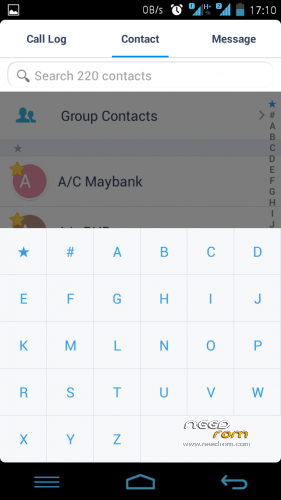
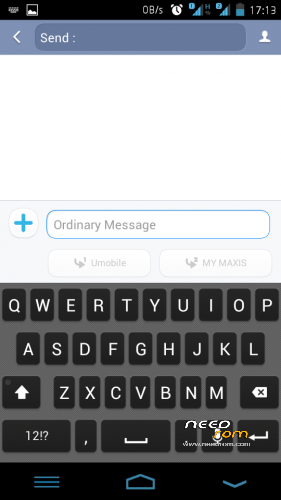


 Member Info
DESCRIPTION
Elegant, Responsive and Intelligible
This ROM is FAST and SMOOTH
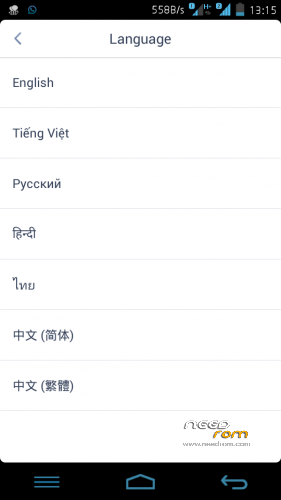
Language – Multilanguage EN RU CN TH
REQUIREMENT
-Rooted devices
WHAT IS WORK
- Everything!
- Move Apps to SD
LIKE MY WORK? Click button DONATE…
Donation are most welcome 
Join Facebook Lenovo ROM MADTeam Malaysia for more ROM
Make Nandroid Backup 1st!!
1. UPDATE RECOVERY
2. FACTORY RESET / WIPE CACHE
3. INSTALL ROM
4. INSTALL GAPPS
5. REBOOT
ENJOY……………………
Update log v1.1
- Messaging & Contact Fix
- Calendar add event Fix
- Keyboard & change language FC Fix
- Some SystemUi change
- Battery off charging animation fix
Download Lewa OS5 update v1.1
Nandroid backup as always!!!
Flash zip (No need factory reset/wipe cache)
※Please make a backup of your device before installing or updating ROM
hello zuell.. when i use sd card 64gb, somtime can detect somtime cannot detect.. why?? or a880 cannot use too big memory? sorry eng not well..hehe..
Not sure chippychips….
Mine is only 16gb and its more than enough for me….
mine is 32gb and its work correctly..
salam semua…
nak tanya la… bole ke rom ni flash guna sp flash tools… nak tukar font macam mana ye… mekasih
SP Flash Tools x pernah cuba
Nak tukar font download Rom Toolbox
zuell, kena buat backup dulu sebelum install update atau x perlu?
Djfakihin
X perlu factory reset/wipe cache…..
Tp seeloknya nandroid backup 1st……
Enjoy…..
nk tgk internal storage xbleh kn ?? so xde risiko memori kad damage ke..??
Boleh Ahmad Bella
Install root explorer
Root/ data/
Mem Card damage tu tak bernasib baik la tu….
nak tanay nak download mana satu rom dan update macam mana nak update copy paste aje ke atau ada cara nak update kari tutorial sikit cara ??????
Download update v1.1(latest)
1.Bkk root explorer n delete folder dlm sdcard/clockworkmod/backup
2.Reboot recovery
3.Nandroid backup again
4.Flash ROM update v1.1(tak perlu wipe)
5.Enjoy
salam zul,
saya dah update ver 1.1. tq for the update. tp masalah microsoft exchange masih lg tak dapat setting.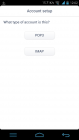
sepatutnya dibawah imap tu terdapat setting untuk microsoft exchange.
walaupun pada screen account terdapat pilihan corporate email, tp saya masih tak dapat sign in account. mohon bantuan dari yang pakar. overall rom ni mmg best dan smooth. tq again.
ridzuan
open root explorer delete file calendar.apk, calendarimporter.apk, calendarprovider.apk
root/system/app
then download email.apk dan exchange.apk below
https://plus.google.com/+Artem.....sts/K99K1jUZ2Dd
Install
Hope this solve your issue
opsss… do not delete the calendarprovider.apk
sorry
hi zuell , still cant login to hotmail using the method above.
Ken
After delete calendar.apk and calendarimporter.apk install email.apk and exchange.apk from link above then install google calendar from playstore…..
Hope this will fix ur issue
salam zul. thanks. problem solved. one more thing, why the weather widget didn't load weather picture
Ridzuan
No need to worry bout weather…
Uninstall it using titanium backup then download other weather from playstore
Now im uploading the new rom which fix all issue earlier…
Just flash without wipe and all the app downloaded before will remain
This is screenshot after install other weather app
hi zuel, the calendar cannot sync with gmail..can u help?
Herman I can sync GMail… please go to setting>account>google
Try snyc from there
Hi
How to remove navi bar at lock screen
pls advice
Hi
You need to modified the framework or install xposed framework module which got a lot of modification…..