
- Title: LENOVO A880 MIUI v5
- Listed: February, 2014
- Last modified: 02/14/2014 1:13 am
- Version: ROM Android 4.2.2
You must be logged for ROM download.
31614 total views, 1 today
9 Total favorites
 Member Info
DESCRIPTION
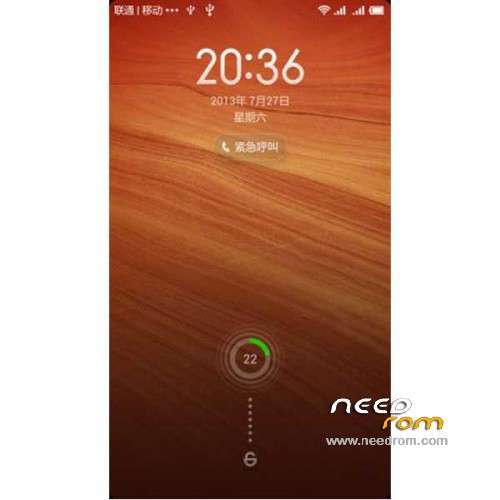
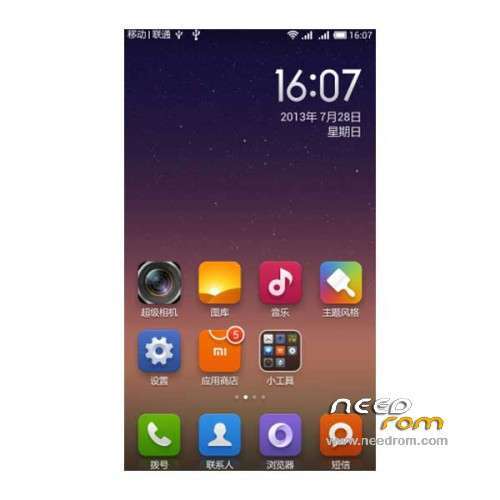
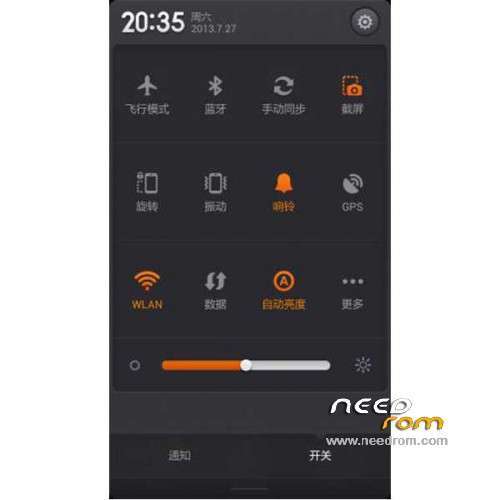
ROM Mobile LENOVO A880 – ROM Android 4.2.2 MIUI
Features ROM:
MIUI v5 – 4.2.11
1, based on the latest version of MIUI V5 transplant production
2, the perfect add ROOT privileges
3, remove the bottom of the virtual keys, true full screen, restore the 6-inch large-screen visual
4, modify the boot screen for the first official Lenovo
5, the default USB debugging turned on, playing machines necessary
6, MIUI original features retained, official controls must collections
7, add the apple iphone mobile phone virtual keys, stunning dot virtual buttons, customizable buttons, and large screen A880 perfect match
8, the external SD interchangeable, external memory card directly to the built-in settings, install software without worrying about lack of memory
9, massive global theme as you choose to download, personalized with Lenovo A880
10, build.prop optimization, including battery saving optimization
11, joined Lenovo super camera
No Gapps – Rooted
Language support: EN/CN
ROM Install : (Recovery CN)
1) Download the custom ROM copied to an external SD card root directory
2) Download the recovery.img ( put in your SD card )
3) Start MobileUncle Tools ( Download on Goolge play )
4) Select Update Recovery ( choose recovery.img )
5) Mobile reboot in CWM and follow the instructions( if recovery is in chinese look tutorial "CWM for MTK Platform" )
Into the recovery:
– Wipe Data / Factory Reset -> delete all user data
– Wipe Cache Partition -> Wipe cache
- Return to recovery main interface Install zip from sdcard -> choose zip from sdcard -> Select your ROM
- Brush complete, restart the phone Patience required – first boot takes a while
※Please make a backup of your device before installing or updating ROM
Why always NO Gapps? Have to put them in or do you provide the GApps zip links please!
is this the same rom found at china website???
Return to recovery main interface Install zip from sdcard -> choose zip from sdcard -> Select your ROM
well, nothing is happening when i press install zip from sdcard, phone freezes …
bluetooth problem…always restart when turn on..
Can fix that problem bro… Cheers
if u don't mind chinese, go on use it. even if you change the language to english, still some of the menu is in chinese. good ROM by the way. thank you uploader.
Can anyone confirmed that sd card switch is working so that application can be installed in external sd card without any issue???
Mcm mn nak download,mmm
Please go this webpage and chose the A880 flavor that you want I suggest that you install the last one 020 version without GApps and then go to this website to get further isntructions MIUI for this model is "mengarut beb,!" (nonsense) :
You will get more headaches than peace of mind!
The XDA port for using the 020 (China Unicom) ROM is at this XDA thread anybody else got any problems please go to the forum thread to request for help this is not the place for discussions as this OP has been collecting ROM fro all over the Chinese sites and postings it here (he is not the ROM cooker), therefore limited support he can give he has 10's of ROM all over NEEDROM sites that he posted and he cannot support them all.
XDA : http://forum.xda-developers.co......php?p=50352804
how to update recovery using mobileuncletools?? Lenovo A880 recovery are not listed..bcoz my model is AP set?
very good but not softkey i use rom uncomfortable
not has softkey use uncomfortable who can reccomended app softkey please