
- Title: Xperia Edition
- Listed: October, 2014
- Last modified: 10/11/2014 6:13 pm
- Version: Jelly Bean 4.2.2
You must be logged for ROM download.
48977 total views, 5 today
23 Total favorites
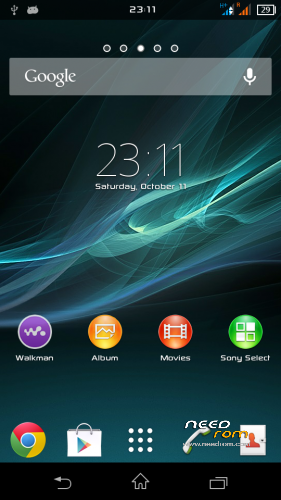
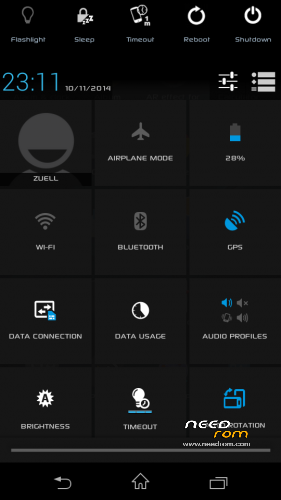
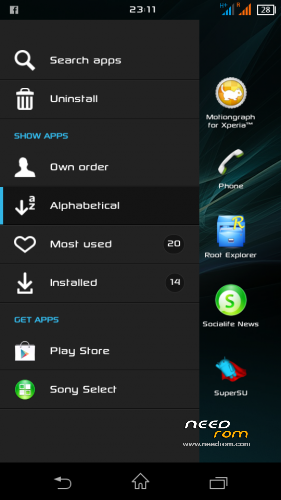
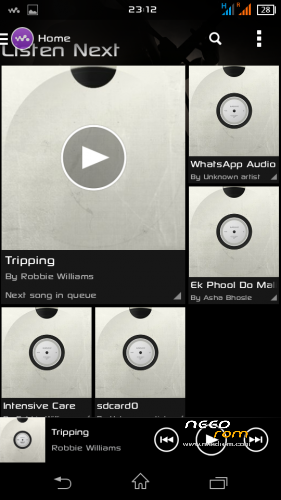
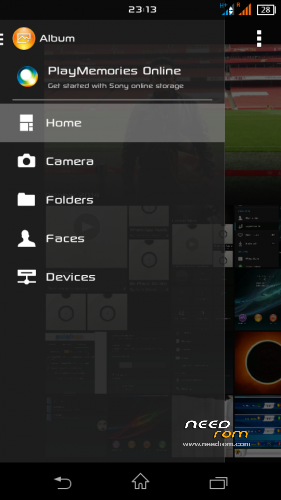
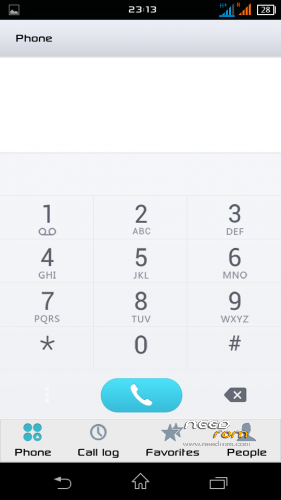
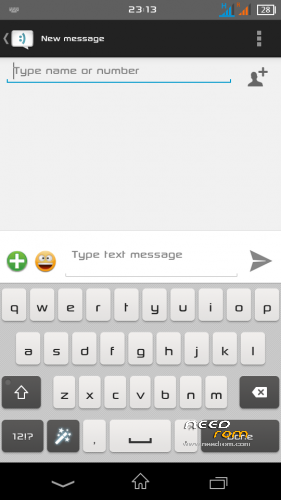
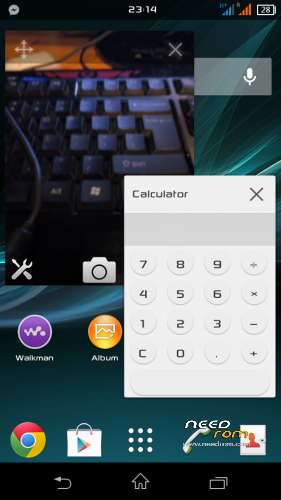
 Member Info
DESCRIPTION
STUNNING FAST ENJOYABLE AND BEAUTIFUL
-Lenovo A880 Xperia Edition-
- Worldwide Multi Language –
Special THANKS to
- Jack Xuchai on early tips to enable navigation bar
- Admin Group Lenovo A880 Users Malaysia for their hard work on testing from the BAD until became a GOOD ROM
- Zahin Asyraf for the Navigation Bar (You make this ROM ROCK!!)
REQUIREMENT
-Rooted devices
WHAT IS WORKING
- Everything!
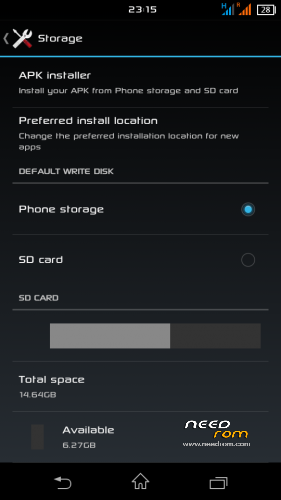
- Install Apps to SD
WHAT IS NOT
- Tell Me
WHAT IS DIFFERENT
- Video Call
- Sim2 signal H+
LIKE MY WORK? Click button DONATE…
Donation are most welcome 
Join Facebook Lenovo ROM MADTeam Malaysia for more ROM
CONFIRM WHAT IS BUG
-Lockscreen
-Walkman Music info stopped
SOLUTION
Fix music info stopped
Enter recovery and flash zip
http://www.mediafire.com/download/ra2s4f0wt9ya1qa/%5B4.2%2B%5DXperia_Z2_WALKMAN_v1.7_By_ibanez7.zip
Lockscreen Fix
Download Xperia lockscreen from playstore(recommended)
YOU HAVE BEEN WARNED…..!!
Make CWM/TWRP Backup 1st!!
IF FROM OLD XPERIA JUST FLASH ZIP WITHOUT FULL WIPE
PLEASE REMOVE ANY SIM LOCK SECURITY BEFORE ENTERING RECOVERY!
1. FACTORY RESET / WIPE CACHE
2. INSTALL ROM
3. REBOOT
4. BOOT WILL TAKE 2-3 MIN… MAKE A COFFEA
ENJOY……………………
PLEASE FOLLOW BELOW STEP CLOSELY TO MAKE YOUR DEVICE WORKING….!!
1. ONCE BOOT DO NOT LOCK PHONE AND DO SETUP WIZARD WITHOUT ADDING GMAIL ACCOUNT (can do it later)
2. GO TO SETTING>SECURITY
-Screen lock set NONE
-Turn ON App permissions
※Please make a backup of your device before installing or updating ROM
Zuell, thank you for nice ROM but i can't send SMS at Call Log only Voice Call & Video Call
Happysky
Yes you can…
At call log touch on the picture then send SMS…..
Apa yg perlu buat utk masukkan xperia ni…
Sir.if can solve lock screen without 3rd party software will be more perfect and excellent
dear zuell,
cannot use gmail, outlook app downloaded from appstore….some other apps can use but will crash once activated….such as Alert.me….terima kasih ya
Razielle
Yes you can use gmail apps after turn on gmail sync also the outlook email apps….
Can give the list of others apps?
thank you.
zuell what new in A880_Xperia_Edition_update ??
must flash it??
Farez
Fix lagging, battery and navigation bar….
Yes sure you need the updated ROM
thanx zuell..how about tron v3??
can anyone help me? why when i want flash this rom just say abort?? T_T so many time i'll do its just failed… my cwm was touch screen i forgot what name that cwm..
Xahsan
Use normal CWM or TWRP recovery
THANKS MALAYSIA
this one can move averthing to memory card?
zuell : i dont know how to make its back to normal cwm.. n how to use TWRP? i already flash my a880 with s027before this i flash its with miui v5 with octa update.. ermmm.. sory about to much ask..