
- Title: Xperia Edition
- Listed: October, 2014
- Last modified: 10/11/2014 6:13 pm
- Version: Jelly Bean 4.2.2
You must be logged for ROM download.
48977 total views, 5 today
23 Total favorites
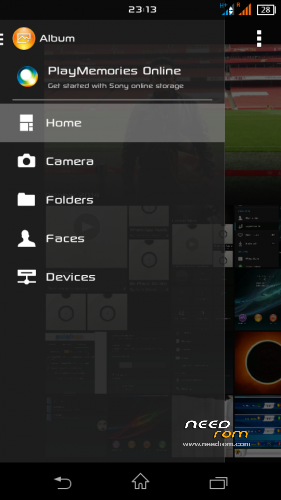
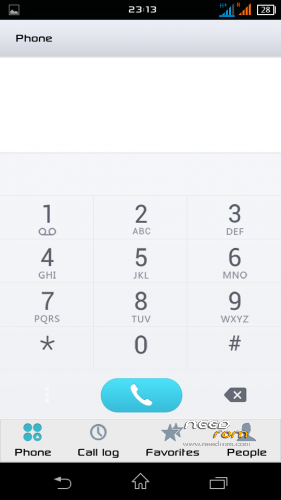
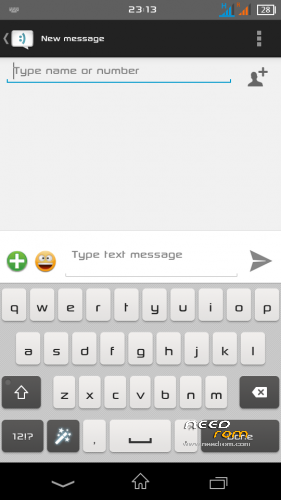
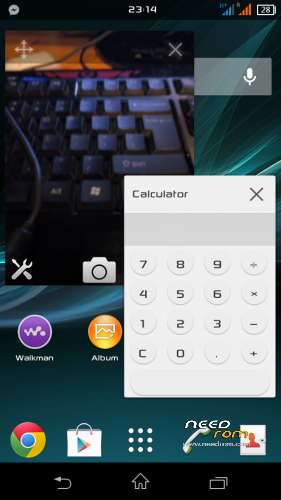
 Member Info
DESCRIPTION
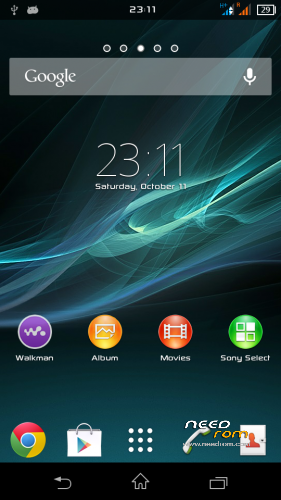
STUNNING FAST ENJOYABLE AND BEAUTIFUL
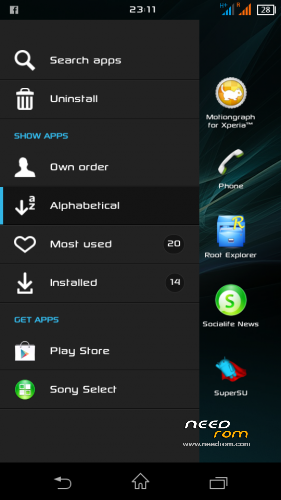
-Lenovo A880 Xperia Edition-
- Worldwide Multi Language –
Special THANKS to
- Jack Xuchai on early tips to enable navigation bar
- Admin Group Lenovo A880 Users Malaysia for their hard work on testing from the BAD until became a GOOD ROM
- Zahin Asyraf for the Navigation Bar (You make this ROM ROCK!!)
REQUIREMENT
-Rooted devices
WHAT IS WORKING
- Everything!
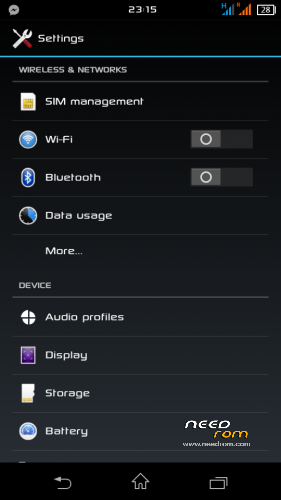
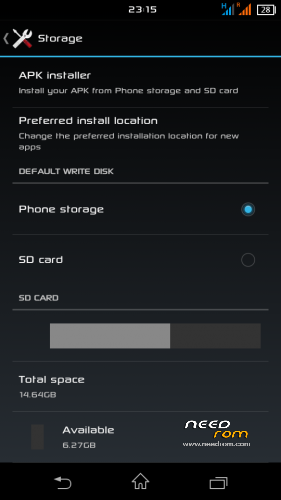
- Install Apps to SD
WHAT IS NOT
- Tell Me
WHAT IS DIFFERENT
- Video Call
- Sim2 signal H+
LIKE MY WORK? Click button DONATE…
Donation are most welcome 
Join Facebook Lenovo ROM MADTeam Malaysia for more ROM
CONFIRM WHAT IS BUG
-Lockscreen
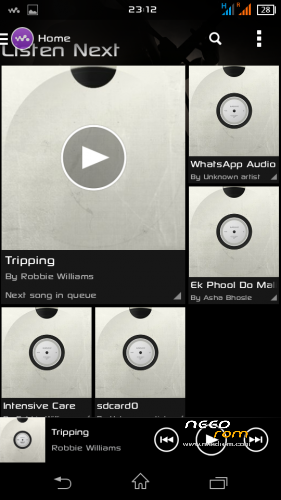
-Walkman Music info stopped
SOLUTION
Fix music info stopped
Enter recovery and flash zip
http://www.mediafire.com/download/ra2s4f0wt9ya1qa/%5B4.2%2B%5DXperia_Z2_WALKMAN_v1.7_By_ibanez7.zip
Lockscreen Fix
Download Xperia lockscreen from playstore(recommended)
YOU HAVE BEEN WARNED…..!!
Make CWM/TWRP Backup 1st!!
IF FROM OLD XPERIA JUST FLASH ZIP WITHOUT FULL WIPE
PLEASE REMOVE ANY SIM LOCK SECURITY BEFORE ENTERING RECOVERY!
1. FACTORY RESET / WIPE CACHE
2. INSTALL ROM
3. REBOOT
4. BOOT WILL TAKE 2-3 MIN… MAKE A COFFEA
ENJOY……………………
PLEASE FOLLOW BELOW STEP CLOSELY TO MAKE YOUR DEVICE WORKING….!!
1. ONCE BOOT DO NOT LOCK PHONE AND DO SETUP WIZARD WITHOUT ADDING GMAIL ACCOUNT (can do it later)
2. GO TO SETTING>SECURITY
-Screen lock set NONE
-Turn ON App permissions
※Please make a backup of your device before installing or updating ROM
why i cant find my gps location….always said looking for gps location…??
link please
Hy, does this ROM Worked om LENOVO A8 Warrior / A806?
Please do not try it on other phone…. will ruin your life for a while Ralf.K
Nice.. Tpi btol ke
Rear :8mp
Front :2mp
http://www.mudah.my/Lenovo+a88.....ia-31721746.htm
how to disable navibar forever?
thank you
poxar01
Can disable it using build.prop
Hi Zuell, currently using it after LEWA rom.
This rom consuming more ram in default, due to better resolution in launcher apps icons, I installed master clean to clear ram whenever needed, I have followed your instructions on GPS and lock screen settings step, this rom now is my most tasteful so far compare to Lewa, cwm, miui, stock.
I suggest every a880 should try this rom, great job.
and
Zuell, can you suggest me what Widget can i use to clean up the ram. Widget should be fine because i need 1 click only like the cleaner in Lenovo Original rom.
Btw zuell, really nice rom, thumbsup. and thank you.
hye zuell tak ade buat untuk lenovo a536 xperia editon?
nmpak smart la pkai xperia edition ni…nak pakai phone xperia x duit..
tq very much….love it
Thank you zuell. Great work. I've switched from Manur to Xperia Edition. Everything works fine so far (second day). Just one small problem.
Black lock screen after activating SIM card PIN. There is no possibility to enter PIN code. Turning off PIN code for SIM on other phone solves the problem. But I have to paid extra for premium services so I'd like to set security PIN number for SIM card.
confirmed and tested on A889
Bug :
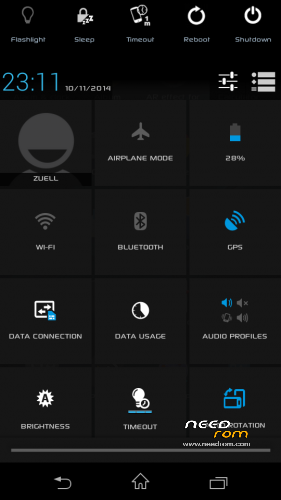
the area of the profile,brightness etc.. only showed up on first boot after that just empty ( confirmed tried flashing a couple times ). zuell can u fix it or can give a solution to solve this. hope u will reply this. thank..nice rom.
ok already solve this problem.
using gravity box-quicksetting management-statusbar quicksettings tiles-choose the tile that u want.