
- Title: LENOVO K860
- Listed: May, 2013
- Last modified: 07/04/2013 1:42 am
- Version: ROM Android 4.2.1
You must be logged for ROM download.
42517 total views, 2 today
 Member Info
DESCRIPTION
ROM LENOVO K860 – ROM Android 4.2.1
Update Official Lenovo K860 Version: K860_1_S_2_003_0056_130702
————————————————————————————————————————————-
Update Official Lenovo K860 Version: K860_1_S_2_003_0020_130605
Changelog:
1 A radio difficult to search, no sound, and can not quit
2 does not support the electronic compass, but there are "Lenovo Compass" on the desktop
3 Bluetooth can not be opened
4 black boot animation finishes playing
5 Chi tone on invalid
6 SD card reader fails
5 User Experience Class
7 boot black screen time is too long
8 Settings -> About phone -> Status information in the signal strength display problems
9 charging long press, the more likely closer to lapse charging position
10 Clover lock screen without unlocking
11 default desktop add something, sad empty
12 Super camera how can zoom into x4, before you can x5 (Did I remember correctly?)
13 Turn on the camera and photo album Super less than 2 minutes off I would go like hot
14 signal is weak
15 deep standby wake up the screen difficult
16 when the camera shutter sound can be set to turn on or off
————————————————————————————————————————————-
Official Lenovo ROM Version: K860_1_S_2_003_0007_130524
Language support : EN/CN
Rom install :
Step 1: Download the ROM copied to an external SD card root directory
Step 2: the shutdown state. While holding down:
– Power button + volume button up, to enter the recovery mode.
– Wipe Data / Factory Reset -> delete all user data
– Wipe Cache Partition -> Wipe cache
– Advanced -> Wipe Dalvik Cache
Step 3: Return to recovery main interface Install zip from sdcard -> choose zip from sdcard -> Select your ROM
Step 4: Brush complete, restart the phone Patience required – first boot takes a while
GAPPS ( look in Menu categories -> GAPPS )
- Turn off the machine.
- Boot into recovery by Vol + and Power.
- Moving light bars to Recovery . Press power to select.
- The machine will reboot and the Clockwork Recovery Mode.
- Choose Install zip sdcard .
- Select choose zip from sdcard .
- Moving light bars gapps.zip package copied to the phone earlier.
- Flash
※Please make a backup of your device before installing or updating ROM
how can i install root?
Which one is updated. Can i just download the link of lenovo k860. Or. Update 06 or 07 (date)
should i root the phone first ??? any advice …. hellooooo
i already downloaded the files but its in .zip format can i just rename it to .szb ?????
i downloaded google play store. but it closed immediately after i click it. any idea how to make it work?
Can you help uz give the link to download googe play store with this version..the gapps..tnx.
Hi Needrom team your work is great.
i install this rom to my K860, everything is fine but i have face one probleam this rom not support google services. please suggest to me how to solve this Error. pls pls pls
chinese version with no playstore??
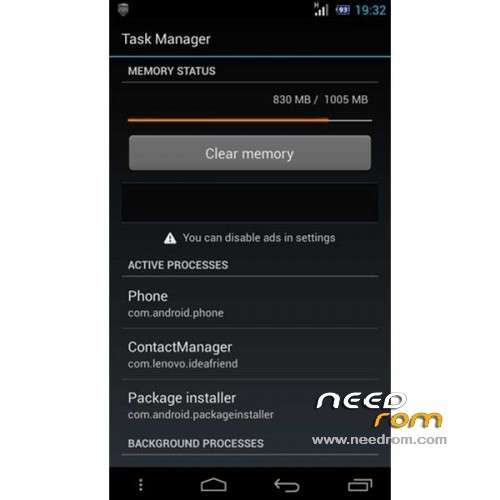
i have tried the 4.2.1 and it looks cool at first but it consumes alot of ram. i can not even play games anymore. now i want restore it to 4.0. but i dont know how. help would be much appreciated. thnx. and god bless.
google play store not working closing immediately. any fix?
messenger apk is not recognize by this rom. any fix?