
- Title: Lenovo K910 4.4.2 1423 Multilang GAPPS
- Listed: May, 2014
- Last modified: 06/08/2014 8:46 pm
- Version: ROM Android 4.4.2
You must be logged for ROM download.
91659 total views, N/A today
115 Total favorites


 Member Info
DESCRIPTION
ROM for Lenovo K910 – Android 4.4.2
————————————————————————————————————————————————–
Official Lenovo K910 VIBEUI_V1.5_1419_4_K910_01B2.zip
PLUS :
Gapps included
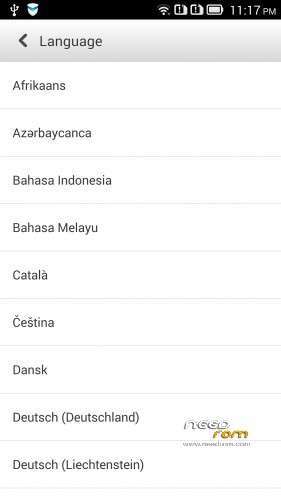
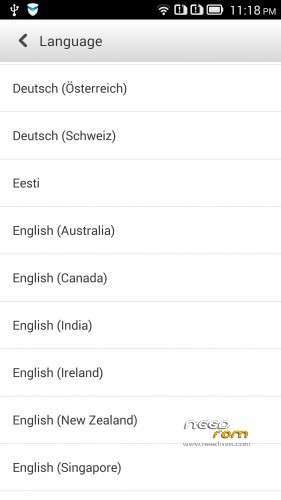
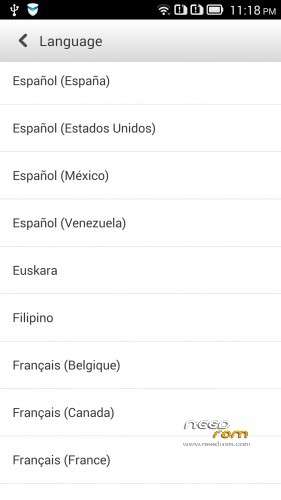
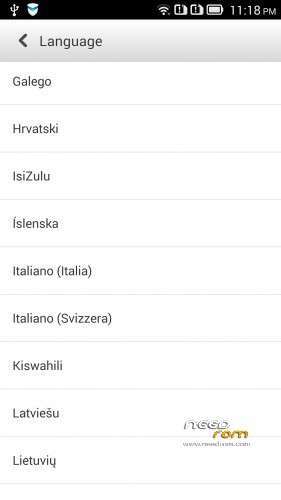
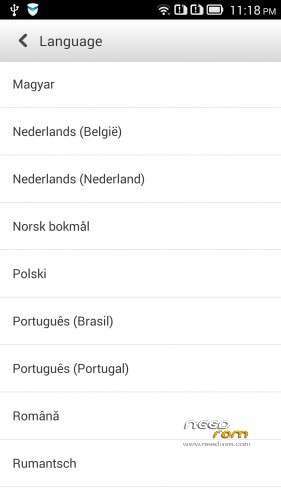
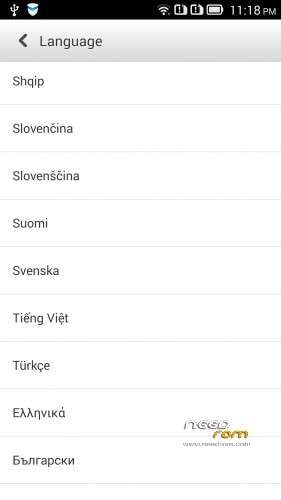
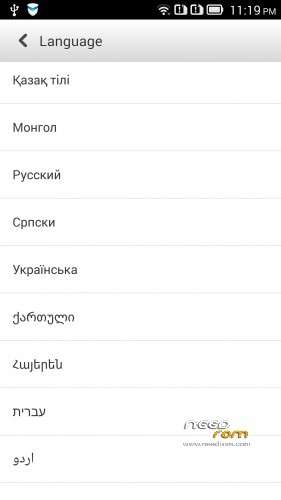
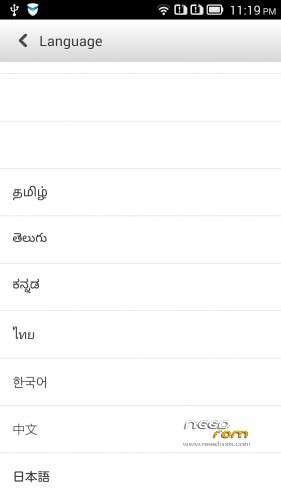
Language support: Multilang (about 70 languages)
This rom is rooted (if you want)
Removed all unusable app
V2 :
Base : VIBEUI_V1.5_1420_4_ST_K910_NK_W_E2D0.zip
Changed the gallery and camera app, and ideaFriend app to latest version
fixed the GSM switch problem
many user request for me the LenovoMusic.apk, so I did not delete this in the rom!
If you installed the older 4.4.2, then first have to back 4.2.2! Description bottom of this page!
Te password same than old version!
V3:
Base : VIBEUI_V1.5_1421_3_DEV_K910_9721.zip
Fixed the Hungarian, Hebrew and the Russian language
V4: Base VIBEUI_V1.5_1423_10_ST_K910_D7B7
Fixed Russian ideaFriend problem
Fixed crach with Hebrew language
Install 4.4.2 ROM :
- Download all files
- boot into bootloader (adb reboot-bootloader)
- boot into CWM recovery (fastboot boot cwm_recovery_custom.img)
- flash the rom with recovery (adb sideload filename, or from SD)
- Wipe data factory reset in recovery mode! (IMPORTANT!!!)
- If you want to root, then flash the UPDATE-SuperSU-v1.94.zip
- Reboot
If your phone do not boot into CWM, then first install this 4.2.2 ROM to your phone :
- extract the files
- copy to SD/sdfuse folder the K910_SS_S_2_040_0109_131226.qsb file
- switch off the phone
- push together the power and volume down button
- if the phone switched on, choose the 4. SD Update and follow the instruction
- reboot
- Now go to install the 4.4.2
if you do not have adb, fastboot, then use what I upload here!
IMPORTANT!
The ROM is password protected!
I will give the password if you donate to me via paypal 2-xx USD
I worked hard on this rom, so please understand this!
Access only to this ROM via donation to "baralajbi".
※Please make a backup of your device before installing or updating ROM
Just donate -ID #6S848394HE605552J..send the password please
Whare can i donate for you can get the password ?
Followed guide and couldnt root "- If you want to root, then flash the UPDATE-SuperSU-v1.94.zip" since after rom installation, there is no SuperSU v1.94.zip in internal memory, complete wipe
Is it possible to root VIBEUI_V1.5_1420_4_ST_K910_NK_W_E2D0.zip ?
yes possbile! I do this 3 times, so work!
Then something is wrong, after installion of rom i got:
Install from sdcard complete.
No files found.
I cant enter /sdcard/0/ No files found where i put SuperSu.zip. How can root ?
Thank you in advance.
Confirmation number: 91P908223A2351254.
Have sent a donation as above for the password please.
Thank you
Confirmation number: 5M143052WM5022545
Have sent a donation as above for the password please.
Thank you
The ROM is password protected!
I will give the password if you donate to me via paypal 2-xx USD
I worked hard on this rom, so please understand this!..huuuuuu..
Tried to Flash SuperSU-v1.94.zip but Installation was aborted. Is there any help?
follow instruction and everything goes smooth..
1. copy to SD/sdfuse folder the K910_SS_S_2_040_0109_131226.qsb (this will downgrade to 4.2.2)
2.install adb-fastboot in your computer and copy recovery-clockwork-6.0.4.6-kiton.img to installation folder.
3.click adb-fast boot and type in cmd (adb reboot-bootloader) then type (fastboot boot cwm_recovery_custom.img)
4. using your phone, select install from sd. select the rom.
5. after finish, Wipe data factory reset in recovery mode! (IMPORTANT!!! otherwise u cannot root)
6. select install from sd. select updatesu.zip.
7. reboot and finish
thank you very much for the effort and speed of updates
Confirmation number: 7U875620WY803715A
Thx !!
when i type fastboot boot recovery.img, it stuck at waiting for device. i'm from 1407, so i need to update to ss_s_2 first?
Yes, all you have to start over
K910_SS_S_2_040_0109_131226.qsb
On the basis of upload the 4.4.2