
- Title: Lenovo K910 4.4.2 1423 Multilang GAPPS
- Listed: May, 2014
- Last modified: 06/08/2014 8:46 pm
- Version: ROM Android 4.4.2
You must be logged for ROM download.
91664 total views, 16 today
115 Total favorites



 Member Info
DESCRIPTION
ROM for Lenovo K910 – Android 4.4.2
————————————————————————————————————————————————–
Official Lenovo K910 VIBEUI_V1.5_1419_4_K910_01B2.zip
PLUS :
Gapps included
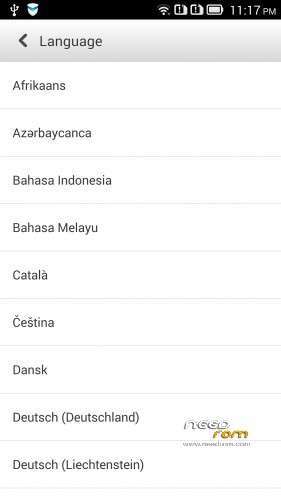
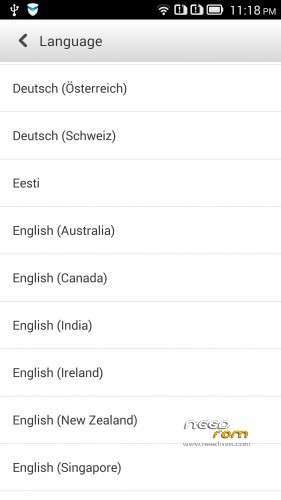
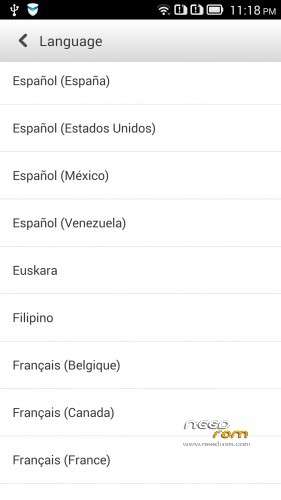
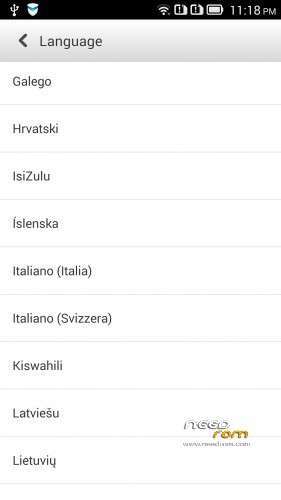
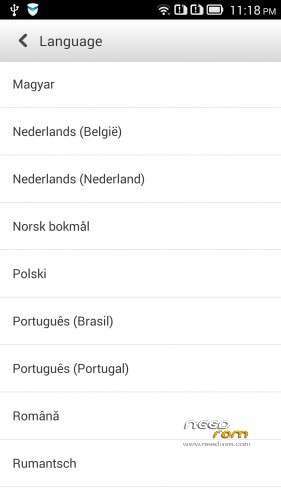
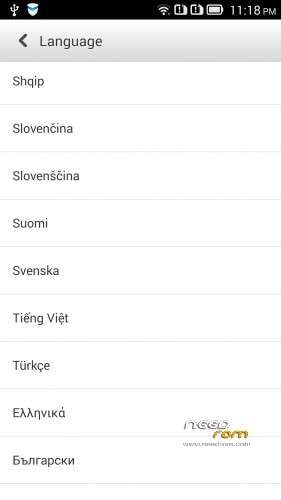
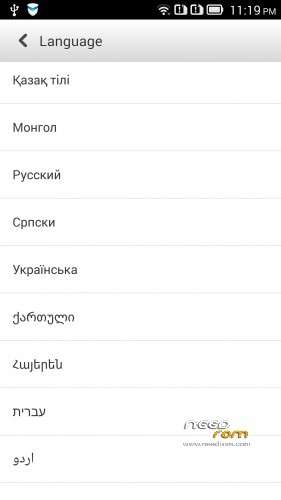
Language support: Multilang (about 70 languages)
This rom is rooted (if you want)
Removed all unusable app
V2 :
Base : VIBEUI_V1.5_1420_4_ST_K910_NK_W_E2D0.zip
Changed the gallery and camera app, and ideaFriend app to latest version
fixed the GSM switch problem
many user request for me the LenovoMusic.apk, so I did not delete this in the rom!
If you installed the older 4.4.2, then first have to back 4.2.2! Description bottom of this page!
Te password same than old version!
V3:
Base : VIBEUI_V1.5_1421_3_DEV_K910_9721.zip
Fixed the Hungarian, Hebrew and the Russian language
V4: Base VIBEUI_V1.5_1423_10_ST_K910_D7B7
Fixed Russian ideaFriend problem
Fixed crach with Hebrew language
Install 4.4.2 ROM :
- Download all files
- boot into bootloader (adb reboot-bootloader)
- boot into CWM recovery (fastboot boot cwm_recovery_custom.img)
- flash the rom with recovery (adb sideload filename, or from SD)
- Wipe data factory reset in recovery mode! (IMPORTANT!!!)
- If you want to root, then flash the UPDATE-SuperSU-v1.94.zip
- Reboot
If your phone do not boot into CWM, then first install this 4.2.2 ROM to your phone :
- extract the files
- copy to SD/sdfuse folder the K910_SS_S_2_040_0109_131226.qsb file
- switch off the phone
- push together the power and volume down button
- if the phone switched on, choose the 4. SD Update and follow the instruction
- reboot
- Now go to install the 4.4.2
if you do not have adb, fastboot, then use what I upload here!
IMPORTANT!
The ROM is password protected!
I will give the password if you donate to me via paypal 2-xx USD
I worked hard on this rom, so please understand this!
Access only to this ROM via donation to "baralajbi".
※Please make a backup of your device before installing or updating ROM
hi,
this is the reference of my donation: 6NJ159350A762405T
i have now the viberom_v1.0_1407_2_st_k910.
do you think i need to start from the K910_SS_S_2_040_0109_131226 or i can proceed with the normal procedure in the first post?
moreover, does the 1421 contain the changes reported for the 1420 reported in the first post?
Donated confirmation number: 7P552994L7923723M. Waiting for PW.
Donation done - 8ES198950M3596109
hi, will i receive a PM with password?
i have already made the donation.
I believe we all will – am also waitingo for the pass. The dev seems to be active every day, so maybe we will have it soon.
Does this ROM lock bootloader and erases everything from internal sd card? Why so?
Donation done – 80J72170MA283835B
hi, great job.
why not to complete it with a video guide in youtube explaining the procedure?
thanks
Hello, I have just donated. Please send me the password. Thank you
hi all,
these are the instructions:
1. copy to SD/sdfuse folder the K910_SS_S_2_040_0109_131226.qsb (this will downgrade to 4.2.2)
2.install adb-fastboot in your computer and copy recovery-clockwork-6.0.4.6-kiton.img to installation folder.
3.click adb-fast boot and type in cmd (adb reboot-bootloader) then type (fastboot boot cwm_recovery_custom.img)
4. using your phone, select install from sd. select the rom.
5. after finish, Wipe data factory reset in recovery mode! (IMPORTANT!!! otherwise u cannot root)
6. select install from sd. select updatesu.zip.
7. reboot and finish
when i follow the instructions i have a problem: Wipe data factory reset in recovery mode!
when i wipe data, i delete also the updatesu in the sdcard.
how to solve it?
there is the possibility to root after the rebboting, or i have to start from the scratch?
first vipe-do not go out of CWM!
then adb Sideload Su update
Now reboot