
- Title: Lenovo K920
- Listed: September, 2014
- Last modified: 07/14/2022 8:57 am
- Version: ROM Android 4.4
You must be logged for ROM download.
56801 total views, 2 today
24 Total favorites
 Member Info
DESCRIPTION
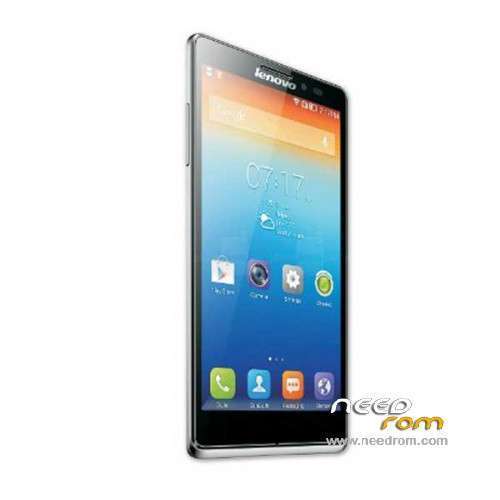
ROM Lenovo K920 / Vibe Z2 Pro - ROM Android 4.4
Update Official ROM Lenovo K920 / Vibe Z2 Pro version: K920_USR_S288_1602242100_Q4260.1_ROW_qpst
Gapps include – No Rooted
Language support: Multilang
Rom install :
QPST
1.Connect your phone to PC and let the driver install
2.Install QPST
3.Open QPST Configuration -> Add new port -> Select the com port of your device -> exit
4.Go to Start -> All Programs -> QPST eMMC Software Download open the tool -> Check program boot loaders -> Browse for the device com port
5.Click Load XML def and browse for rawprogram0.xml in folder ROM
6.Click Load Patch def and browse for patch0.xml in folder ROM
7.Check the search path 2 and browse for the folder ROM
8.Now click download, wait for the download to finish (it never finish but it also detects for a new driver, and that’s important)
and it will search for the new hardware found, install the driver
——————————————————————————————————————————————————
Add another Official ROM Lenovo K920 / Vibe Z2 Pro version: K920_ROW_S143_150211-qsb_user_1502111023
Gapps include – No Rooted
Language support: Multilang
Install with QSB Method
——————————————————————————————————————————————————
Update Official ROM Lenovo K920 / Vibe Z2 Pro version: K920_USER_S143_1412231450_3030446_ST_TS_CN
Gapps not include – No Rooted
Language support: EN/CN
Rom install :
Install with QSB Method :
Need a memory card, create folder sdfuse and copy to install on this ROM (QSB tailed).
a) normal phone boot into Android OS, use a USB cable to connect PC, the pop-up screen, select USB mass storage devices, and turn on USB storage device;
b) New sdfuse folder, unrar the downloaded firmware, and copied file QSB to the phone sdfuse directory;
Note: Make sure before upgrading phone there is a certain amount of power
2. T card upgrade process
Long press VOLUP + POWER_KEY enter droidboot, a menu appears and select the fourth SDUPDATE, the bottom of the screen you can see the progress and status upgrade
See "SDCARD UPDATE SUCCESS!!!" Indicates a successful upgrade
——————————————————————————————————————————————————
Official ROM Lenovo K920 / Vibe Z2 Pro version: K920_ROW_S126_140825
Gapps include – No Rooted
Language support: Multilang
Install ROM :
install with QMSCT_DL_EMMC_TOOLnew.exe.
Look file Qualcomm EMMC.pdf for installed ( No Translation )
※Please make a backup of your device before installing or updating ROM
cn…?
Hi,
I have spent like8 hours now to try to get to work but nothing… I have translated the pdf but what ver i do, i get "FAIL"
I need addvice and help please
Hi,buy here http://www.aliexpress.com/stor.....2263034891.html
I had help from a native Chinese and we still cant get it to work…..
Hello,
Can you help me to use step by step the QMSCT_DL_EMMC_TOOLnew.exe to install rom ?
Thank you
No way to install this rom. "Qualcomm HS-USB QDLoader 9008" not actived in my device manager.
Demonstration that don't work : https://www.youtube.com/watch?.....v=zVlWbyF1mSQ
I have in my K920 newest version S1437, is there any way to backup it?
Very big challenge to upgrade/backup this K920 phone. See on many blogs
http://www.aliexpress.com/stor.....2263034891.html
Please give instruction on how to update using that tool.Using Vibe z2 pro
Please got to lenovo forum and you will know how to do this
https://forums.lenovo.com/t5/K...../1762133/page/3