
- Title: Lenovo P770
- Listed: March, 2013
- Last modified: 03/18/2013 12:28 am
- Version: ROM Android 4.1.1
You must be logged for ROM download.
19012 total views, 1 today
 Member Info
DESCRIPTION
ROM Mobile Lenovo P770 – ROM Android 4.1.1
Model name:Lenovo P770
Andrews version:4.1
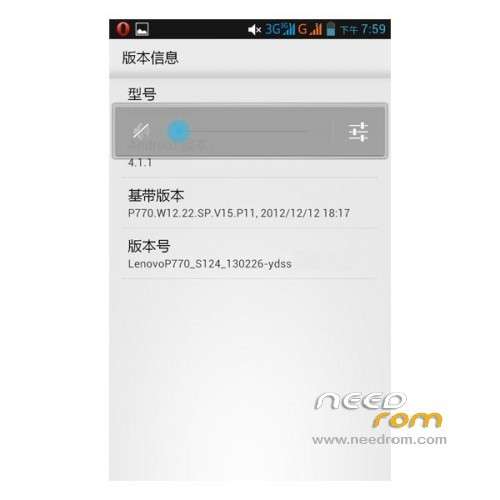
ROM version number:LenovoP770_S124_130308
Based on the official version:s124
ROM features :
- rom based on official S124 Android 4.1 version, streamlined + rapid + landscaping, stable power saving and smooth, rom, only 226M.
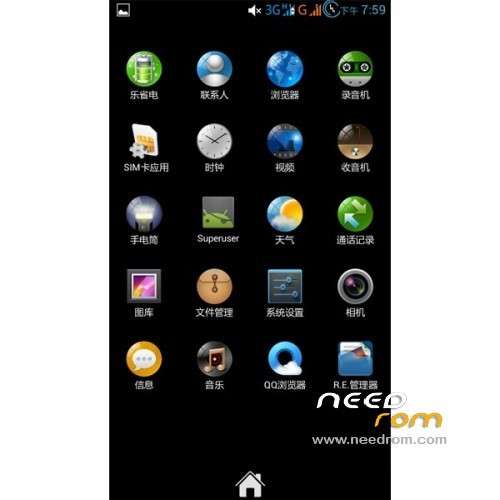
- Style of desktop housekeeper, more compact and practical
- join some other practical software
- on a column of figures charge, double circle digital battery, charging will display digital power
- integrated CPU frequency adjustment software, do not play games, can down- used to reduce power
- join SMS automatically pop-up software, easy to use. .
- All procedures were ziplagin processing speed speed up, just when you first start slow
- obtain permanent root default Baidu input method , using the latest version of the Superuser3.1.3 update binary su file more fluid to obtain the highest authority !
- adding new hosts, can shield more advertising;
- optimize modify the kernel, add the init.d script support.
- join the Sony BRAVIA ENGINE picture quality optimization engine, the screen sense more shocking!
- to modify the boot animation to
- optimize GPS positioning parameters welcome boot animation replace the corresponding conf faster positioning, optimizing Internet parameters, Internet faster
Lanugague support: EN/CN
Install ROM :
Step 1: Download the custom card brush ROM copied to the external SD card root directory
Step 2: The shutdown state, the data line one end of the phone, one end of the computer’s ports, long press on the power button + volume key, mode enter recovery Brush.
Some mobile phones can be inserted without direct key combination data lines into the recovery, please know.
The ROM default clear user data and cache, must make a backup before Brush!
Step 3: Brush finished, restart the phone
or
Flastools
Select a the in MT6577_Android_scatter_emmc.txt in Recovery with Flashtools
Click Flash_tool.exe interface Firmware-> Upgrade
Phone after taking the battery in put something
Connect the data cable
Brush finished with green circles appears
※Please make a backup of your device before installing or updating ROM
Is "Recovery" img. file corupted or unknown format?
Hello,
I tried everything I know to install this ROM, but I failed with both methods explained above. Can somebody post a step-by-step method to install this rom?
Many thanks.
jakim programem otworzyć Odzyskiwanie ?
what program to open the Recovery?
Very good and very stable. Thank you.
The future may enter and Romanian