
- Title: Lenovo P770
- Listed: March, 2013
- Last modified: 04/02/2013 8:25 pm
- Version: ROM Android 4.1.1
You must be logged for ROM download.
18252 total views, 1 today


 Member Info
DESCRIPTION
ROM Lenovo P770 – ROM Android 4.1.1
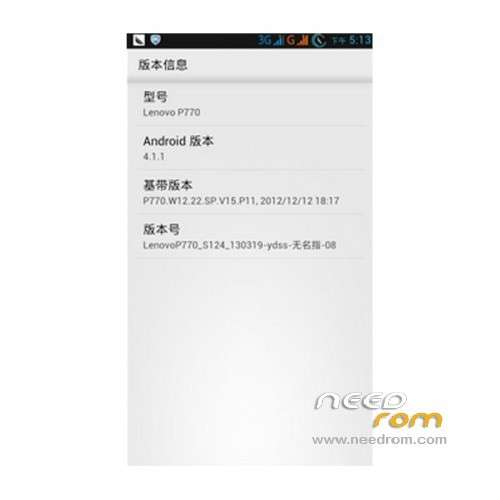
Model name:Lenovo P770
Andrews version:4.1
ROM Author:Ring finger
ROM version number:LenovoP770_S124_130319-ydss-ring finger -08
Based on the official version:s124
ROM features :
Update 04/03 V10
Fix wifi google apps ……..
V 08
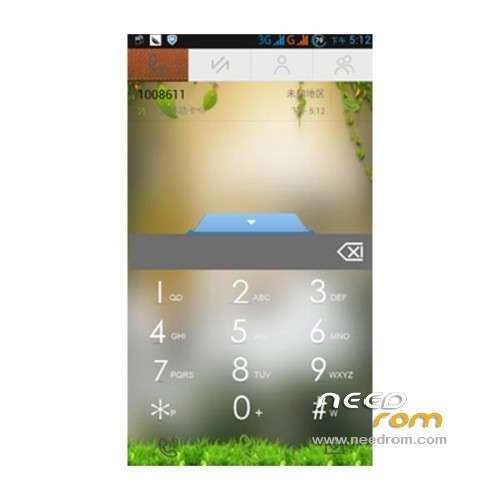
- small fresh landscaping, global transparent dial SMS to beautify specific look at the screenshot, with the second set theme better
- Advanced Power software Brush to restart shutdown more convenient liberation power button
- APEX starter, minimalist ISC style
- digital power, the double circle digital power, charging will The The digital power
- program the ziplagin handling, speed speed up, slow only the first time you start, we do not worry Kazakhstan
- default Baidu input method, we manually open more smoothly
- to obtain permanent root using latest version Superuser3.1.3, update binary su file to get the highest authority!
- adding new hosts, can shield more advertising;
- optimize modify the kernel, add the init.d script support.
- join the Sony BRAVIA ENGINE picture quality optimization engine, the screen sense more shocking!
- to modify the boot animation to optimize GPS positioning parameters for Samsung boot animation
- replace the corresponding conf positioning faster, optimize Internet parameters the Internet faster
Language support: CN/EN
Install ROM :
Step 1: Download the custom card brush ROM copied to the external SD card root directory
Step 2: The shutdown state, the data line one end of the phone, one end of the computer’s ports, long press on the power button + volume key, mode enter recovery Brush.
Some mobile phones can be inserted without direct key combination data lines into the recovery, please know.
The ROM default clear user data and cache, must make a backup before Brush!
Step 3: Brush finished, restart the phone
or
Flastools
Select a the in MT6577_Android_scatter_emmc.txt in Recovery with Flashtools
Click Flash_tool.exe interface Firmware-> Upgrade
Phone after taking the battery in put something
Connect the data cable
Brush finished with green circles appears
※Please make a backup of your device before installing or updating ROM
how to start recovery?