
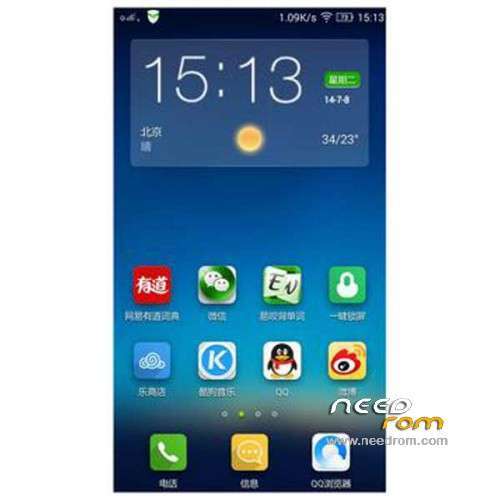
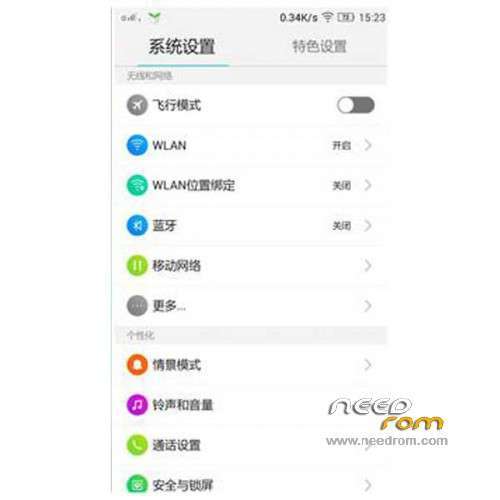
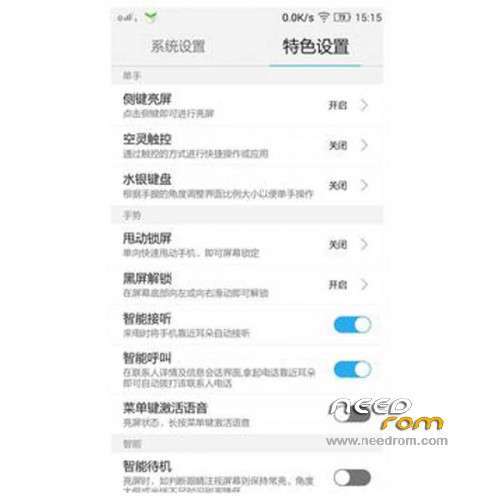
- Title: LENOVO S820 VibeUI 2.0
- Listed: July, 2014
- Last modified: 03/20/2015 1:12 am
- Version: ROM Android 4.4.2
You must be logged for ROM download.
99391 total views, N/A today
163 Total favorites
 Member Info
DESCRIPTION
ROM Phone LENOVO S820 – ROM Android 4.4.2
ROM features:
Update Official Lenovo S820 VibeUI 2.0 version: VIBEUI_V2.0_1512_ST_S820 ( Stable version )
——————————————————————————————————————————————–
Official Lenovo S820 VibeUI 2.0 version: VIBEUI_V2.0_1507_DEV_S820 ( Developer version )
Gapps not include – Not Rooted
Language support: EN/CN
ROM Install :
CWM
Step 1: Download the custom ROM copied to an external SD card root directory
Step 2: the shutdown state. While holding down:
– Power button + volume button up, to enter the recovery mode.
– Wipe Data / Factory Reset -> delete all user data
– Wipe Cache Partition -> Wipe cache
– Advanced -> Wipe Dalvik Cache
Step 3: Return to recovery main interface Install zip from sdcard -> choose zip from sdcard -> Select your ROM
Step 4: Brush complete, restart the phone Patience required – first boot takes a while
※Please make a backup of your device before installing or updating ROM
this version is chrused.. all of google apps not support total.. candy chrush saga not support.. Chrused
I download 4.2.1 and inistall very easy with flashtools.
Now i download it.
This file not inistall with flashtools.
In CWM i install from zip but not install again and show error !
How i can inistall this?
This file in not like flashtools file and recovery files!
I've tried VIBEUI_V2.0_1434_ST_S820. It is unuseable. I got rid of it as fast as I could.
hi
why i couldnt luanch the google paly service !??!
it force close
you can't flash gapps on stable versions, try a dev version
latest ROM 1437 is for P780,not S820…
version 1437 after install googleapps security problem
One question. Is there LED notification works ??
this rom no play store software?
it is for P780 or S820?
P780_S931_VIBEUI_V2.0_1437_7.14.1_ST_WC7A.zip?
need gapps -_-