
- Title: Lenovo S90/U VibeUI 2.5
- Listed: April, 2015
- Last modified: 05/20/2015 3:17 pm
- Version: ROM Android 5.0
You must be logged for ROM download.
50671 total views, 1 today
15 Total favorites
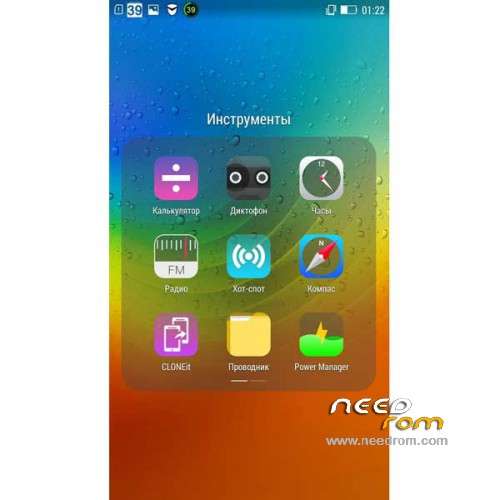
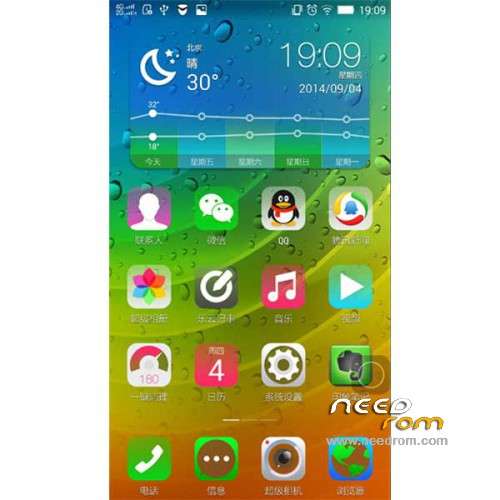
 Member Info
DESCRIPTION
ROM Mobile Lenovo S90/U - ROM Android 5.0
ONLY MSM8916
Update Official ROM Lenovo S90/U Version: VIBEUI_V2.5_1519_7.233.1_ST_S90-u_NK (U = Unicom) - ( Stable version )
Gapps not include – No Rooted
Language support : EN/CN
Rom install :
CWM
Step 1: Download the custom ROM copied to an external SD card root directory
Step 2: the shutdown state. While holding down:
– Power button + volume button up, to enter the recovery mode.
– Wipe Data / Factory Reset -> delete all user data
– Wipe Cache Partition -> Wipe cache
Step 3: Return to recovery main interface Install zip from sdcard -> choose zip from sdcard -> Select your ROM
Step 4: Brush complete, restart the phone Patience required – first boot takes a while
※Please make a backup of your device before installing or updating ROM
To external card? But there is only internal one in S90… Ore by OTG?
camera app loads slowly..
Anyone has tried this ROM?
Also does anyone know, where can I download the original Firmware for the Lenovo S90
I tried. Download to root directory internal card. Instal by TWRP after wipes (data, caches, dalvik cache)
When you load it on the internal memory in the root directory, and make a wipe. There should be delete the room too?!
Installed the rom on S90U, all works fine, except – its purely chinese rom, i.e. no Google play store etc.. and the rom removes root and locks the bootloader as well. Most of the apps are in chineses, from Lenovo chinese store.
Still finding how to root the phone and unlock bootloader now, like to go back to custom rom – anyone have success to root this rom, or able to install Google play store etc?
did u alrdy install gapps in this rom ?
I have same trouble that you, I tried install Google play store from apk file but it didnt open. Did you solve this issue?
how u save to SD card? and load the file from it?
Plug to PC and upload the rom to internal card. Reboot smart to mod.recovery and install the rom after wipes. Profit.
any solution for install gapps in this rom
heyyyy , recoveryy please !!!!!!!!!!!!!!
Recovery just hold on power and volume + (phone must be off) .
Recovery just hold on power and volume + (phone must be off) .
i know that but i formated sth wrong and i need it back (
(