
- Title: LENOVO S920 VibeUI 2.0
- Listed: July, 2014
- Last modified: 03/20/2015 1:15 am
- Version: ROM Android 4.4.2
You must be logged for ROM download.
84294 total views, 7 today
147 Total favorites
 Member Info

DESCRIPTION
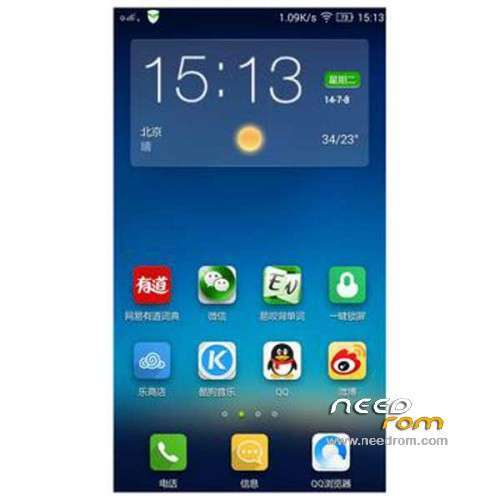
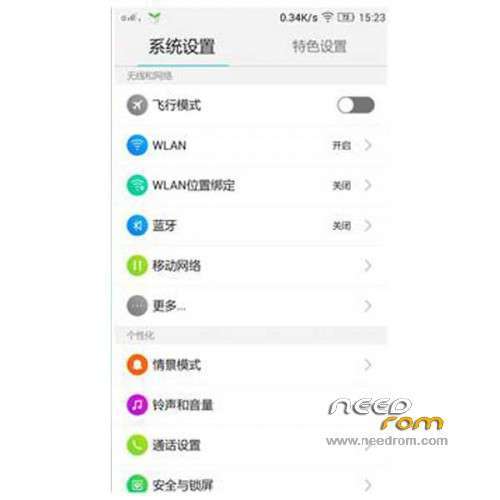
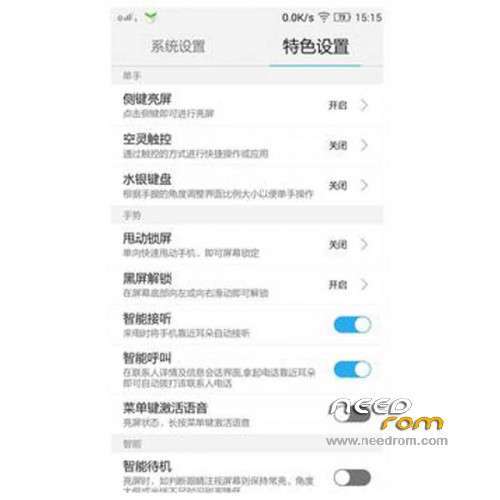
ROM Phone LENOVO S920 – ROM Android 4.4.2
ROM features:
Update Official Lenovo S920 VibeUI 2.0 version: VIBEUI_V2.0_1512_ST_S920 ( Stable version )
——————————————————————————————————————————————–
Official Lenovo S920 VibeUI 2.0 version: VIBEUI_V2.0_1503_ST_S920 ( Stable version )
Gapps not include – Not Rooted
Language support: EN/CN
ROM Install :
CWM
Step 1: Download the custom ROM copied to an external SD card root directory
Step 2: the shutdown state. While holding down:
– Power button + volume button up, to enter the recovery mode.
– Wipe Data / Factory Reset -> delete all user data
– Wipe Cache Partition -> Wipe cache
– Advanced -> Wipe Dalvik Cache
Step 3: Return to recovery main interface Install zip from sdcard -> choose zip from sdcard -> Select your ROM
Step 4: Brush complete, restart the phone Patience required – first boot takes a while
※Please make a backup of your device before installing or updating ROM
Does this ROM support otg
thank you goog
Does this ROM support otg
Lollipop Please,,?
can i use cwm recovery to flash?
or must use stock recovery??
Latest update 1503 work fine, i rooted it and installed gapps. Unfortunately it has some issues now, update for newest version of themes and music player always failed. I ended up update it from sdcard. Themes center can’t change the font and the themes, even the lockscreen. Is there anybody have same issues here? Anyone know how to fix it?
Thanks @jobzsparrow I’m already use kingroot.
For anyone who can’t install gapps on it. This is because rom take almost the whole system space. So you need to remove some bloatware before you push gapps.
mr.
kapan lolipop meluncur????
got vibeui row version ?
Does VibeUI support switch 3G between sim 1&2 like other custom rom?