
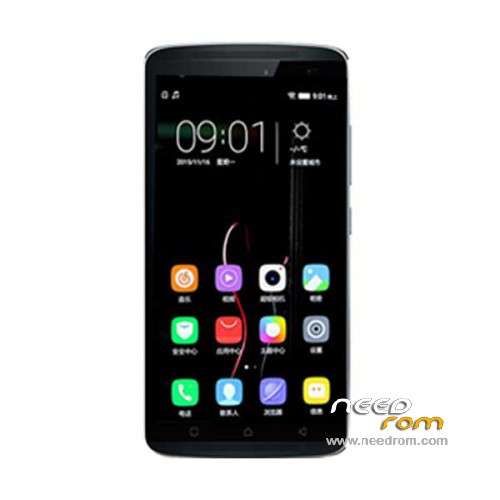
- Title: Lenovo X3 Lite K51c78
- Listed: December, 2015
- Last modified: 09/04/2023 7:09 am
- Version: ROM Android 5.1
You must be logged for ROM download.
24225 total views, 1 today
14 Total favorites
 Member Info
DESCRIPTION
ROM Mobile Lenovo X3 Lite K51c78 – ROM Android 5.1
ONLY MT6753
Update Official ROM Lenovo X3 Lite K51c78 Version: K51c78_USR_ST1649_5.928.1_1611280203 - ( Stable version )
—————————————————————————————————————————————————————————–
Update Official ROM Lenovo X3 Lite K51c78 Version: VIBEUI_V3.0_1604_7.166.1_DEV_K51c78 - ( Developer version )
—————————————————————————————————————————————————————————–
Official ROM Lenovo X3 Lite K51c78 Version: VIBEUI_V3.0_1603_7.158.1_DEV_K51c78 - ( Developer version )
Gapps not include – No Rooted
Language support : EN/CN
Rom install :
CWM
Step 1: Download the custom ROM copied to an external SD card root directory
Step 2: the shutdown state. While holding down:
– Power button + volume button up, to enter the recovery mode.
– Wipe Data / Factory Reset -> delete all user data
– Wipe Cache Partition -> Wipe cache
Step 3: Return to recovery main interface Install zip from sdcard -> choose zip from sdcard -> Select your ROM
Step 4: Brush complete, restart the phone Patience required – first boot takes a while
※Please make a backup of your device before installing or updating ROM
nice it work for me
bos saya baru beli dari satugedjet.. macam mana nak install cwm dia yer. trima kasih…
Language support : Multilang???????????
Custom recovery where to take?
Multilanguage?
where can i find the custom recovery
pls i flashed the wrong rom and i need the origional stock rom somebody help me i have no sn and imie number, sn 0000000
hi,
does it require root?
Anyone know how to get GAPPS onto this phone…
Hi need help for install this room i need to be root user?? if i need to be root can you help me with that..
thanks a lot
thanks for this rom