
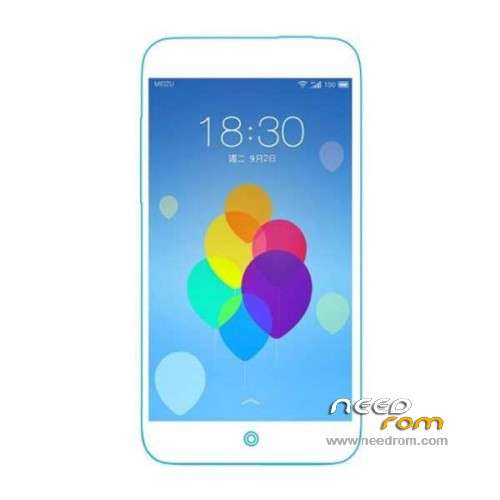
- Title: Meizu Blue Charm
- Listed: September, 2015
- Last modified: 09/07/2015 3:35 am
- Version: ROM Android 5.1
You must be logged for ROM download.
12741 total views, 1 today
 Member Info
DESCRIPTION
ROM Phone Meizu Blue Charm - ROM Android 5.1
ONLY MT6752
Official ROM Meizu Blue Charm version: m71.Flyme_OS_4.5.5.20150829025937 – Flyme OS 4.5.5A – meizu_m1note-user 5.1 LMY47D
Gapps not include – No Rooted
Language support: EN/DE/ES/FR/PT/CN/TW
Install ROM:
OTA
1.copy ****.zip to root folder of the phone SD card (no need to unzip).
2.Turn off the phone, then keep pressing power button and volume+ button until the robot icon appear, then press power button again
3.Press the volume- to move up and down to choose“wipe data/factory reset”, then press volume+ button to confirm.
4.Choose “yes—delete all user data”, then press volume+ button to enter the page as below.
5.It will enter below page after finishing delete all user data.
6.Then choose“apply update from sdcard”
7.Find and select the ROM, press volume+ to enter the page as below.
8.Please make sure the power is sufficient during the upgrading. It will showed as below when the upgrading finished.
9.Choose “reboot system now”,then press volume+ button to reboot your phone.
※Please make a backup of your device before installing or updating ROM
Hi, How to add Turkish language ?. Can you help me ?.
Thans
hi how can get root?
bro ajar buat backup rom, ak punye build number: flyme 5.1.6 0G
m3s ni baru lg bro,,,,,twrp pon de sape porting lg
nice