
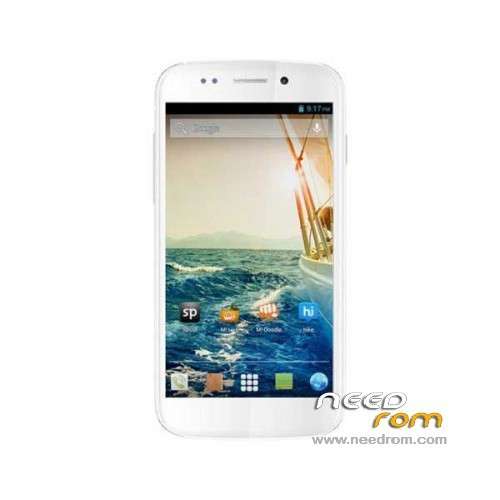
- Title: MICROMAX A240
- Listed: September, 2013
- Last modified: 09/14/2013 4:09 pm
- Version: ROM Android 4.2.1
You must be logged for ROM download.
18819 total views, 2 today
OFFICIAL
 Member Info
DESCRIPTION
ROM Mobile MICROMAX A240 – ROM Android 4.2.1
ROM Official Micromax A240 Version: S9301_MP_F2F3F5F8_B1_IN_MMX_15_FLASHER_USER_19_07112013
Gapps include – No Rooted
Language support: AR/DE/ES/FR/HI/IT/PT/TR/VI/CN/EN
Install ROM:
1. open Smart Phone Flash Tool
2. click Scatter-Loading button,choose MT6589_Android_scatter.txt file
3.wait file to be added into Flash Tool
4.choose Option->USB Model,click USB Model,
Choose Option->DA DownLoad All->Speed->High Speed, click High Speed
5. click Firmwave ?download and begin to download
6. Software start downloading
※Please make a backup of your device before installing or updating ROM
not very helpful any more means…..
Hi,
I briked my Doodle 2 A240. I rooted my phone and installed CWM and then tried some stupid app to increase the system storaged from internal SD and my phone strucked at Bootloop. I tried fixing it from Recovery mode but it says E: Can't/Cache/Las Log.
I tried Flashing it with the Stock firmware but it is failing to install the drivers.
I Downloaded
1. Flashing tool
2. Stock Firmware
3. Drivers
installed Drivers on my computer and opend Flashing tool as an admin. then loaded the firmware and when i connect my phone it is failing to install drivers.
how do i solve this ? new phone
worried!
Guys I some how solved this.
My computer was not detecting the Drivers. I installed them properly and flashed it with SP Flash tool and it wroked. no my phone is back to normal.
fi you get into the same situation .please post it here and i will guide you though the process.
Cheers!
Ali
Ali bhai can you give some detail about flashing my micromax a240 as in adb i can detect my mobile as sideload but can,t connect with SP tool
hi, sp tools is not detecting my phone. can you please help me??
hi, sp tools shows searching even if i connected my phone. can you please help me??
thanks a lot you saved my phone, friends take care you connect your phone in swtiched off state after files are added to flash folder, see video on youtube for more understanding
hi, i am doing the same but the download is not starting, can you please help me?
it is not detecting my phone
work win7 x86 ster sarvick paek1
Try ant work100% Thanks